


Network Security: Hands-On Defense Against Cyber Threats
Published 3/2025
MP4 | Video: h264, 1920×1080 | Audio: AAC, 44.1 KHz
Protect Your Network Before It’s Too Late!
What you’ll learn
Understand Network Security Fundamentals: Learn how attackers exploit vulnerabilities in networks and how to defend against them.
Identify and Mitigate Cyber Threats: Explore real-world attack techniques and implement effective security measures to protect your infrastructure
Secure Network Protocols & Devices: Strengthen your knowledge of network security, preventing unauthorized access and attacks.
Gain Hands-On Experience: Perform practical labs that simulate cyber attacks and defensive strategies in a controlled environment.
Develop a Security-First Mindset: Learn how to proactively detect and prevent network security breaches before they happen.
Requirements
A computer with more than 8 GB of RAM is recommended to ensure smooth operation of the labs.
you should have some foundational IT and networking knowledge. You should know IP Addressing, VLANs, DHCP, ARP .etc.
Have experience with networking devices – Familiarity with configuring switches, routers, and basic CLI commands.
Description
Overview
Section 1: Build Your LAB
Lecture 1 Import the PNETLAB VM
Lecture 3 Installing Docker Wireshark
Lecture 4 Import OS Images & Labs
Section 2: Attacks On DHCP Servers
Lecture 5 Understanding DHCP Attacks
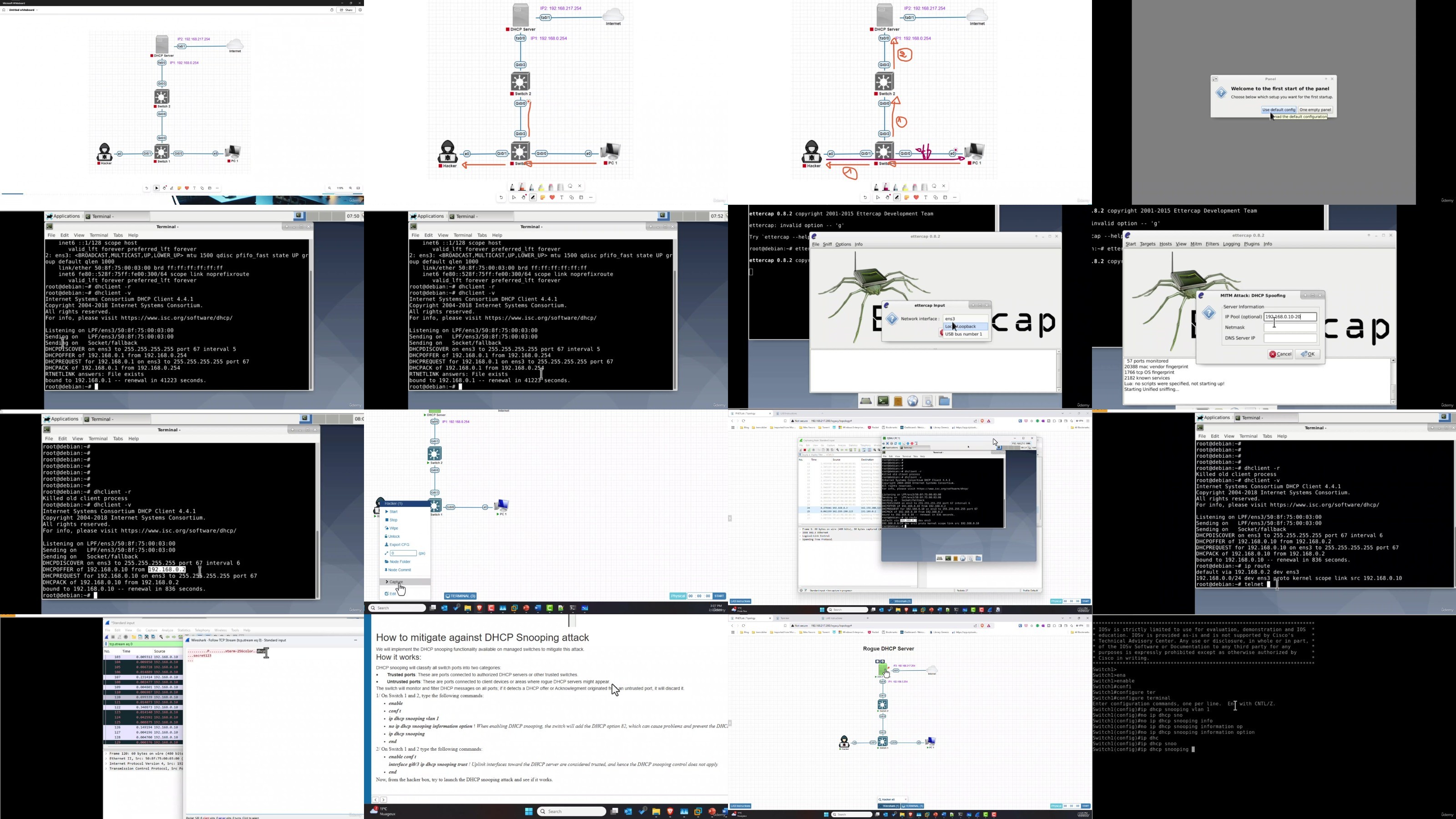
Lecture 6 Hands-on LAB: DHCP Snooping Attack & Mitigation
Lecture 7 Hands-on LAB: DHCP Starvation Attack & Mitigation
Section 3: ARP Attacks
Lecture 8 Understanding ARP Cache Poisoning
Lecture 9 Hands-on LAB: ARP Cache Poisoning Attack Scenario
Lecture 10 Hands-on LAB: ARP Cache Poisoning Mitigation
Section 4: CDP Attack
Lecture 11 Understanding CDP Protocol
Lecture 12 Hands-on LAB: CDP Flooding Attack Scenario & Mitigation
Section 5: DTP – VTP Attack
Lecture 13 Understanding DTP – VTP protocols
Lecture 14 Hands-on LAB: DTP & VTP Attack Scenario and Mitigation
Lecture 15 Hands-on LAB: VLAN Hopping Attack Scenario & Mitigation
Section 6: Securing STP
Lecture 16 Understanding The Spanning-Tree Protocole (STP)
Lecture 17 Hands-On Lab: STP Flooding Attacks and Mitigation
Network Administrators,Cybersecurity Engineers,IT Professionals
DDownload
AusFile
https://www.keeplinks.org/p27/67f66c5307fad
RapidGator
https://www.keeplinks.org/p27/67f66c7badde6
TurboBit
https://www.keeplinks.org/p27/67f66ca3343ca