

Published 11/2023
MP4 | Video: h264, 1920×1080 | Audio: AAC, 44.1 KHz
What you’ll learn
Node-RED in IoT and event-driven systems.
Setting up an Ubuntu virtual machine as a Node-RED host.
Node-RED using Docker.
Docker persistence volumes.
Raspberry Pi Pico and MicroPython.
Using MQTT to enable communications between Node-RED and Raspberry Pi Pico W.
Node-RED security options.
Understanding the Node-RED editor, nodes, flows, creating and deploying.
Node-RED dashboard and widgets.
MQTT installation, testing, authentication.
Node-RED with external services and APIs: RESTful APIs, OpenWeatherMap, Google Sheet.
Node-RED with mySQL.
Requirements
Basic understanding of microcontrontollers.
Knowing how to wire a simple circuit on a breadboard.
Beginner-level experience with a programming language like Python, Javascript or C++ (all code in the course is explained in detail).
Description
Overview
Section 1: Introduction
Lecture 1 01.010 – What is this course about?
Lecture 2 01.015 – Course code repository
Lecture 3 01.020 – Hardware
Lecture 4 01.030 – Software
Section 2: Introduction to Node-RED
Lecture 5 02.000 – Introduction to this section
Lecture 6 02.010 – What is Node-RED?
Lecture 7 02.030 – Communication in Node-RED
Lecture 8 02.040 – Node-RED installation options
Section 3: Setup Node-RED with Docker
Lecture 9 02.050 – Setup Node-RED using Docker
Lecture 10 02.060 – Hardware Options and Considerations for Docker
Lecture 11 02.070 – Create an Ubuntu virtual machine
Lecture 12 02.080 – Install Docker on the server
Lecture 13 02.090 – Install Node-RED using Docker
Lecture 14 02.100 – Test your new Node-RED server
Lecture 16 02.120 – Setup Node-RED for data persistence
Lecture 17 02.130 – Node-RED maintenance
Lecture 18 02.140 – Security: https
Lecture 19 02.150 – Security: authentication
Lecture 20 02.160 – Security: read-only users and default user
Section 4: Node-RED basics
Lecture 21 02.170 – Introduction to this section
Lecture 22 02.180 – The Node-RED editor
Lecture 23 02.190 – Nodes
Lecture 24 02.200 – Creating and deploying flows
Lecture 25 02.210 – Best Practices for Working with Flows
Lecture 26 02.220 – The "debug" node
Lecture 27 02.230 – The "function" node
Lecture 28 02.250 – The "complete" node
Lecture 29 02.260 – The "delay" node
Lecture 30 02.270 – The "trigger" node
Lecture 31 02.280 – Node-RED settings and configuration
Lecture 32 02.290 – Node-RED documentation and resources
Section 5: Node-RED dashboard
Lecture 33 02.300 – Introduction to this section
Lecture 34 02.310 – Text input and output
Lecture 35 02.330 – The gauge and slider
Lecture 36 02.340 – The switch
Lecture 37 02.350 – The dropdown
Lecture 38 02.360 – The form
Lecture 39 02.370 – The UI template
Section 6: Node-RED and MQTT
Lecture 40 02.380 – Introduction to this section
Lecture 41 02.390 – Installing MQTT Mosquitto on Ubuntu Server
Lecture 42 02.400 – Test the MQTT service on the command line
Lecture 43 02.410 – Authenticated sub and pub
Lecture 44 02.420 – Test MQTT in Node-RED
Lecture 45 02.430 – MQTT with Raspberry Pi Pico W
Lecture 46 02.440 – MQTT pub example
Lecture 47 02.450 – MQTT sub example
Lecture 48 02.460 – Node-RED with RPi Pico W MQTT tests
Section 7: Node-RED & Raspberry Pi Pico W – warming up experiments
Lecture 49 03.010 – Introduction to this section
Lecture 50 03.015 – Setup Thonny and Micropython for your Raspberry Pi Pico W
Lecture 51 03.020 – Frequently used patterns
Lecture 52 03.030 – Pattern 1: WiFi
Lecture 53 03.040 – Pattern 2: MQTT sub and pub
Lecture 54 03.050 – Pattern 3: Node-RED
Lecture 55 03.070 – Gauge and potentiometer
Lecture 56 03.080 – Button
Lecture 57 03.090 – Sample button with interrupts
Lecture 58 03.100 – LED control
Lecture 59 03.110 – LED control without polling (uses interrupt)
Lecture 60 03.120 – LED and button
Section 8: Inputs and outputs
Lecture 61 03.130 – Section introduction
Lecture 62 03.140 – Slide switch basics
Lecture 63 03.141 – Slide switch with Node-RED
Lecture 64 03.150 – Joystick basics
Lecture 65 03.151 – Joystick with Node-RED
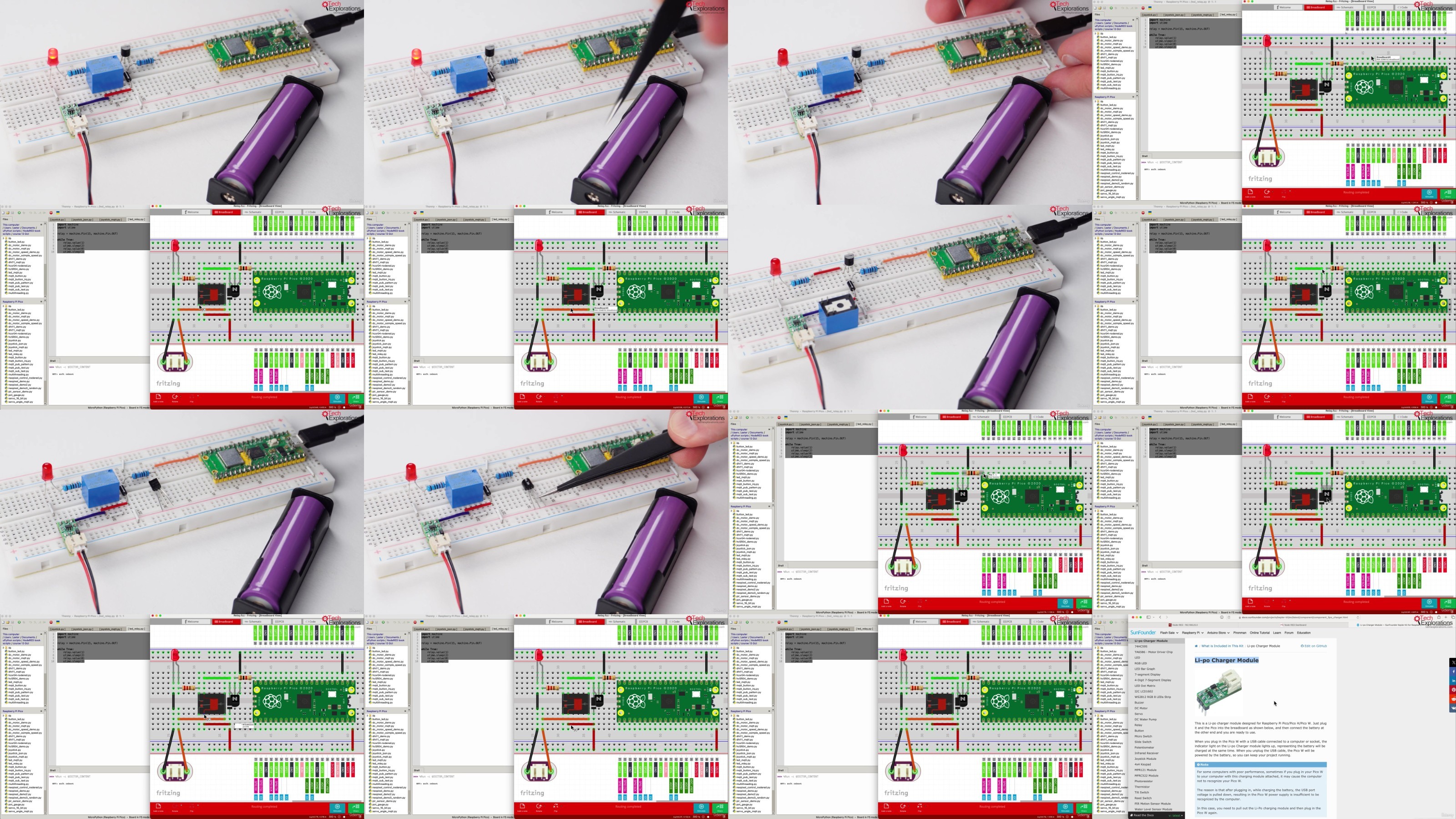
Lecture 66 03.160 – Relay basics
Lecture 67 03.161 – Relay control with Node-RED
Lecture 68 03.170 – RFID basics
Lecture 69 03.171 – RFID with Node-RED
Lecture 70 03.180 – IR receiver and transmitter basics
Lecture 71 03.181 – IR receiver and transmitter with Node-RED
Section 9: Displays and LEDs
Lecture 72 03.190 – Introduction
Lecture 73 03.200 – I2C LCD basics
Lecture 74 03.201 – I2C LCD with Node-RED
Lecture 75 03.210 – 595 shift register Basics
Lecture 76 03.211 – 595 shift register Node-RED
Lecture 77 03.220 – WS2812 Strip RGB LED strip basics
Lecture 78 03.221 – WS2812 Strip RGB LED strip with Node-RED
Section 10: Motors
Lecture 79 03.230 – Introduction
Lecture 80 03.240 – Servo motor basics
Lecture 81 03.241 – Servo motor with Node-RED
Lecture 82 03.250 – DC motor basics
Lecture 83 03.251 – DC motor with Node-RED
Section 11: Sensors
Lecture 84 03.255 – Introduction
Lecture 85 03.257 – Temperature with DHT11 basics
Lecture 86 03.258 – Temperature with DHT11 with Node-RED
Lecture 87 03.260 – HC-SR04 ultrasonic sensor basics
Lecture 88 03.261 – HC-SR04 ultrasonic sensor with Node-RED
Lecture 89 03.270 – Motion sensor basics
Lecture 90 03.271 – Motion sensor with Node-RED
Lecture 91 03.280 – Water level sensor basics
Lecture 92 03.281 – Water level sensor with Node-RED
Lecture 93 03.290 – Thermistor basics
Lecture 94 03.300 – Analog light sensor basics
Section 12: More Node-RED nodes and features
Lecture 95 04.020 – Section introduction
Lecture 96 04.030 – The "catch" node
Lecture 97 04.040 – The "link out" and "link in" nodes
Lecture 98 04.050 – The "range" node
Lecture 99 04.060 – Node groups
Lecture 100 04.070 – The "switch" node
Lecture 101 04.080 – The JSON node
Lecture 102 04.090 – Credentials
Lecture 103 04.100 – The "RBE" (Report by Exception) node
Lecture 106 04.130 – Conditional and iteration nodes
Section 13: Node-RED integration with external services and APIs
Lecture 107 04.140 – Section introduction
Lecture 108 04.150 – Using RESTful APIs and web services
Lecture 109 04.160 – Get weather information from OpenWeatherMap.org
Lecture 110 04.170 – Datalogging to a Google Sheet
Lecture 111 04.180 – Reading data from a Google Sheet
Lecture 112 04.190a – Working with mySQL, introduction and demo
Lecture 113 04.190b – Working with mySQL, how to remove mySQL
Lecture 114 04.190c – Working with mySQL, setup mySQL on Ubuntu
Lecture 115 04.190d – Working with mySQL and Node-RED
Anyone interested in using Node-RED for personal or industry projects.,Anyone interested in the Raspberry Pi Pico W and how to use it with motors, sensors, LEDs, relays and other hardware.,Anyone interested in combining Node-RED with the Raspberry Pi Pico W to build home automation or industrial automation projects.,Learners interested in flow programming as an alternative to traditional text programming.,Anyone interested in using Node-RED with cloud RESTful APIs and databases
RapidGator
https://www.keeplinks.org/p27/68be6cb08b38a
DDownload
https://www.keeplinks.org/p27/68be70a8b0636