


Ollama & OpenClaw: Run Open Models on Your Own Stack
MP4 | Video: h264, 1920×1080 | Audio: AAC, 44.1 KHz, 2 Ch
Run open source LLMs on infrastructure you own – no API bills, no data leaving your servers.
This is the most complete hands-on course for running
Ollama
and
OpenClaw
on your own private infrastructure. You will learn to deploy open weight models on a Linux server and a rented GPU, build a self-hosted AI assistant with Open WebUI, and connect an autonomous AI agent through
OpenClaw
If you are a developer tired of API costs, worried about data privacy, or building AI tools for a team or a client, this course gives you a complete, working stack you control from day one.
What makes this course different
Most Ollama courses run models on a laptop. Most OpenClaw courses wire it to cloud APIs. This course does neither. You will rent a server, configure it from scratch, install and serve
Ollama
, pull open weight models, and connect
OpenClaw
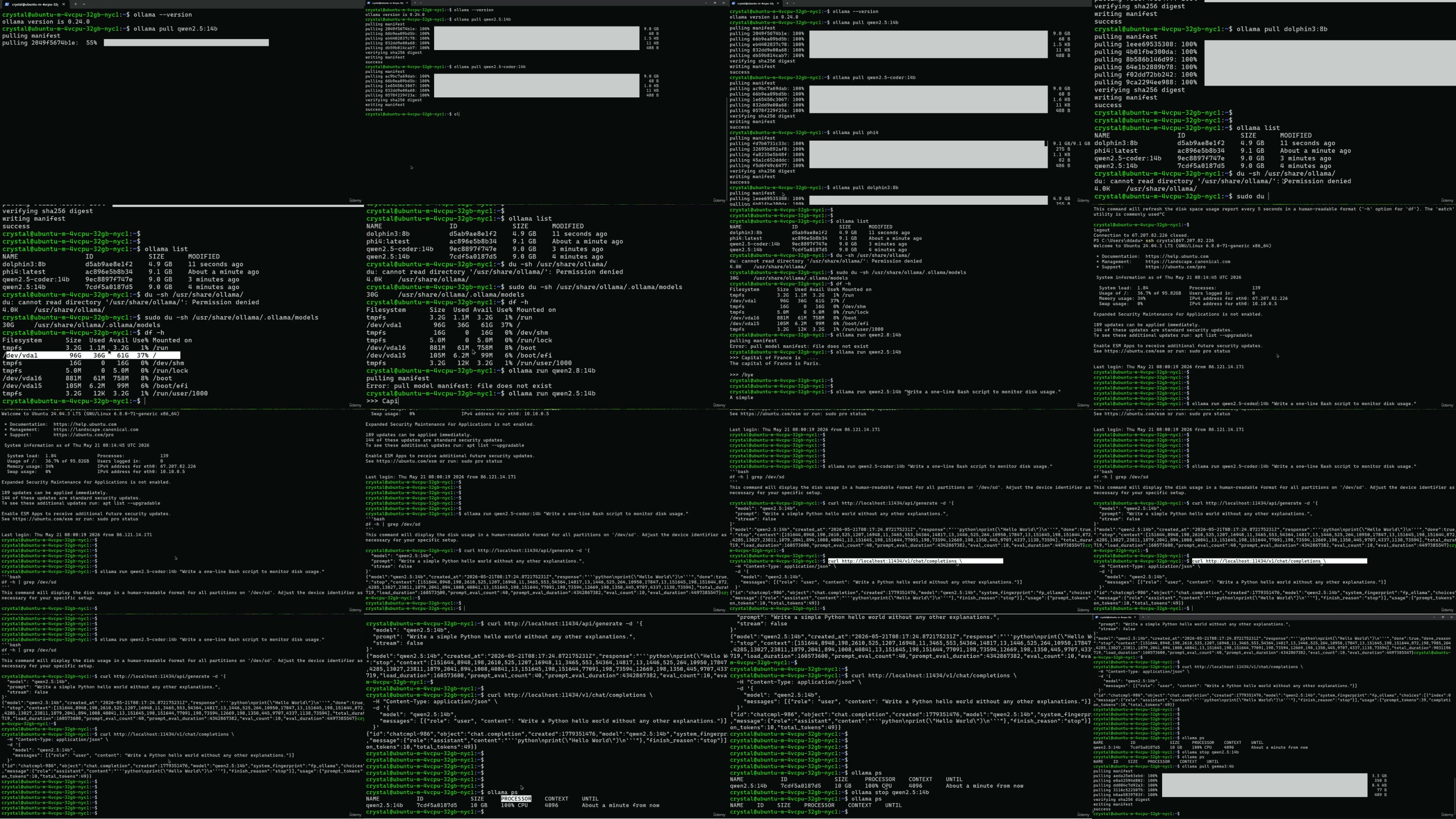
as an autonomous agent – all on infrastructure you fully control. You will also deploy a GPU instance on a cloud GPU platform and run a live benchmark showing the real speed difference between CPU and GPU inference: over 60 times faster, at a fraction of the cost of a dedicated machine.
Section 1 – Ollama on a Private Server
•
Set up a Linux server, configure SSH, and create a secure user
•
Install and configure
Ollama
to serve open weight models via API
•
Pull models from the
Ollama
library, Hugging Face, and GGUF sources
•
Understand quantization, VRAM requirements, and how to pick the right model size
•
Control model behaviour: temperature, context length, and runtime parameters
•
Ollama
Modelfiles
•
Deploy
Open WebUI
– a self-hosted ChatGPT-style interface for your models
•
Access your private AI securely from anywhere using SSH tunneling
•
Explore LM Studio as a desktop-based alternative to
Ollama
Section 2 – GPU Inference and OpenClaw
You take the same stack to a rented GPU and add an autonomous AI agent.
•
Deploy a GPU instance on a cloud GPU platform from scratch
•
Install
Ollama
on the GPU instance and serve open weight models at full speed
•
Run a live CPU vs GPU benchmark: real numbers, same model, same prompt
•
Learn what agentic AI is and how it differs from a chatbot or a RAG pipeline
•
Install and configure
OpenClaw
on your own server
•
Connect Telegram as an interface for your
OpenClaw
agent
•
Manage persistent terminal sessions with tmux for always-on agent operation
•
Harden your
OpenClaw
configuration for secure, production-ready deployment
Who this course is for
•
Developers who want to run open source models locally or on a private server
•
Teams that cannot send data to external APIs due to privacy or compliance requirements
•
Engineers exploring agentic AI with
OpenClaw
and local LLMs
•
Anyone paying monthly AI API bills who wants a cost-effective self-hosted alternative
•
Developers curious about
Ollama
,
Open WebUI
, GPU inference, and autonomous agents
Tools and stack covered
Ollama
–
OpenClaw
– Open WebUI – GPU cloud – Linux VPS – LM Studio – tmux – SSH tunneling – Ollama Modelfiles – GGUF – Hugging Face – Telegram
What you will be able to do after this course
By the end, you will have a fully working self-hosted AI stack:
Ollama
serving open weight models on both a CPU server and a GPU instance, Open WebUI as a private chat interface, and
OpenClaw
running as an autonomous agent accessible via Telegram – all on infrastructure you rent, control, and can shut down whenever you want.
No vendor lock-in. No API subscriptions. No data leaving your infrastructure.
If you want to run powerful open weight models privately, build with
OpenClaw
, and own the infrastructure under your AI stack – this course is the fastest path to get there.

RapidGator
https://www.keeplinks.org/p27/6a6fb7c581aed
NitroFlare
https://www.keeplinks.org/p27/6a6fb8b8d757a
UsersDrive