


Personal Productivity Boost With Generative Ai Like Chatgpt
Published 2/2025
MP4 | Video: h264, 1920×1080 | Audio: AAC, 44.1 KHz
Master Generative AI for Productivity: Automate, Organize & Innovate-Stay Ahead, Don’t Get Left Behind!
What you’ll learn
Leverage Generative AI Tools: Master AI-driven tools to create and automate documents, presentations, and workflows for enhanced productivity.
Extract and Analyze Data: Use AI to transform images, text, and screenshots into structured and actionable insights effortlessly.
Automate Repetitive Tasks: Implement AI-based solutions to streamline routine tasks like email drafting, data categorization, and report creation.
Enhance Decision-Making: Summarize reports, extract action points, and build decision matrices with AI to drive informed decisions.
Integrate AI into Daily Workflows: Design personalized AI-powered systems for productivity reviews, expense tracking, and project planning.
Requirements
Basic computer skills
Basic MS Office skills
Description
Overview
Section 1: Introduction to Generative AI for Productivity
Lecture 1 What is Generative AI?
Lecture 2 Key Tools: ChatGPT, Midjourney, Microsoft Copilot, and more
Lecture 3 Benefits of Generative AI for personal productivity
Lecture 4 Downloadable Course Materials
Lecture 5 Setting up your AI productivity toolkit
Section 2: AI for Document Creation and Automation
Lecture 6 Using AI to draft professional emails and letters
Lecture 7 Generating detailed policy documents with sign-off tables in MS Word
Lecture 8 Creating presentation slides directly from prompts
Section 3: Transforming Text and Images into Actionable Insights
Lecture 9 Extracting text from screenshots and scanned documents
Lecture 10 Creating structured tables from unstructured text
Lecture 11 Using AI to describe and interpret complex diagrams
Section 4: Data Organization and Categorization
Lecture 12 Analyzing and categorizing long invoices or dinner bills
Lecture 13 Structuring data for reports and presentations
Section 5: AI-Powered Productivity Workflows
Lecture 14 Integrating AI Tools Like ChatGPT into Daily Productivity Habits
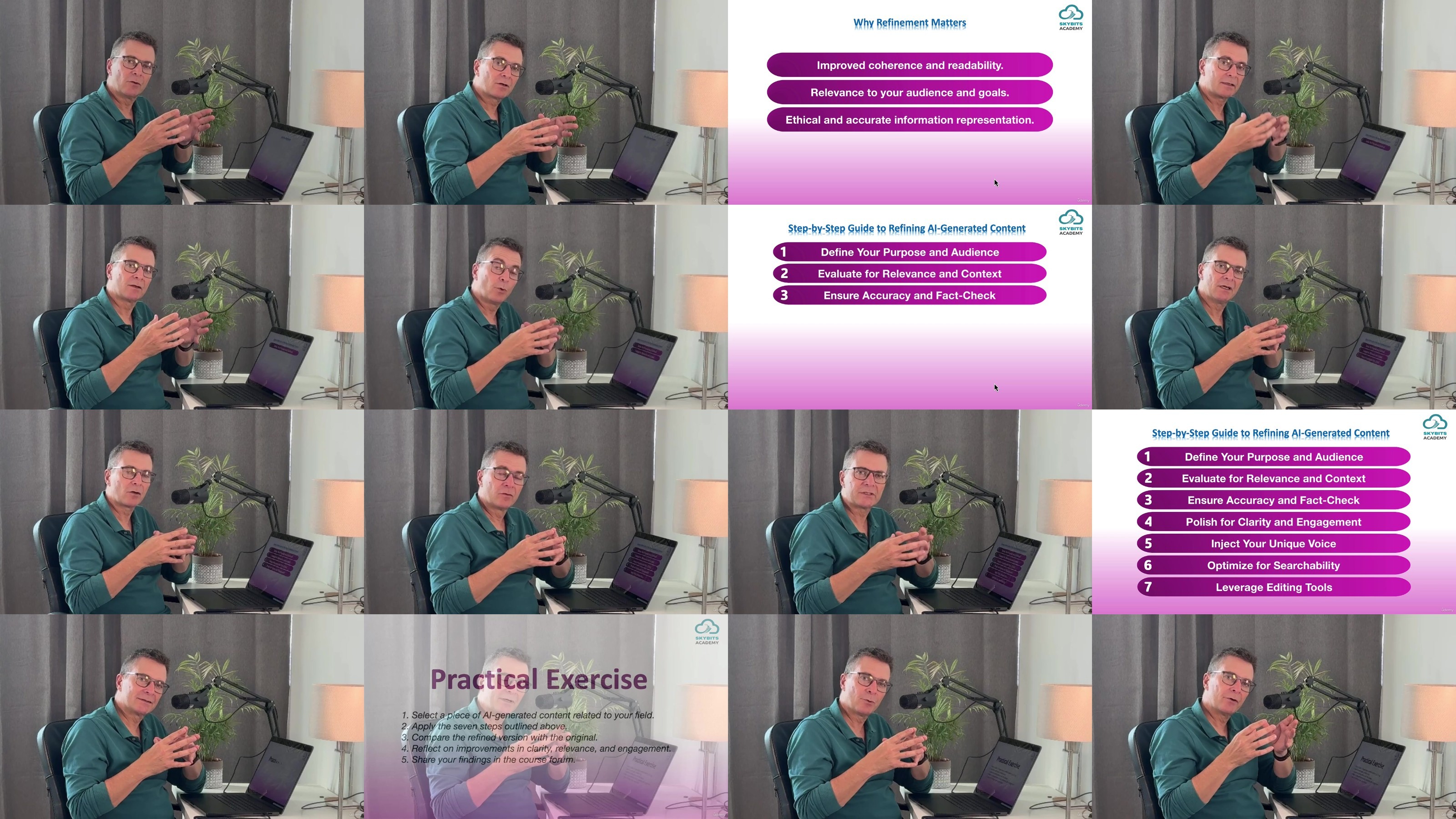
Lecture 15 Best practices for refining AI-generated content
Section 6: Course Wrap-Up and Next Steps
Lecture 16 How to stay updated with AI tools and trends
Lecture 17 Course Wrap-up
Professionals: Individuals looking to automate repetitive tasks, streamline workflows, and enhance workplace efficiency with Generative AI tools.,Students: Learners aiming to simplify academic work, such as organizing notes, creating presentations, and analyzing research data.,Entrepreneurs: Business owners seeking to optimize administrative tasks, manage projects, and improve productivity with AI assistance.,AI Enthusiasts: Anyone curious about leveraging AI tools to boost personal productivity and creativity in daily tasks.,Small Business Owners: Individuals managing limited resources who want to use AI to handle documentation, reports, and customer communications efficiently.
TurboBit
https://filecrypt.cc/Container/97BBD59021.html
https://www.keeplinks.org/p27/67adeced63b20
https://turbobit.net/v9qnscayg4ep/Personal.Productivity.Boost.with.Generative.AI.like.ChatGPT.rar.html
RapidGator
https://filecrypt.cc/Container/EE9ABF1BEF.html
https://www.keeplinks.org/p27/67aded87de052
https://rapidgator.net/file/e8e0ef8ade88ef9f36a261aa2c21ed77/Personal.Productivity.Boost.with.Generative.AI.like.ChatGPT.rar
AlfaFile
https://filecrypt.cc/Container/58FC64848D.html
https://www.keeplinks.org/p27/67aded9600a26
https://alfafile.net/file/ASrgK/Personal.Productivity.Boost.with.Generative.AI.like.ChatGPT.rar
FileFactory