

Python For Data Science: From Basics To Advanced In 2025
Published 2/2025
MP4 | Video: h264, 1920×1080 | Audio: AAC, 44.1 KHz
Master Python programming for data analysis, visualization, and machine learning with real-world projects.
What you’ll learn
Understand the core concepts of data science and its applications.
Set up a professional environment with tools like Anaconda, Google Colab, and Git.
Master advanced Excel techniques, including formulas, PivotTables, and macros.
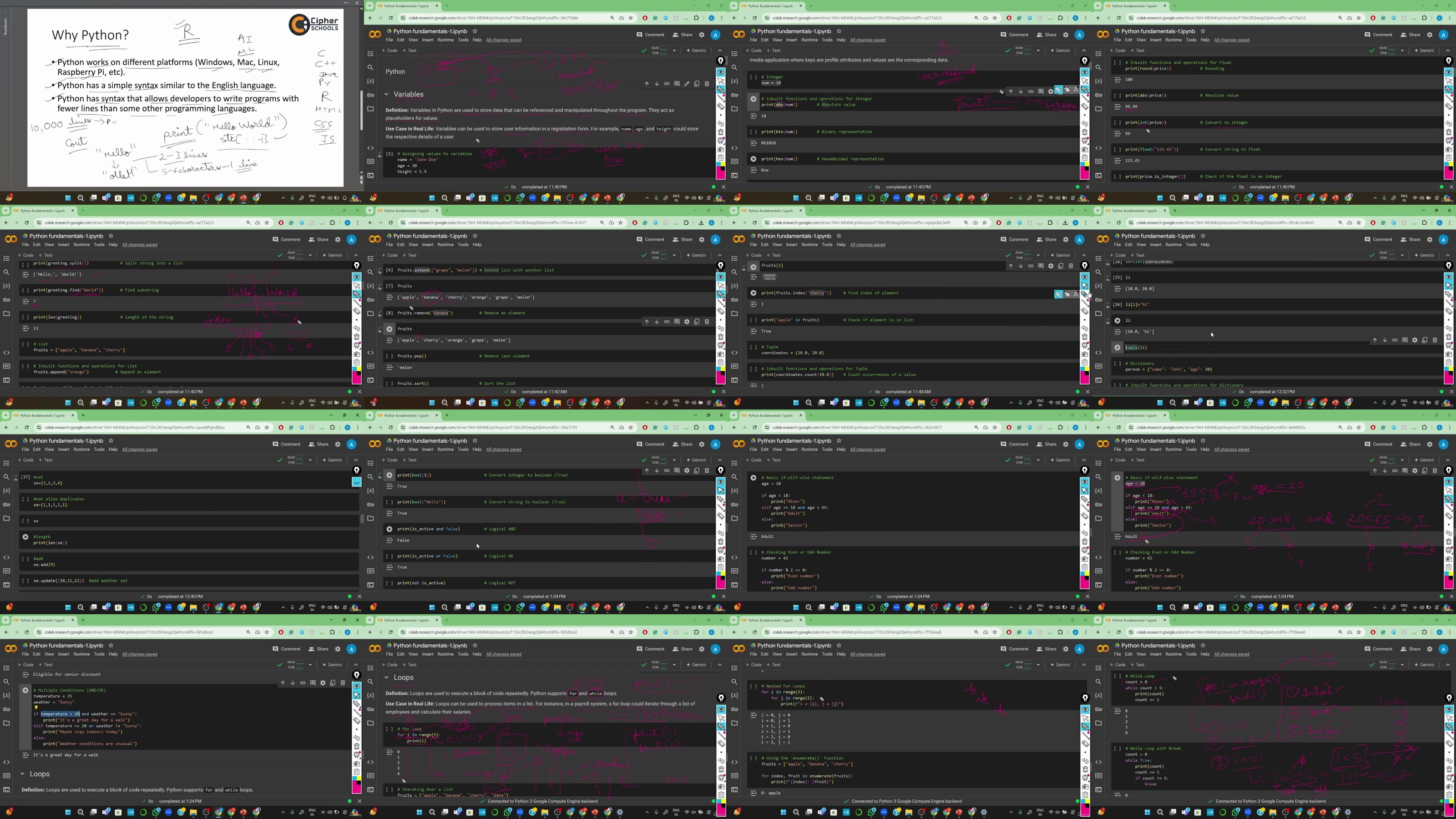
Learn Python fundamentals and leverage libraries like NumPy and Pandas for data manipulation.
Create static and interactive visualizations using Matplotlib, Seaborn, and Plotly.
Develop skills in Power BI for building dynamic dashboards and reports.
Preprocess, clean, and prepare data for machine learning applications.
Work on real-world projects like chatbot development and image classification.
Requirements
Familiarity with programming concepts is helpful but not required.
A PC or laptop with internet connectivity to run the tools and code.
A willingness to learn and work on practical, hands-on projects.
Description
Overview
Section 1: Introduction to Data Science
Lecture 1 Introduction to the Course
Lecture 2 Overview of Data Science and its Importance
Lecture 3 Introduction to the Data Science Workflow
Lecture 4 Key Skills and Tools in Data Science
Section 2: Setting Up Your Environment
Lecture 5 Anaconda Setup and Overview
Lecture 6 Google Colab Notebook Overview
Lecture 7 Version Control With Git/Gitlab
Section 3: Advanced Excel For Data Analysis
Lecture 8 Advanced Excel Introduction
Lecture 9 Advanced Formulas and Functions
Lecture 10 Data Cleaning and Preparation Techniques
Lecture 11 Time and Date Manipulation Functions
Lecture 13 Introduction to Excel Macros and VBA for Automation
Section 4: Python For Data Science
Lecture 15 Functions, Lambda Expressions, and Error Handling
Lecture 16 Data Manipulation and Analysis with Numpy
Lecture 17 Working with Data Using Pandas
Section 5: Data Visualization
Lecture 18 Principles of Data Visualization
Lecture 19 Introduction to Matplotlib and Seaborn
Lecture 20 Creating Interactive Visualizations with Plotly
Section 6: Introduction to Power BI
Lecture 22 Creating Dashboards and Reports
Lecture 23 Data Modeling and Dax Basics
Section 7: Statistics Deep Dive
Lecture 24 Advanced Statistical Measures and Distributions
Lecture 25 Correlation Concept
Lecture 26 Hypothesis Testing and Inferential Statistics
Section 8: Data Preprocessing Concepts
Lecture 27 Data Cleaning and Normalization
Lecture 28 Handling and Removing Outliers
Lecture 29 Feature Engineering and Selection
Section 9: Major Machine Learning Algorithms
Lecture 30 Introduction to Machine Learning
Lecture 31 Supervised Learning
Lecture 32 Unsupervised Learning
Lecture 33 Introduction to Neural Networks and Deep Learning
Section 10: Project 1: Building a ChatBot
Lecture 34 Introduction to NLP and ChatBot Frameworks
Lecture 35 Designing and Training a Simple ChatBot
Lecture 36 Basics of Dash and Plotly Web Integration
Lecture 37 Integrating the ChatBot With Python or Web Applications
Section 11: Project 2: Image Classification Project
Lecture 38 Basics of Image Processing and Computer Vision
Lecture 39 Building and Training a Simple Image Classifier and Evaluating Model Performance
Aspiring data scientists or professionals looking to transition into the data science field.,Students and beginners eager to learn data science from scratch.,Individuals preparing for interviews or advancing in competitive programming.,Professionals seeking to upskill in data science, visualization, and machine learning.
DDownload
https://www.keeplinks.org/p27/6872bf234a354
RapidGator
https://www.keeplinks.org/p27/6872c3178f739
NitroFlare
https://www.keeplinks.org/p27/6872c7008c08e