Realistic Ai Images With Stable Diffusion & Fooocus
Published 11/2024
MP4 | Video: h264, 1920×1080 | Audio: AAC, 44.1 KHz
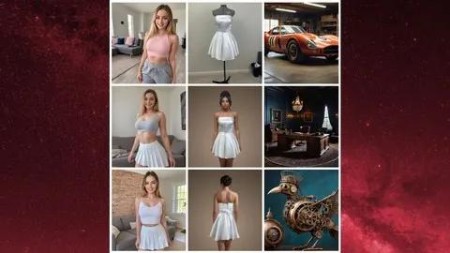
Create Hyper-Realistic AI Images with Fooocus, a complete Guide to ai Influencers, Productplacement and so much more
What you’ll learn
Learn how to download and install base models and LORAs in Fooocus
Learn how to write perfect prompts for Fooocus and select the ideal parameters
Master advanced techniques for creating highly specific AI images
Learn how to create AI influencers and generate images according to client requirements
Discover how to implement product placement with clothing and objects using Fooocus
Identify and troubleshoot errors and issues in Fooocus
Monetize your newly acquired skills as a freelancer on Fiverr
Requirements
No prior knowledge required. If you can use a computer, that’s all you need.
Description
Overview
Section 1: Introduction
Lecture 1 Introduction to the course
Lecture 2 Introduction to ai image creation and examples of what is possible
Section 2: Introduction to the ai tool Fooocus and Google Colab
Lecture 3 What is Fooocus and how does Stable diffusion work?
Lecture 5 Customising our Colab Notebook and Installing different Basemodels
Section 3: The most important functions of Fooocus and how to use them
Lecture 6 Overview about the main functions of Fooocus
Lecture 7 Text Prompt
Lecture 8 Image Prompt
Lecture 9 What is the seed number and why you need to know about it?
Lecture 11 Inpainting
Lecture 12 Uploading a mask for very precise inpainting
Section 4: LORAs
Lecture 13 Installing different LORAs
Lecture 14 How to use LORAs in Fooocus for Inpainting
Lecture 15 How to use LORAs to create entire images
Section 5: Expert Knowledge
Lecture 16 How to write perfect prompts
Lecture 17 Context based prompts
Lecture 18 Use different styles in Fooocus
Lecture 19 Using SD1.5 base models in Fooocus
Lecture 20 Increase the Speed of Fooocus
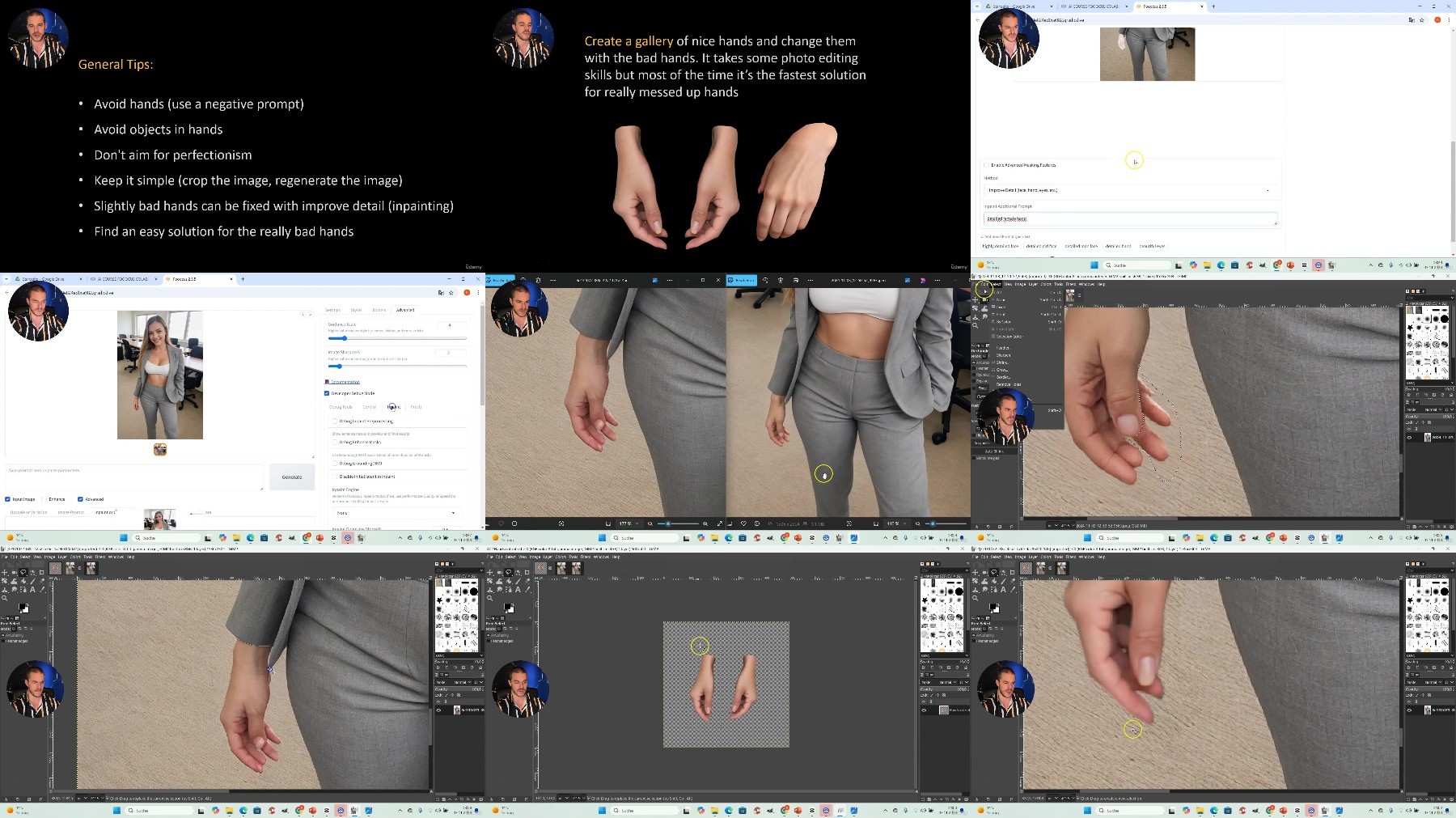
Lecture 21 Fixing Images – Hands
Lecture 22 Fixing Images – Faces
Lecture 23 Combine ChatGPT and AI image creation
Lecture 24 Combine Image Prompts and Inpainting to change the clothing of digital models
Section 6: Product Placement
Lecture 25 How to do perfect Product Placement with Fooocus (clothing)
Section 7: Create an AI Influencer (constant character)
Lecture 26 Define your requirements
Lecture 27 Write a prompt for the face of the AI Influencer
Lecture 28 Write a prompt for the body and the first scene of the AI Influencer
Lecture 29 Create the face of the AI Influencer using Fooocus
Lecture 31 Swap the face of the AI Influencer using Discord
Lecture 32 Refine the face of the AI Influencer using Fooocus
Lecture 33 Fix some little errors and adjust details
Lecture 34 Summary and creation of another image of the AI Influencer
Section 8: Trouble Shooting Fooocus
Lecture 35 What are the most commor errros in Fooocus and how to fix them
Section 9: Aesthetics, Proportions and Composition in images
Lecture 36 General Advice for great Images
Section 10: Become a Freelancer on Platforms like Fiverr
Lecture 37 What do I do on Fiverr and how do I earn money?
Lecture 38 How does the platform look like?
Lecture 39 How can you offer your services?
Section 11: Tipps for an efficient and clean Work Process
Lecture 40 How to work in a fast and organized way
Section 12: Legal and moral aspects of creating ai images
Lecture 41 Some legal and moral aspects of your new skill
Section 13: Summary and Goodbye
Lecture 42 Summary