


Reverse Engineering & Malware Analysis
MP4 | Video: h264, 1920×1080 | Audio: AAC, 44.1 KHz, 2 Ch
Reverse Engineering and Malware Analysis from Scratch
Master Static & Dynamic Malware Analysis, PE Files, IDA Pro, WinDbg, APIs, Assembly Language & Windows Internals
Learn the foundations of
reverse engineering, malware analysis, and native Windows program analysis
from the ground up. This practical course takes you from CPU architecture, registers, memory, and assembly language to analyzing real executable files and tracing program behavior with professional reverse-engineering tools.
You will learn
how programs work at the machine-code level, how Windows executables are structured, how analysts examine suspicious binaries, and how static and dynamic analysis techniques can be combined to understand program behavior
.
The course begins with the fundamentals of CPU architecture and assembly language-the core knowledge required to understand native code. You will explore registers, virtual memory, machine code, instruction sets, mnemonics, operands, opcodes, bitwise operations, endianness, and program segments.
You will then move into
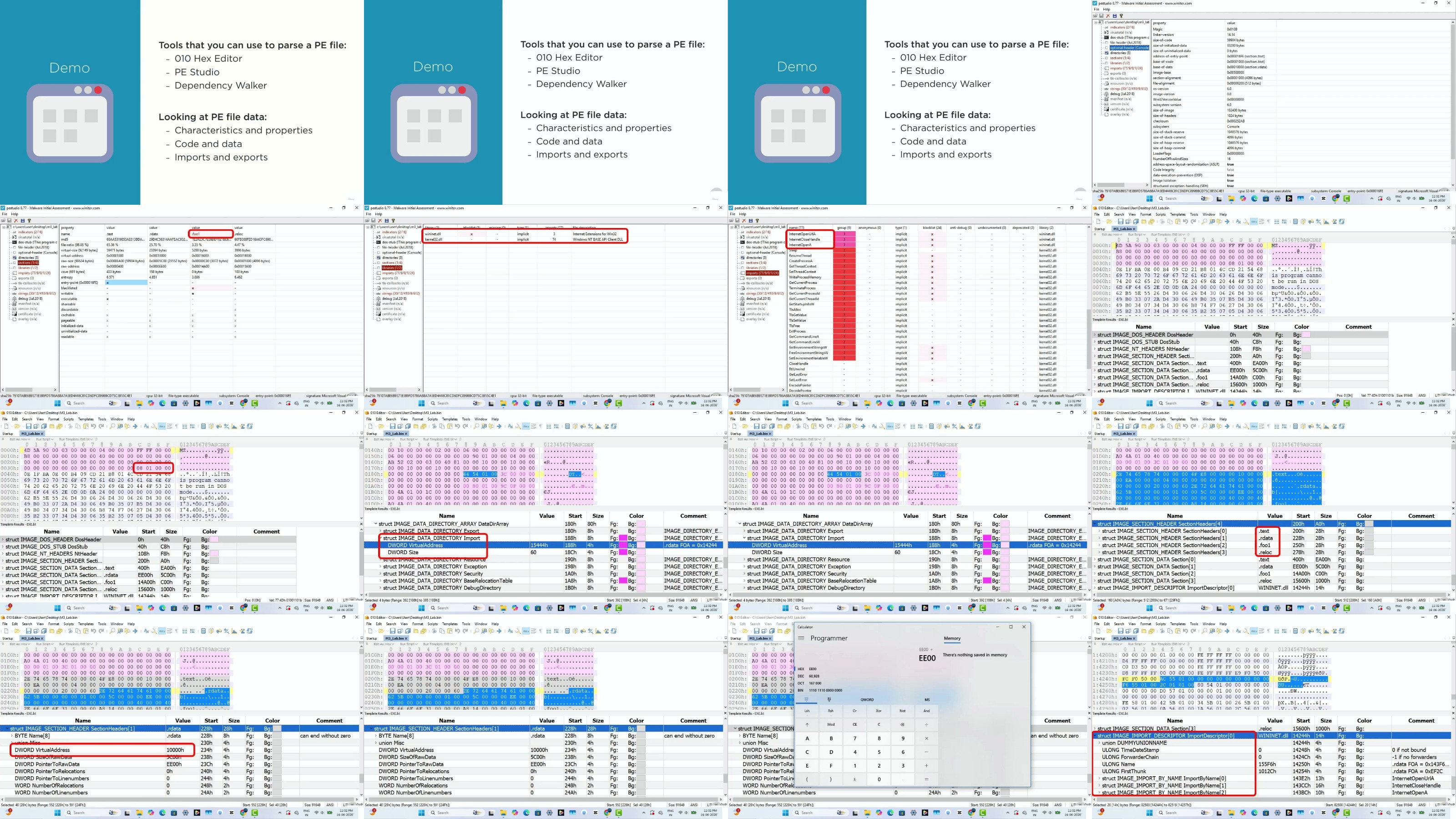
Windows native code and the Portable Executable (PE) format
, learning how Windows executables are structured and how analysts can inspect and parse their contents. Practical demonstrations and labs will help you apply these concepts rather than simply learning theory.
The course also introduces the
Windows API
and shows how APIs, strings, and program behavior can provide valuable clues during reverse engineering and malware analysis.
For static analysis, you will work with tools such as
IDA Pro, hexadecimal editors, and binary/PE analysis tools
. You will learn how to examine executable code, identify important structures, follow program logic, and understand what a binary is doing without executing it.
For dynamic analysis, you will learn how to use
debuggers and WinDbg
to observe programs while they are running. You will explore debugger commands, tracing techniques, breakpoints, registers, memory, and instruction-level execution to understand the actual behavior of native applications.
The course also covers practical assembly concepts including
functions, stack frames, calling conventions, conditionals, control structures, arrays, and program flow
. These concepts are essential for understanding disassembled code and reconstructing the logic of compiled applications.
You will learn strategies for
tracing program behavior, leveraging strings and Windows APIs, identifying interesting code paths, and combining static and dynamic analysis techniques
to build a clearer picture of a program.
What You Will Learn
•
Understand the complete
reverse-engineering process
•
Understand CPU architecture, registers, memory, and machine code
•
Learn the fundamentals of
x86/x64 assembly language
•
Understand ISA, mnemonics, operands, opcodes, and instruction execution
•
Work with bitwise operations, data sizes, and endianness
•
Understand native Windows code and program segments
•
Explore the
Portable Executable (PE) file format
•
Learn how Windows executables are structured
•
Understand and analyze Windows APIs
•
Parse and inspect PE files
•
Perform practical
static analysis
•
Use
IDA Pro
to examine native binaries
•
Work with hexadecimal and binary analysis tools
•
Understand disassembly and program flow
•
Use
WinDbg
for dynamic analysis and debugging
•
Learn essential debugger commands
•
Trace program execution and behavior
•
Understand functions, stack frames, and calling conventions
•
Analyze conditionals, loops, arrays, and control structures
•
Use strings and APIs as clues during analysis
•
Combine static and dynamic analysis techniques
•
Develop the mindset and methodology needed for reverse engineering and malware analysis
A Practical Journey from Machine Code to Malware Analysis
Rather than treating reverse engineering as a collection of tools and commands, this course focuses on understanding
what is happening underneath the tools
.
You will first understand the architecture and instructions that make native programs work. Then you will learn how those instructions are stored inside Windows executable files, how reverse-engineering tools expose that information, and finally how to observe the program dynamically using a debugger.
By connecting
Assembly → CPU Architecture → PE Files → Static Analysis → Windows APIs → Debugging → Dynamic Analysis
, you will develop a strong foundation for analyzing native Windows applications and suspicious binaries.
No previous professional reverse-engineering experience is required.
The course builds the essential concepts progressively and combines theory with demonstrations and practical labs.
By the end of the course, you will have a solid foundation in
assembly language, CPU architecture, Windows internals, PE files, static analysis, dynamic analysis, IDA Pro, WinDbg, APIs, and practical reverse-engineering methodology
-the core skills needed to continue toward advanced reverse engineering and malware analysis.

RapidGator
https://www.keeplinks.org/p27/6a9563aa1457a
DDownload
https://www.keeplinks.org/p27/6a956423ec36a
NitroFlare
https://www.keeplinks.org/p27/6a9564a594e27
UsersDrive