

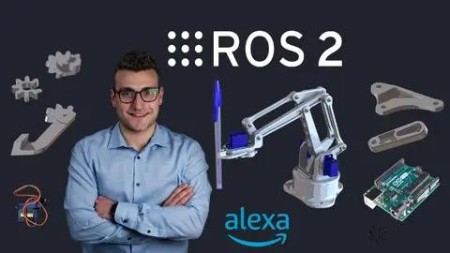
Robotics And Ros 2 – Learn By Doing! Manipulators
Published 8/2023
MP4 | Video: h264, 1280×720 | Audio: AAC, 44.1 KHz
Build and Control with your voice a Real Robot with ROS 2
What you’ll learn
Create a Real Robot
Mastering ROS 2, the last Robot Operating System Version
Robotics Theory
Use Alexa to actuate the Robot
Programming Arduino for Robotics Applications
Create a Digital Twin
Simulate the robot in Gazebo
Robot Kinematics
Trajectory Planning with MoveIt 2
Requirements
Basic knowledge of Python or C++
Basic knowledge of Linux
No prior knowledge of ROS or ROS 2 required
No prior knowledge of Robotics theory required
No hardware required. All the course can be followed also using only the PC
Description
Overview
Section 1: Introduction
Lecture 1 Course Motivation
Lecture 2 Meet your Teacher
Lecture 3 Get the Most out of the Course
Lecture 4 Project Architecture
Lecture 5 Course Presentation
Lecture 6 Course Material
Section 2: Setup
Lecture 7 Install Ubuntu on Virtual Machine
Lecture 8 Install Ubuntu on Dual Boot
Lecture 9 Install ROS 2 on Ubuntu
Lecture 10 Configure the Development Environment
Section 3: Introduction to ROS 2
Lecture 11 Why a Robot Operating System?
Lecture 12 What is ROS 2
Lecture 13 Why a NEW Robot Operating System?
Lecture 14 ROS 2 Architecture
Lecture 15 Hardware Abstraction
Lecture 16 Low-Level Device Control
Lecture 17 Architecture of a ROS 2 Application
Lecture 18 Messaging Between Process
Lecture 19 Package Management
Lecture 20 Create and Activate a Workspace
Lecture 21 Simple Publisher
Lecture 22 Simple Publisher
Lecture 23 Simple Subscriber
Lecture 24 Simple Subscriber
Section 4: Digital Twin
Lecture 25 Robot Description
Lecture 26 URDF
Lecture 27 Create the URDF Model
Lecture 28 Complete the URDF Model
Lecture 29 RViz 2
Lecture 30 Parameters
Lecture 31 Parameters
Lecture 32 Parameters
Lecture 33 ROS 2 Parameter CLI
Lecture 34 Visualize the Robot
Lecture 35 Launch Files
Lecture 36 Visualize the Robot with Launch Files
Lecture 37 Gazebo
Lecture 38 Simulate the Robot
Lecture 39 Launch the Simulation
Section 5: Control
Lecture 40 ROS 2 Control
Lecture 41 Control Types
Lecture 42 ros2_control with Gazebo
Lecture 43 YAML Configuration File
Lecture 44 Configure ros2_control
Lecture 45 Launch the Controller
Lecture 46 ros2_control CLI
Section 6: Kinematics
Lecture 47 Robot Kinematics
Lecture 48 Pose of a Robot Arm
Lecture 49 Translation Vector
Lecture 50 Elementary Rotations
Lecture 51 Rotation Matrix
Lecture 52 Transformation Matrix
Lecture 53 Forward Kinematics
Lecture 54 TF2 Library
Lecture 55 TF2 Tools
Lecture 56 ROS 2 Services
Lecture 57 Service Server
Lecture 58 Service ServerService Client
Lecture 61 Service Client
Lecture 62 Angle Representations
Lecture 63 Euler Angles
Lecture 64 Quaternion
Lecture 65 Euler to Quaternion Service
Lecture 66 Euler to Quaternion Service
Lecture 67 Inverse Kinematics
Lecture 68 MoveIt! 2
Lecture 69 Configure MoveIt! 2
Lecture 70 Launch MoveIt! 2
Section 7: Application
Lecture 71 Application Layer
Lecture 72 ROS 2 Actions
Lecture 73 Create an Action Server
Lecture 74 Create an Action Server
Lecture 75 Create an Action Client
Lecture 76 Create an Action Client
Lecture 77 MoveIt! 2 API
Lecture 78 MoveIt! 2 API
Lecture 79 Task Server
Lecture 80 Task Server
Section 8: Alexa Integration
Lecture 81 Alexa Skill
Lecture 82 Develop Alexa Skills
Lecture 83 Integrate Alexa Skills
Lecture 84 Interface the Robot with Alexa
Lecture 85 Voice Interaction Model
Lecture 86 Launch the Simulation of the Robot
Section 9: Build the Robot
Lecture 87 Mechanics and Electronics
Lecture 88 Arduino and ROS 2
Lecture 89 Publisher Node with Arduino
Lecture 90 Publisher Node with Arduino
Lecture 91 Publisher Node with Arduino
Lecture 92 Test Publisher Node with Arduino
Lecture 93 Subscriber Node with Arduino
Lecture 94 Subscriber Node with Arduino
Lecture 95 Subscriber Node with Arduino
Lecture 96 Test Subscriber Node with Arduino
Lecture 97 Servomotors with Arduino
Lecture 98 ROS 2 Lifecycle Nodes
Lecture 99 Create a Lifecycle Node
Lecture 100 ROS 2 Lifecycle CLI
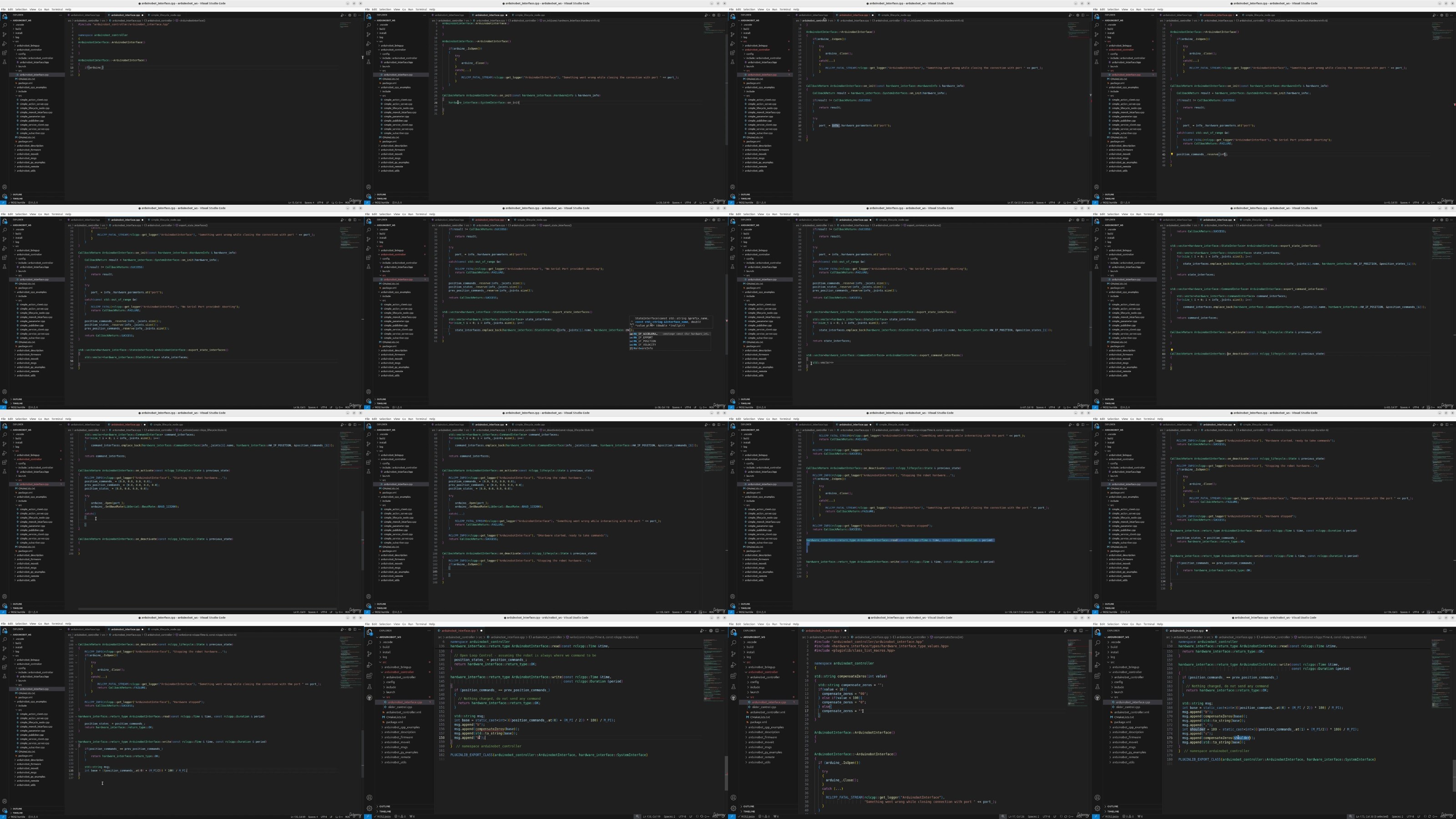
Lecture 101 ros2_control Interface – Declaration
Lecture 102 ros2_control Interface – Definition
Lecture 103 ros2_control Interface – Plugin
Lecture 104 ros2_control Interface – Configure
Lecture 105 Robot Control with Arduino
Lecture 106 Launch the Complete Robot
Section 10: Conclusions
Lecture 107 Recap
Lecture 108 What’s next?
Makers and Hobbists keen on robotics,Software developers taht wants to learn ROS 2 and Robotics,Students or Engineers that wants to learn how to buid a robot from scratch,Developers that already knows ROS and that want to use it in a real world application,ROS Developers that want to learn and migrate to ROS 2
DDownload
https://www.keeplinks.org/p27/687cc9ca39e68
RapidGator
https://www.keeplinks.org/p27/687ccc84220b1
NitroFlare
https://www.keeplinks.org/p27/687ccf87e4e10