Security Architecture & Review With Threat Modeling-Hands On
Last updated 4/2023
MP4 | Video: h264, 1280×720 | Audio: AAC, 44.1 KHz
SAR & Threat Modeling for Absolute Beginners | Learn STRIDE, DREAD Threat Models | Learn IriusRisk, MTM tools
What you’ll learn
Learn to perform Security Architecture and Design Review
Learn to perform Threat Modeling
Learn to use STRIDE Threat model
Learn about DREAD Threat model
Learn to use Microsoft Threat Modeling tool
Learn to perform Threat Modeling using IriusRisk and MTM tools
Requirements
No Programming language required
Description
Overview
Section 1: Introduction
Lecture 1 Introduction And Agenda
Lecture 2 About the course
Section 2: Basics of Security Architecture & Design Review
Lecture 3 What is Security Architecture & Design Review (SAR)?
Lecture 4 4 Step Process to perform Security Architecture & Design Review in Real Life
Lecture 5 What is Threat Modeling, its tools and techniques?
Lecture 6 Learn Most Popular Threat Model – STRIDE
Lecture 7 Learn Most Popular Threat Model – DREAD
Section 3: Hands On: Case Study for SAR & Threat Modeling
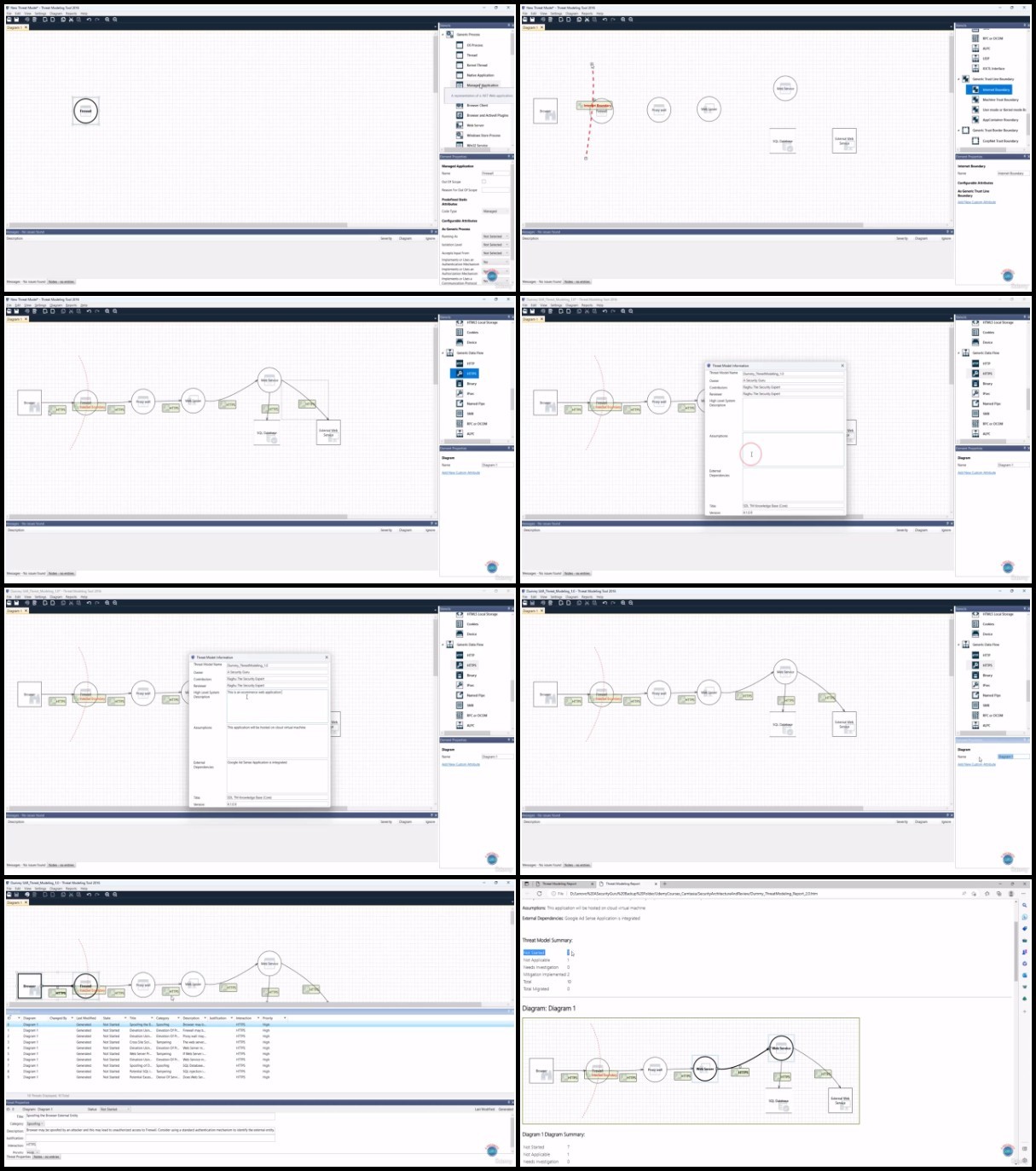
Lecture 8 Hands On: Install Microsoft Threat Modeling Tool as a Prerequisite
Lecture 9 Hands On: Step 1 – Gather requirements for the Case Study to perform SAR
Lecture 10 Hands On: Step 2a – Create Checklist as per inputs received for SAR
Lecture 11 Hands On: Step 2b – Create Threat Model as per inputs received from stakeholders
Lecture 12 Hands On: Step 3 – Create and review the SAR Summary report
Lecture 13 Hands On: Step 4 – Generate the final version of the SAR summary report
Section 4: Hands On: Case Study – Perform Threat Modeling using IriusRisk – A SaaS Platform
Lecture 14 Hands On: Create an account with IriusRisk
Lecture 15 Hands On: Create a Data Flow Diagram with Irius Risk
Lecture 16 Hands On: Perform Threat Modeling and Generate Reports using IriusRisk
Section 5: Next Steps
Lecture 17 Bonus Lecture
Security Architects,Security Engineers,Threat Modeling Engineer,Security Analysts