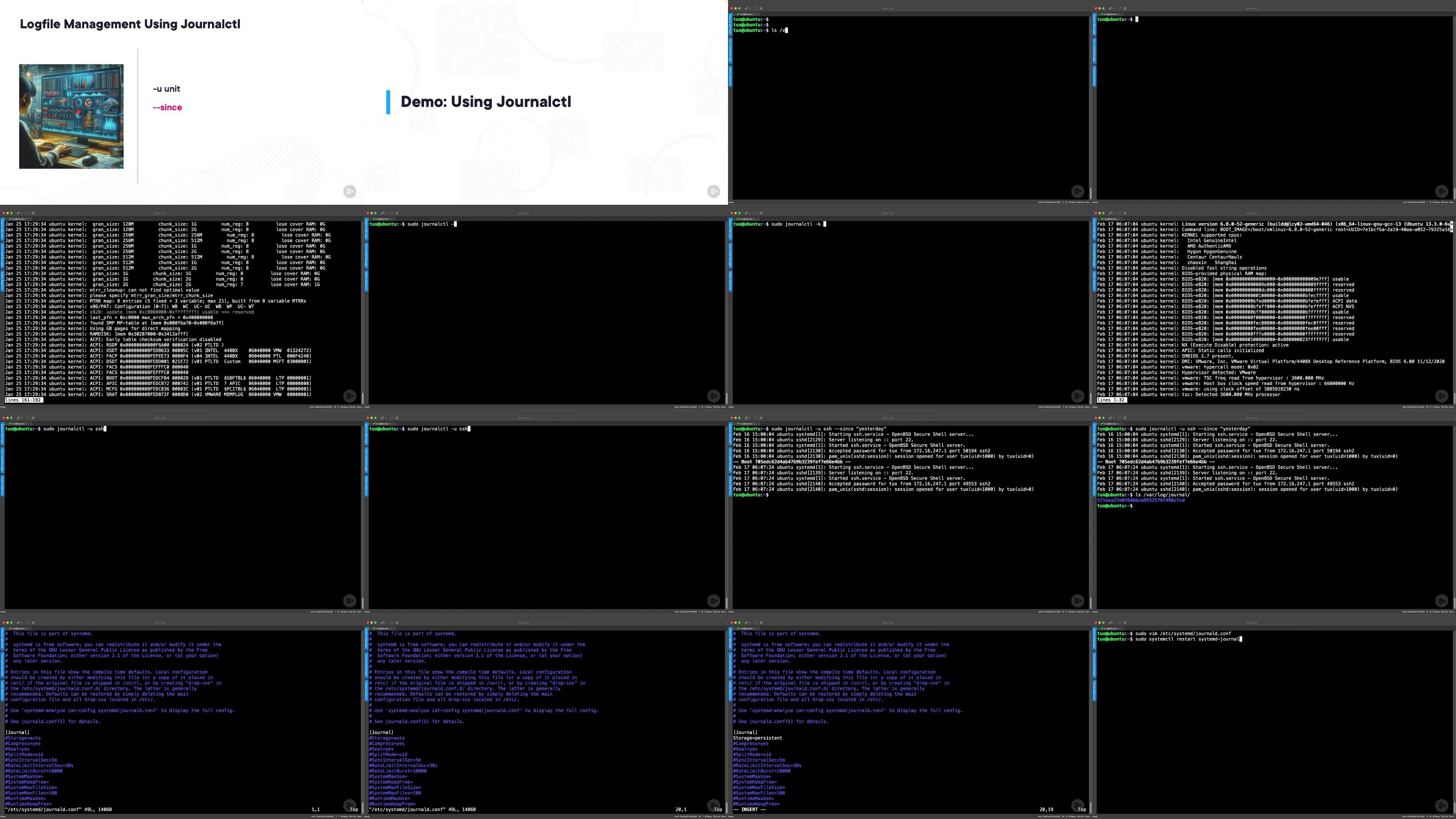
591.25 MB | 00:06:16 | mp4 | 1280X720 | 16:9
01 The User Account Database.mp4 (6.6 MB)
02 Using Text Utilities to Order Data.mp4 (9.29 MB)
03 Filtering User Data Using AWK.mp4 (4.89 MB)
04 Using Getent to Search for Users.mp4 (6.38 MB)
05 Understanding Useradd.mp4 (11.39 MB)
06 User Templates Using Skel Directories.mp4 (9.55 MB)
07 Modifying User Accounts.mp4 (8.09 MB)
08 Deleting User Accounts.mp4 (5.76 MB)
09 Viewing Shadow Data.mp4 (8.31 MB)
10 Managing User Passwords.mp4 (11.03 MB)
11 Understand Effective and Real User IDs.mp4 (4.5 MB)
12 Working with Groups.mp4 (12.58 MB)
01 Server Availability and Uptime.mp4 (10.58 MB)
02 Stress Loading a Server.mp4 (7.65 MB)
03 Viewing Server Processes.mp4 (10.1 MB)
04 Viewing the Process Tree.mp4 (4.34 MB)
05 Using Top and Htop.mp4 (11.58 MB)
06 Using Systemctl to View Process Data.mp4 (6.13 MB)
07 Managing Processes.mp4 (8.34 MB)
08 Limiting Processes to Users.mp4 (11.88 MB)
09 Controlling Press Priority and Execution Tome.mp4 (11.38 MB)
10 Scheduling Jobs Using Crontab.mp4 (8.67 MB)
11 Using At to Schedule Jobs.mp4 (7.28 MB)
12 Using SystemD Timer Units.mp4 (3.9 MB)
01 Welcome to APT.mp4 (7.97 MB)
02 Creating BASH Functions.mp4 (11.64 MB)
03 Installing Using APT.mp4 (5.77 MB)
04 Purging and Removing Packages.mp4 (3.05 MB)
05 Upgrading Packages.mp4 (13.73 MB)
06 Adding the Docker Repo.mp4 (10.85 MB)
07 Isolated Apps and Sandboxing Using Snaps.mp4 (9.58 MB)
08 Managing Software in RHEL.mp4 (7.09 MB)
09 Installing Software in RHEL.mp4 (6.8 MB)
10 Managing Software History in RHEL.mp4 (3.76 MB)
11 Searching for Packages.mp4 (2.54 MB)
01 Learning the Basics of Service Management Using SystemD.mp4 (12.86 MB)
02 Editing Service Units.mp4 (5.19 MB)
04 Investigating Socket Units Using Cockpit.mp4 (10.91 MB)
05 Centralizing Log Files Using Journalctl.mp4 (14.35 MB)
06 Using Hostnamectl and Timedatectl.mp4 (8.85 MB)
07 Creating Disk Devices.mp4 (5.26 MB)
08 Creating a Disk Service.mp4 (10.58 MB)
09 Creating Mount Units.mp4 (6.45 MB)
10 Automounting Filesystems.mp4 (8.36 MB)
01 Installing and Testing Docker.mp4 (11.57 MB)
02 Learning to Auto-delete Containers.mp4 (2.66 MB)
03 Using or Not Using the Docker Group.mp4 (7.06 MB)
04 Working with Docker Images.mp4 (12.24 MB)
05 Mapping Ports to Containers.mp4 (13.13 MB)
06 Mapping Volumes to Containers.mp4 (5.05 MB)
08 Maintaining User Defined Networks.mp4 (9.64 MB)
09 Orchestration Using Docker Compose.mp4 (11.64 MB)
10 The Security Risks Using Privileged Containers.mp4 (13.51 MB)
11 Preventing Privileged Containers.mp4 (4.24 MB)
1 Understanding File Makeup.mp4 (12.64 MB)
2 Directory Hard Links.mp4 (5.65 MB)
3 Managing Soft or Symlinks.mp4 (12.03 MB)
4 Symlinks in the System.mp4 (8.61 MB)
5 Using Find to Locate Files.mp4 (9.93 MB)
6 Using Named Pipes.mp4 (3.1 MB)
7 Managing Files.mp4 (11.41 MB)
8 More Adventures Using Find.mp4 (6.02 MB)
]
Screenshot