

MP4 | Video: h264, 1280×720 | Audio: AAC, 44.1 KHz
CFD ANSYS Fluent
What you’ll learn
1- draw any 2D/3D Model using Spaceclaim.
2- Successfully create the correct mesh for any Model and measure its quality.
3- Understand the physical setup of both CFX-Pre and Fluent.
4- Deal with different models ( heat transfer, supersonic flow, combustion, solar load,.etc).
5- Professionally view the results you want in both CFD-Post and Fluent
Requirements
Fluid dynamics basic knowledge
ANSYS 18.1 or later installed on your PCs
Description
Since there are two different interfaces(GUIs) for ANSYS workbench ,each video is uploaded in the two GUIs
(‘R181’ for Workbench versions earlier than R19.3, ‘R193’ for Workbench versions after than R19.2)
-the course requires you to have very basic knowledge on fluid dynamics
2. learn how to work professionally on ANSYS meshing tool, and measure the mesh quality.
3. learn how to work professionally on CFX and Fluent , and view the results on CFD-post
in every program, we understand its GUI, all the options they have, and the physics behind every value or option we use
the course contains 34 projects (10 projects in space claim , 6 in meshing tool , 3 in CFX , and 15 in Fluent)
in every project, we learn new tools and get more familiar with the programs
the instructor will be available with you through the entire course, and ready for any technical questions you have
this is the course content:
Session 1:
-intro to FEA
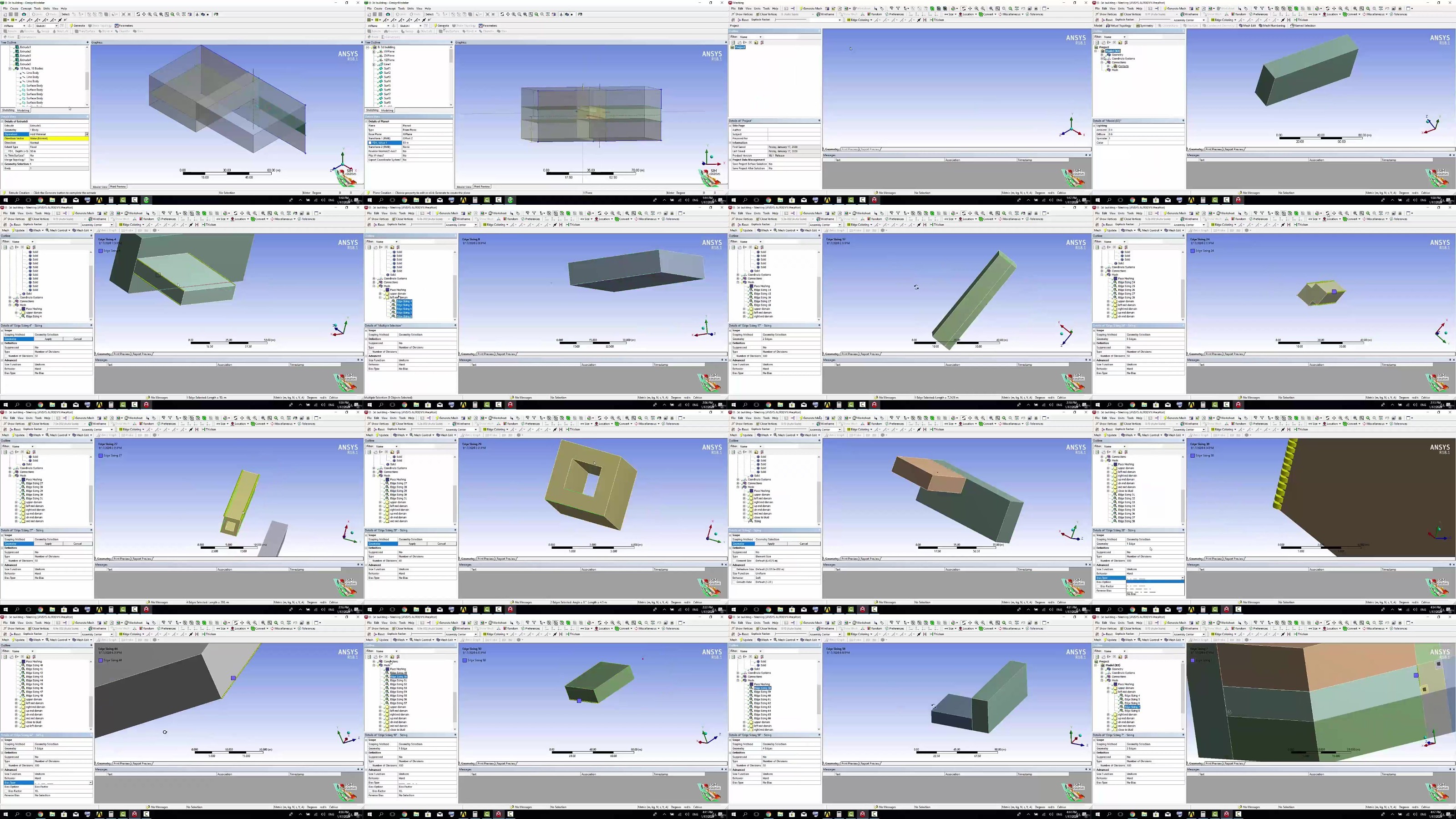
-intro to Space Claim (1-D, 2-D, and 3-D drawings )
Session 2:
-more on Space Claim:
Importing drawings from other CAD software
Drawing flow domain for a 3D wing
importing .txt file to spaceclaim
Using pattern tool in drawing blades
Session 3:
-intro to Meshing
-GUI of ANSYS meshing tool
and Local settings)
-Pipe model mesh (structured mesh)
-Car flow domain mesh
-Aerofoil flow domain mesh
-Aerofoil structured mesh
-2 rectangle blocks domain structured mesh (2D)
-2 rectangle blocks domain structured mesh (3D)
-Mesh quality
Session 4:
-intro to CFD
-GUI of CFX
-Turbulence models, and Boundary conditions
-Solving flow in pipe (comparing different cases) (CFX)
-Solving flow over a car model (CFX)
-Solving flow in a Convergent Divergent nozzle (CFX) (supersonic flow)
Session 5:
-GUI of Fluent
-Solving flow in pipe (comparing CFX and Fluent results)
-Solving flow over aerofoil (Fluent)
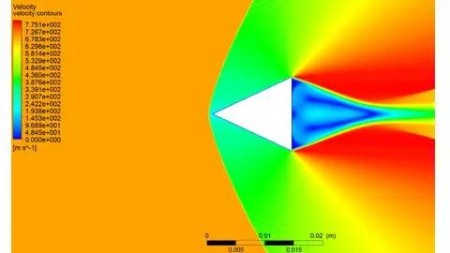
-Solving supersonic flow over a wedge (Fluent)
-Solving a combustion chamber case (Fluent)
-Solving a convergent divergent nozzle case(Fluent)
Session 6:
-GUI of CFD-post
-Using CFD-post to view results with all Fluent and CFX projects
-Solving a water filling in a tank case (Fluent)
-heat exchanger- heat transfer (Fluent)
-Solving Rotating Cylinder case (Fluent)
-Simple FSI Fluid Solid interaction case (Fluent)
-Boiling water in a tank case (Fluent)
-Solar load and radiation case (Fluent)
Session 7:
-VAWT (vertical axial wind turbine) (Fluent)
-Pipe in a wall heat transfer (Fluent)
-Car in a garage case (Fluent)
-Gate in a pipe (UDF + dynamic mesh) (Fluent)
-Centrifugal Compressor (Fluent)
-bullets race Advanced FSI case (Fluent)
Who this course is for:
Mechanical engineers
Aerospace engineers
Mechanical students
Aerospace students
CFD Analysts
numerical analysis researches
numerical analysis students
DDownload
https://www.keeplinks.org/p27/6883bf7d96814
https://ddownload.com/70hpkyzjxqhw/yxusj.Simulation.using.ANSYS.Fluent.rar
RapidGator
https://www.keeplinks.org/p27/6883bfa2e82f1
https://rapidgator.net/file/249dc56a1d4ad8fd8025b90ef6aaeac1/yxusj.Simulation.using.ANSYS.Fluent.rar
NitroFlare
https://www.keeplinks.org/p27/6883bfe698656
https://nitroflare.com/view/A21B8F9509106EF/yxusj.Simulation.using.ANSYS.Fluent.rar