

Last updated 8/2019
MP4 | Video: h264, 1280×720 | Audio: AAC, 44.1 KHz
What you’ll learn
Extrude tool – advanced options
Fillet – advanced options
Chamfer – advanced options
Swept tool – advanced options
Loft tool – advanced options
Curve driven pattern
Sketch driven pattern
Table driven pattern
Linear pattern – advanced options
Rib tool
Boundary boss base tool
Indent feature
Bounding box
Reference axis and point
Working with multibody
Configurations
And many other important topics
Requirements
Finish "SolidWorks 2019 Essential Training"
Access Solidworks 2019 or later
Description
Overview
Section 1: 01. Introduction
Lecture 1 0101. Introduction
Lecture 2 0102. Exercise Files
Section 2: 02. Extruded tool
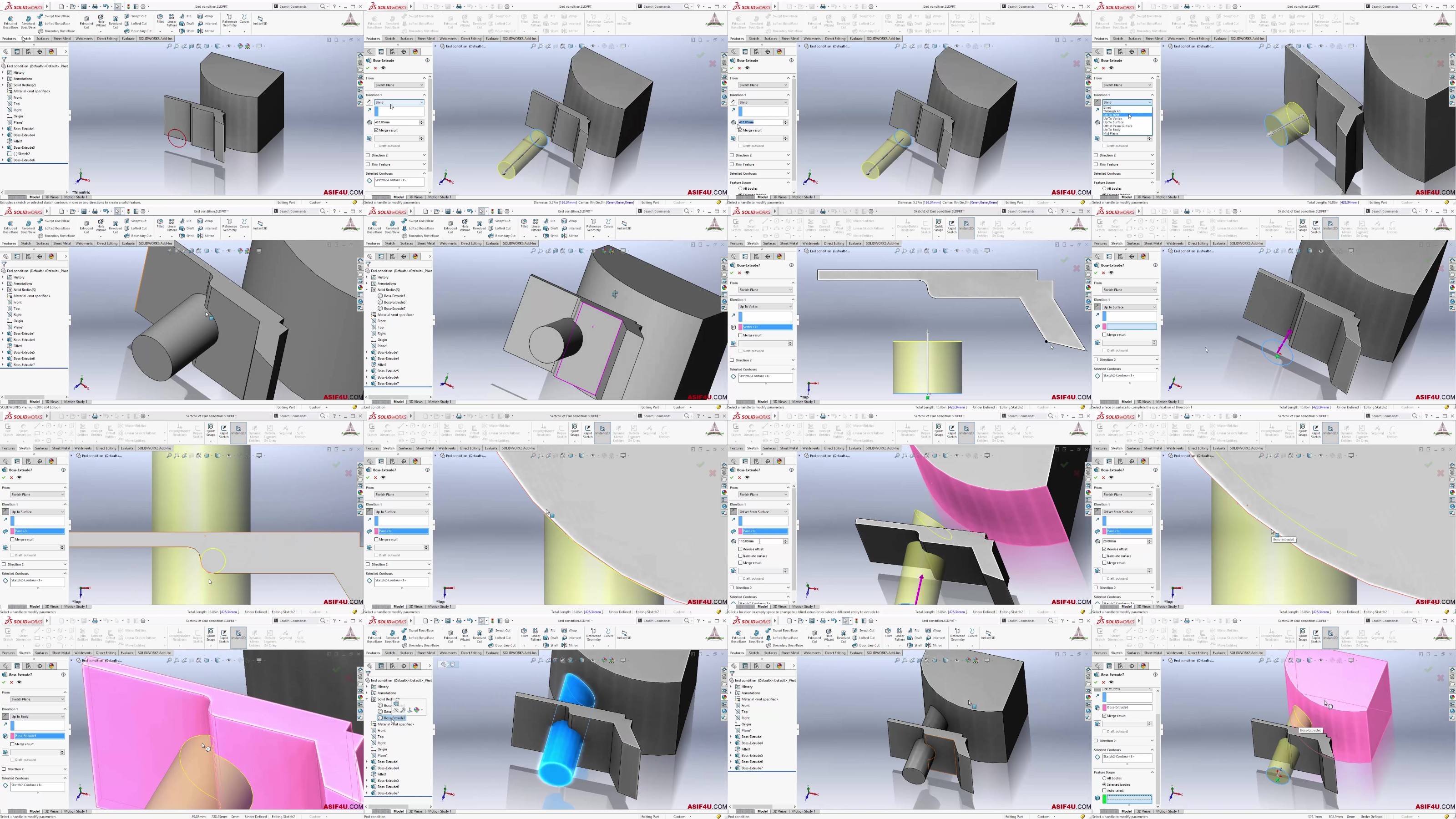
Lecture 3 0201. End conditions in extruded boss tool
Lecture 5 0203. Thin feature in extruded boss tool
Lecture 6 0204. Use open profile to add or remove material
Section 3: 03. Advance capability of fillets and chamfer
Lecture 7 0301. Setback parameter in constant size fillet
Lecture 8 0302. Fillet options in constant size fillet
Lecture 9 0303. Profile options in constant size fillet
Lecture 10 0304. Symmetric and asymmetric fillet
Lecture 12 0306. Face fillet tool
Lecture 13 0307. Power of FilletXpert option
Lecture 14 0308. Corner replace using FilletXpert option
Lecture 15 0309. Advanced chamfer types and options
Section 4: 04. Swept tool
Lecture 16 0401. Advanced Technique to make basic swept
Lecture 17 0402. Path selection using selection manager
Lecture 18 0403. Creating swept using guide curve
Lecture 19 0404. Sweep profile orientation
Lecture 20 0405. Follow path and first guide curve
Lecture 21 0406. Profile twist option in swept tool
Section 5: 05. Loft tools
Lecture 22 0501. Create closed loft
Lecture 24 0503. More control on loft using guide curve
Lecture 25 0504. Control loft using connector
Lecture 26 0505. Create loft using centerline parameter
Lecture 27 0506. Add loft section
Lecture 28 0507. Lofted cut tool
Section 6: 06. Advanced Pattern tools
Lecture 29 0601. Linear pattern using up to reference
Lecture 30 0602. Instance to vary option in pattern tool
Lecture 31 0603. Vary sketch option in pattern tool
Lecture 32 0604. Curve driven pattern
Lecture 33 0605. Sketch driven pattern
Lecture 34 0606. Table driven pattern
Lecture 36 0608. Instance count in fill pattern tool
Section 7: 07. Advanced feature tools
Lecture 37 0701. Working with rib tool
Lecture 38 0702. Boundary boss base tool
Lecture 39 0703. Boundary cut tool
Lecture 40 0704. Create dome under a bottle
Lecture 41 0705. Split face using split line room
Lecture 42 0706. Wrap sketch on face using Wrap tool
Lecture 43 0707. Working with indent feature
Lecture 44 0708. Use multibody as a tool body in indent tool
Lecture 45 0709. Multi region problem in indent feature
Lecture 46 0710. Create thread
Section 8: 08. Making advanced references
Lecture 47 0801. Create reference axis using different option
Lecture 48 0802. Create reference point using different option
Lecture 49 0803. Create Custom coordinate system
Lecture 50 0804. Insert center of mass position
Lecture 51 0805. Create plane parallel to screen
Lecture 52 0806. Creating Bounding box
Section 9: 09. Working with multibody
Lecture 53 0901. What is multibody
Lecture 54 0902. Divide a body using split tool
Lecture 57 0905. Combine or subtract body using combine tool
Lecture 58 0906. Intersect tool
Lecture 59 0907. Create exploded view
Lecture 60 0908. Multibody interference checking
Section 10: 10. Configurations
Lecture 62 1001. What is configuration
Lecture 63 1002. Create configuration and control dimension
Lecture 64 1003. Control feature and material
Lecture 65 1004. Control configuration using modify configuration table
Lecture 66 1005. Advanced options in configuration properties
Lecture 67 1006. Create configuration using design table
Lecture 68 1007. Control feature using design table
Section 11: 11. Direct editing tool
Lecture 69 1101. Move face tool
Lecture 70 1102. End condition of move face tool
Lecture 71 1103. Delete or keep body using Delete-Keep Body tool
Lecture 72 1104. Move copy bodies tool
Lecture 73 1105. Convert features to bodies and surfaces
Section 12: 12. Custom properties
Lecture 74 1201. What is custom properties
Lecture 75 1202. Where to use custom properties
Lecture 76 1203. Add custom properties
Lecture 77 1204. Add Configure specific custom properties
A person who want to be proficient in Solidworks to find a job,A person who want to improve Solidworks topics,A person who want to learn Solidworks absolutely from scratch,A person who want to design 3D model without spending huge time on learning.,A person who want to get a better job using Solidworks skills.,Any Graduate student or Diploma Students,Individual professional,Hobbyist
DDownload
https://www.keeplinks.org/p27/68a1d99218d25
RapidGator
https://www.keeplinks.org/p27/68a1da146cd32
NitroFlare
https://www.keeplinks.org/p27/68a1dacad4480