


Solidworks Advanced Sketch ( Version 2019 2020 2021 )
Last updated 8/2019
MP4 | Video: h264, 1280×720 | Audio: AAC, 44.1 KHz
Learn how to create, modify and handle complex sketch using advanced tools in SolidWorks
What you’ll learn
Slot tool
Style spline
Conic tool
Text tool
Dynamic mirror entities tool
Sketch pattern
Move rotate and copy sketch entities
Rapid sketch tool
Insert sketch picture
Path dimension tool
Insert ordinate dimension
Split entites tool and Segment tool
Derived sketch
Conrolling 3d sketch
Offset on surface tool
Composite curve tool
Project curve tool
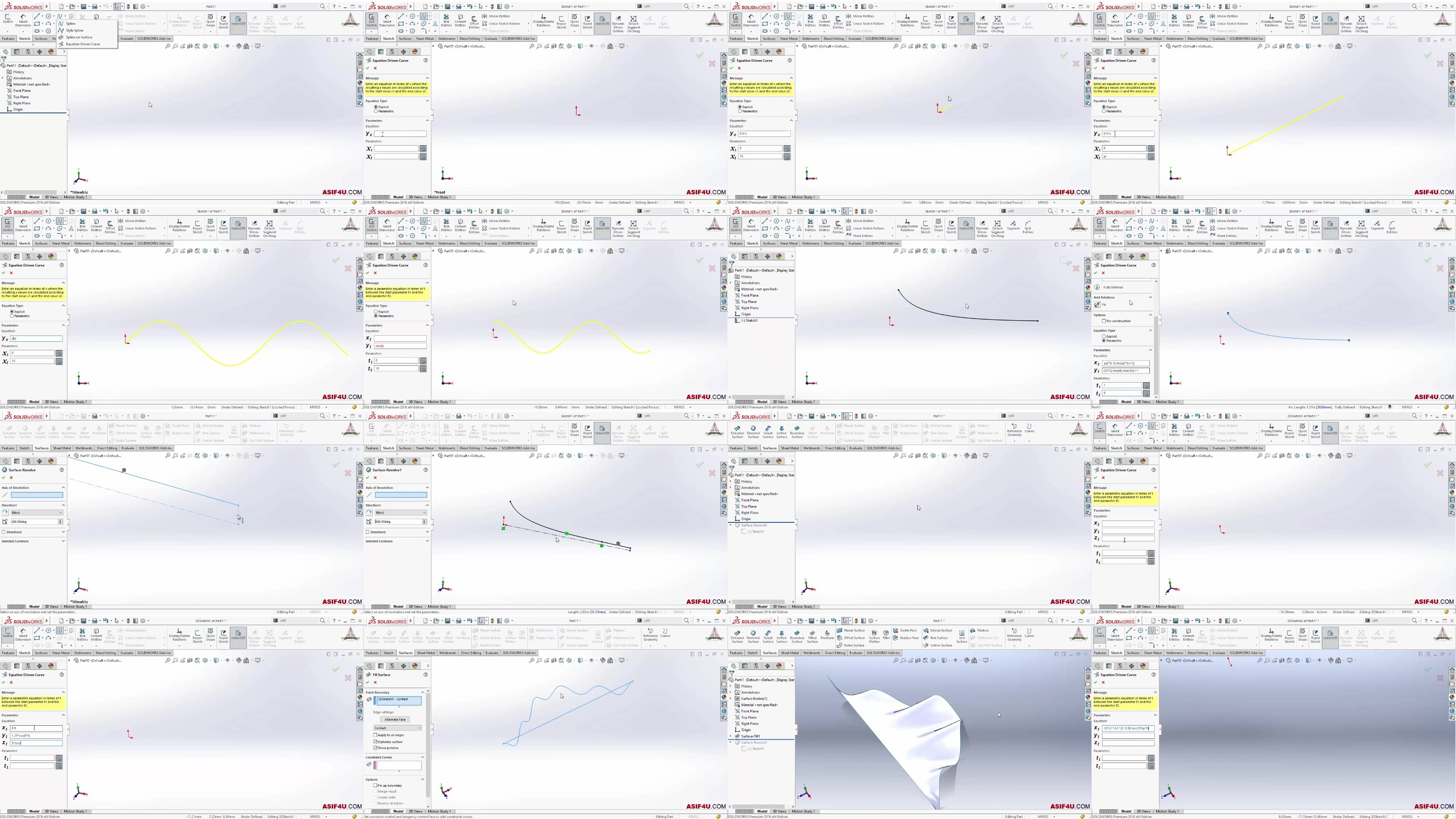
Equation driven curve tool
Helix and spiral curve
Create Block
And many other topics..
Requirements
You have to take "SolidWorks Essential Training"
Access Solidworks 2019 or later
Description
Overview
Section 1: 01. Introduction
Lecture 1 0101. Introduction
Lecture 2 0102. Exercise Files
Section 2: 02. Intermediate sketch tools
Lecture 3 0201. Create parabola
Lecture 4 0202. Slot tool
Lecture 5 0203. Create basic spline
Lecture 6 0204. Spline edit
Lecture 7 0205. Style spline
Lecture 8 0206. Spline on surface
Lecture 9 0207. Conic tool
Lecture 10 0208. Text tool
Section 3: 03. Sketch modification
Lecture 11 0301. Dynamic mirror entities tool
Lecture 12 0302. Linear sketch pattern
Lecture 13 0303. Circular sketch pattern
Lecture 14 0304. Sketch on a planer face
Lecture 15 0305. Move rotate and copy sketch entities
Section 4: 04. Advanced sketch topics
Lecture 16 0401. Rapid sketch tool
Lecture 17 0402. Insert ordinate dimension
Lecture 18 0403. Path dimension tool
Lecture 19 0404. Insert sketch picture
Lecture 21 0406. Split entites tool and Segment tool
Lecture 22 0407. Derived sketch
Section 5: 05. Work with 3D Sketch
Lecture 23 0501. Create a 3d sketch
Lecture 24 0502. Controlling 3d sketch
Lecture 25 0503. 3D sketch exercise
Lecture 26 0504. Create plane in 3D sketch
Lecture 27 0505. Create complex 3D sketch using plane
Lecture 28 0506. Offset on surface tool
Lecture 29 0507. Creating mirrored entities in 3d sketch
Section 6: 06. Making complex curve
Lecture 30 0601. Combine curves using composite curve tool
Lecture 31 0602. Project curve tool
Lecture 32 0603. Intersection curve tool
Lecture 33 0604. Equation driven curve tool
Lecture 34 0605. Create helix and spiral
Lecture 35 0606. Curve through XYZ points
Lecture 36 0607. Curve through reference points
Lecture 37 0608. Create multi planes and sketches using slicing tool
Section 7: 07. Sketch Block
Lecture 38 0701. Create Block
Lecture 39 0702. Edit save or insert block
A person who want to be proficient in Solidworks to find a job,A person who want to improve Solidworks essential topics,A person who want to learn Solidworks absolutely from scratch,A person who want to design 3D model without spending huge time on learning.,A person who want to get a better job using Solidworks skills.,Any Graduate student or Diploma Students,Individual professional,Hobbyist
DDownload
https://www.keeplinks.org/p27/68682aadd8f31
RapidGator
https://www.keeplinks.org/p27/68682aeb6f114
NitroFlare
https://www.keeplinks.org/p27/68682b64c14e9