


Sql For Data Analysis, Hands-On Industry Skills For Analysts
Last updated 2/2025
MP4 | Video: h264, 1920×1080 | Audio: AAC, 44.1 KHz
Master advanced data analysis with SQL, Window Functions,Joins, CTEs & more to advance your career: PostgreSQL; MySQL ..
What you’ll learn
Use Industry-style data to learn how to CONSTRUCT SQL QUERIES for the purpose of analysing data and reporting
Learn how to MANIPULATE DATA using advanced SQL techniques as used in industry today using our included insurance database
Gain the confidence to query data using SQL on ANY PLATFORM for analysis or reporting including AWS and Azure
Learn how SQL gives you the power to gain valuable INSIGHT into your organisation’s data
Create queries for the purpose of PRODUCING REPORTS, by formatting the output for your business
Requirements
Confidence with a computer and installing (free) software
No prior programming experience required
Understanding of what a database is and basic understanding of tables and columns
Description
Overview
Section 1: Welcome
Lecture 1 Welcome to Hands-On SQL for Data Analysts
Lecture 2 Objectives of this course
Section 2: Setting up
Lecture 3 Installing PostgreSQL and PGAdmin on MacOS
Lecture 4 Installing PostgreSQL and PGAdmin on Microsoft Windows
Lecture 5 Creating our database for the course
Lecture 6 Understanding the Wardown Park Insurance database
Section 3: The Basics of SQL
Lecture 7 The SELECT statement
Lecture 8 The COUNT() function
Lecture 9 The DISTINCT statement
Lecture 10 Using ORDER BY to arrange your results
Lecture 11 WHERE condition (and an introduction to SQL Operators)
Lecture 12 Decision making using CASE
Section 4: SQL Operators
Lecture 17 SQL Comparison Operators
Section 5: Subqueries & Common Table Expressions (CTEs)
Section 6: How to JOIN tables
Lecture 23 Table Join concepts
Lecture 24 Coding Joins
Lecture 25 Self Join
Lecture 26 Understanding Multi-table Joins
Lecture 27 Coding Multi-table Joins
Section 7: Aggregating Data
Lecture 28 Simple Aggregation
Lecture 31 HAVING
Lecture 32 DISTINCT revisited
Section 8: Data Manipulation
Lecture 33 Data Types, Constraints, Primary-Keys Explained
Lecture 34 Considering data types when building queries
Lecture 38 Number Manipulation
Section 9: Regular Expressions – finding data using pattern matching
Lecture 43 Regular Expressions explained
Lecture 44 LIKE and Wildcard in Regular Expressions
Lecture 45 POSIX operators
Lecture 46 Ranges in Regular Expressions
Lecture 47 Worked example using Regular Expressions
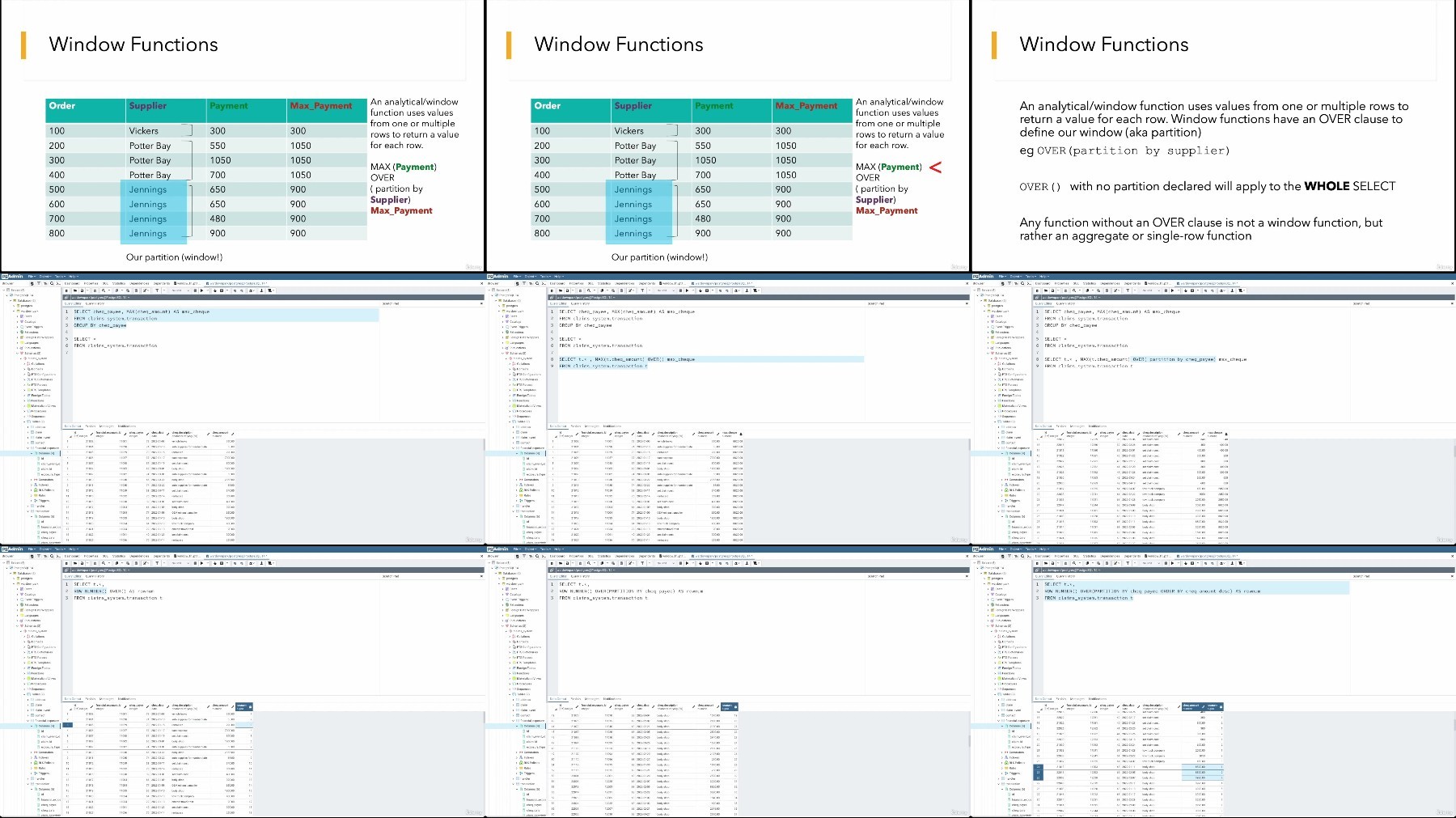
Section 10: Window/Analytical Functions
Lecture 48 ROWNUM
Lecture 49 RANK and DENSE RANK
Lecture 50 LAG and LEAD
Lecture 51 Other useful Window Functions
Section 11: Closing Remarks and Exciting Bonus Material
Lecture 52 Congratulations
Lecture 53 Bonus Lecture : Learn More For Free
Data Analysts,Scientists and Engineers wanting to learn SQL,Business Analysts who want to learn SQL to gain insight into their organisation’s data,Students wanting to learn SQL as a data query tool
TurboBit
https://www.keeplinks.org/p27/67cd1e570e983
RapidGator
https://www.keeplinks.org/p27/67cd1e8c63e52
AlfaFile
https://www.keeplinks.org/p27/67cd1e98ee14b
FileFactory