

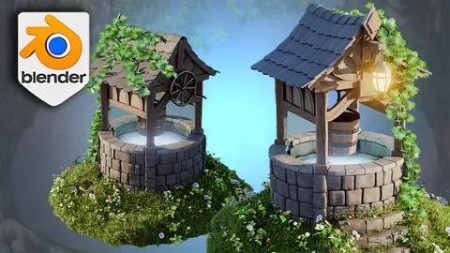
Stylized 3D Environments With Blender 4 Geometry Nodes
Published 4/2024
MP4 | Video: h264, 1920×1080 | Audio: AAC, 44.1 KHz
Master Stylized Environments with Blender 4 Geometry Nodes: Unlock Your Creative Potential in 3D Modelling
What you’ll learn
• Foundations of Blender 4 and Geometry Nodes: Begin with a solid grounding in the basics of Blender 4, focusing on its innovative Geometry Nodes system
• Procedural Environment Creation: Use Geometry Nodes to procedurally generate dynamic and complex 3D environments
• Advanced Material and Texture Application: Apply vibrant materials and textures from an exclusive resource pack
• Dynamic Lighting and Rendering: Utilise Blender’s Cycles renderer and compositor to enhance your scenes with ambient occlusion, glare effects, and other light
• Efficient Workflow Strategies: Discover strategies for integrating geometry nodes with modifiers for a non-destructive workflow, simplifying UV unwrapping
Requirements
• To own a computer (Microsoft, Linux or Mac)
• To have downloaded Blender
• The course is designed for all levels, so no previous experience in Blender or 3D modelling is necessary.
Description
Overview
Section 1: Introduction
Lecture 1 Introduction
Section 2: Blender Basics and [Resource Pack]
Lecture 2 Lesson 1 – Navigating Blender’s Viewport: A Beginner’s Guide
Lecture 3 Lesson 2 – Unlocking Blender’s Resource Pack for Stylized Design
Lecture 4 Lesson 3 – Blender Modeling Basics for Enchanting Environments
Lecture 6 Lesson 5 – Advanced Cavity Shading Techniques in Blender
Section 3: Brick Geometry and Structural Support Mastery
Lecture 7 Lesson 6 – Mastering Brick Textures with Blender’s Geometry Nodes
Lecture 8 Lesson 7 – Constructing Detailed 3D Wells with Blender Geometry Nodes
Lecture 9 Lesson 8 – Adding Structural Integrity with Stone Supports in Blender
Lecture 10 Lesson 9 – Crafting Stone Slabs in Blender for Stylized Environments
Section 4: Advanced Texturing and UV Mapping Strategies
Lecture 11 Lesson 10 – Refining Stone Tile Textures in Blender for Enhanced Realism
Lecture 12 Lesson 11 – Seamless Seams and Sharp Edges: Texturing in Blender
Lecture 13 Lesson 12 – Efficient UV Unwrapping for Complex Environmental Designs in Blender
Section 5: Material and Shader Application for Dynamic Environments
Lecture 14 Lesson 13 – Material Shaders in Blender: Bringing Environments to Life
Lecture 15 Lesson 14 – Applying Realistic Materials to 3D Models in Blender
Section 6: Wood Detailing and Roofing Techniques with Geometry Nodes
Lecture 16 Lesson 15 – Crafting Wooden Planks and Tiles for Roofs in Blender
Lecture 17 Lesson 16 – Perfecting Roof Tile Details with Geometry Nodes in Blender
Lecture 18 Lesson 17 – Modeling and Deforming Tiles for Dynamic Roofs in Blender
Section 7: Advanced Modeling Techniques for Environmental Elements
Lecture 19 Lesson 18 – Sculpting the Top of Roofs in Blender for Enhanced Realism
Lecture 20 Lesson 19 – Texturing Wood Frames for Stylized Environments in Blender
Lecture 21 Lesson 20 – Constructing Wooden Frameworks for Roof Tiles in Blender
Section 8: Enhancing Structural Details and Realism
Lecture 22 Lesson 21 – Creating Supportive Roof Frameworks and Well Mechanisms in Blender
Lecture 23 Lesson 22 – Modeling the Base of Stylized Roofs in Blender
Lecture 24 Lesson 23 – Organizing and Refining Greybox Sets for Roofs in Blender
Section 9: Advanced Environmental Sculpting and Texturing
Lecture 25 Lesson 24 – Utilizing Skin Modifiers for Realistic Wood Supports in Blender
Lecture 26 Lesson 25 – Crafting Curved Frames with Skin Modifiers in Blender
Section 10: Creating Dynamic Landscapes and Vegetation
Lecture 27 Lesson 26 – Designing Side Walls for Stylized Wells in Blender
Lecture 28 Lesson 27 – Dynamic Terrain Sculpting for Stylized Environments in Blender
Lecture 29 Lesson 28 – Integrating Staircases into Stylized Environments in Blender
Section 11: Advanced Techniques for Environmental Enhancement
Lecture 30 Lesson 29 – Adapting Staircases for Dynamic Environments in Blender
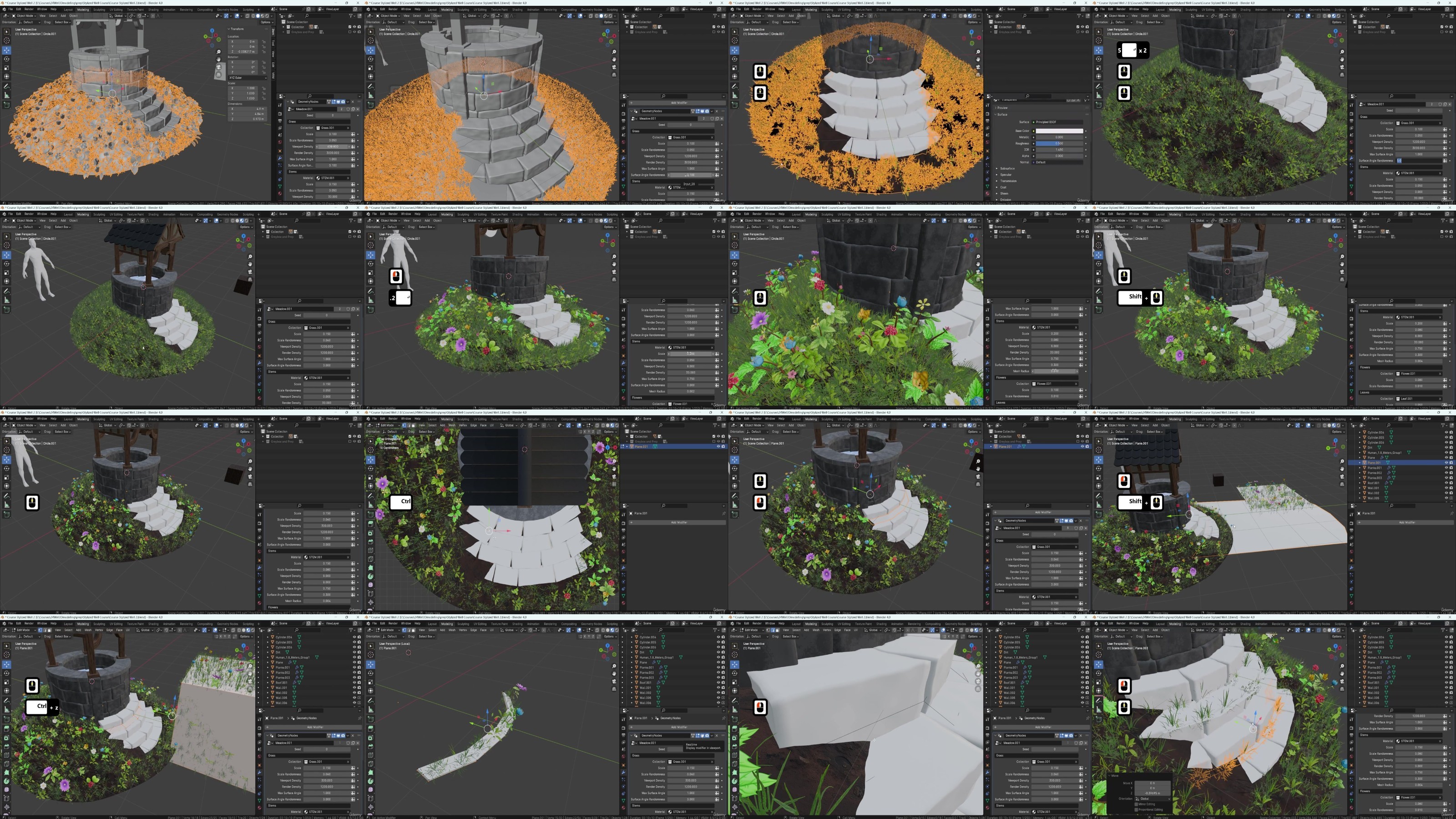
Lecture 31 Lesson 30 – Implementing Lush Grass with Geometry Nodes in Blender
Lecture 32 Lesson 31 – Advanced Grass Application Techniques in Blender for Realistic Envir
Section 12: Enhancing Terrain and Vegetation
Lecture 33 Lesson 32 – Optimizing Terrain with Grass Modifiers in Blender
Lecture 34 Lesson 33 – Finalizing the Terrain with Detailed Touches in Blender
Section 13: Detailed Environmental Decorations
Lecture 35 Lesson 34 – Crafting Decorative Elements for Stylized Environments in Blender
Lecture 36 Lesson 35 – Modeling Support Structures for Lanterns in Blender
Lecture 37 Lesson 36 – Creating Stylized Lanterns in Blender for Atmospheric Lighting
Section 14: Advanced UV Mapping and Texturing
Lecture 38 Lesson 37 – Utilizing the Magic UV Addon in Blender for Efficient Texturing
Lecture 39 Lesson 38 – Attaching Lanterns to Chains with Realism in Blender
Section 15: Constructing Functional Elements and Mechanisms
Lecture 40 Lesson 39 – Designing Turning Wheels for Wells in Blender
Lecture 41 Lesson 40 – Adjusting and Refining Cog Wheels in Blender for Dynamic Interaction
Lecture 42 Lesson 41 – Creating Realistic Buckets with Geometry Nodes and Modifiers
Section 16: Detailed Modeling and Scene Finalization
Lecture 43 Lesson 42 – Adding Intricate Details to Buckets in Blender for Enhanced Realism
Lecture 44 Lesson 43 – Integrating Buckets into Stylized Wells in Blender
Section 17: Rendering and Post-Production Techniques
Lecture 45 Lesson 44 – Setting Up Cameras and Skies in Blender for Dynamic Renders
Lecture 46 Lesson 45 – Enhancing Environments with Ivy Geometry Nodes in Blender
Section 18: Rendering and Post-Production Mastery
Lecture 47 Lesson 46 – Fundamentals of Rendering in Blender for Stylized Scenes
Lecture 48 Lesson 47 – Advanced Compositing Techniques in Blender for Dynamic Scenes
Lecture 49 Lesson 48 – Fine-Tuning Your Renders with Glare and Background Adjustments
Lecture 50 Lesson 49 – Applying Color Correction and Contrast Controls in Blender
Lecture 51 Lesson 50 – The Final Touches: Rendering Adjustments for Perfect Presentation
DDownload
https://www.keeplinks.org/p27/685ffad32e6e1
RapidGator
https://www.keeplinks.org/p27/685ffc2a10126
NitroFlare
https://www.keeplinks.org/p27/685ffeb1792be