

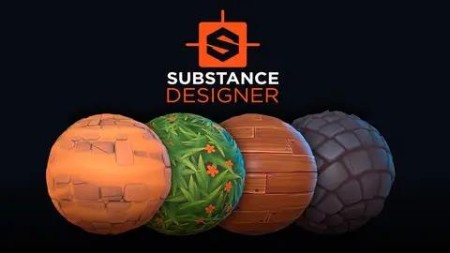
Substance Designer 2020: Stylized Material Creation.
Last updated 12/2020
MP4 | Video: h264, 1920×1080 | Audio: AAC, 44.1 KHz
Learn all the fundamentals to create materials from scratch using the powerful node system of Substance Designer
What you’ll learn
How the PBR workflow works and how to apply it to create textures in Substance Designer
How to create more than six stylized materials with Substance Designer
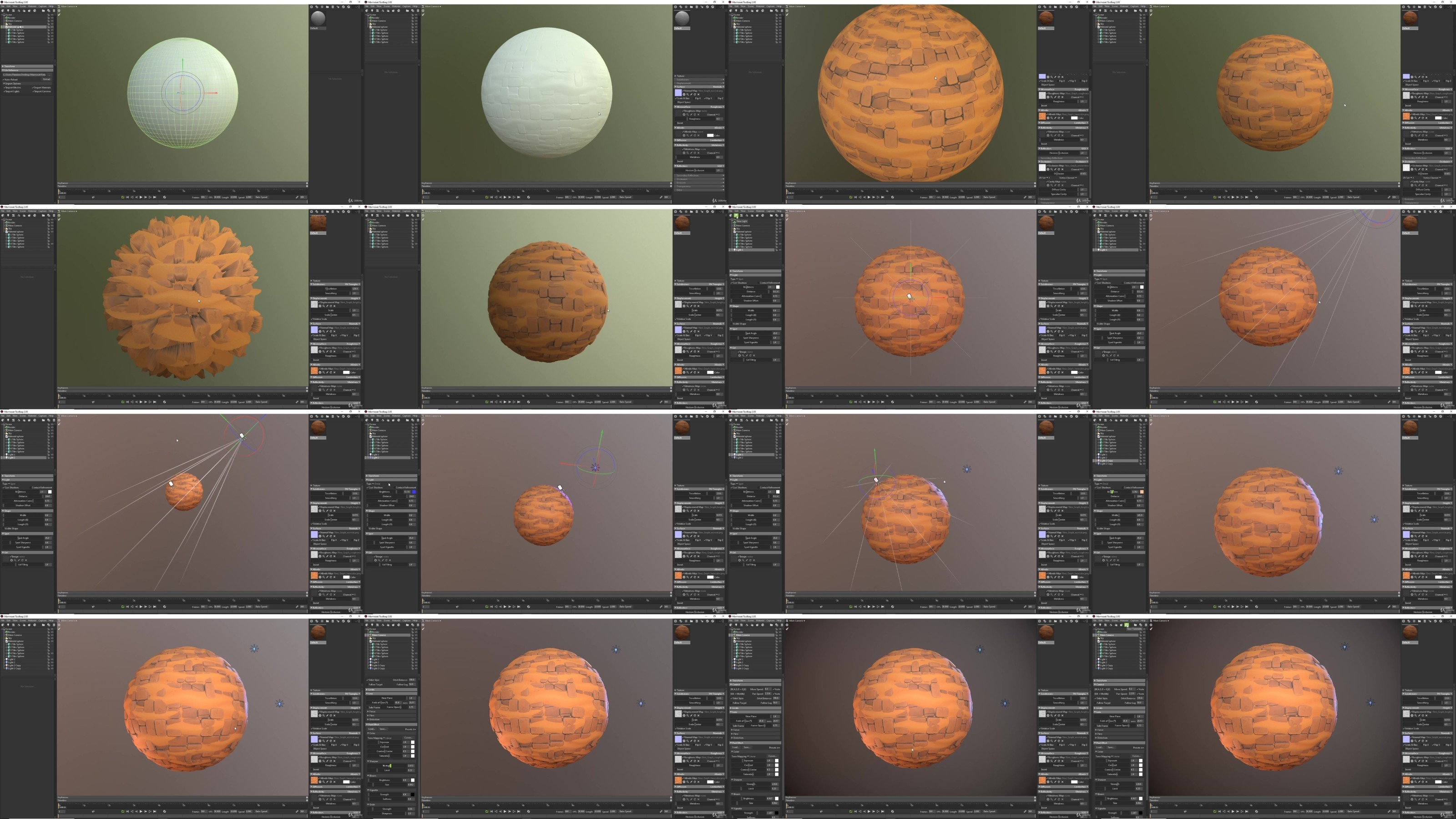
How to export materials and configure them in different rendering engines like Marmoset Toolbag and Unreal Engine
You will create high quality stylized materials and textures with Substance Designer
You will become a master in procedural material creation with Substance Designer!
Requirements
You only need the Substance Designer software (You can use the 30 days free trial)
(Optional) Marmoset Toolbag to render your materials
(Optional) Unreal Engine to create terrains
Description
Overview
Section 1: Introducción
Lecture 1 Presentation of the course
Lecture 2 Instructor presentation: Jose Moreno
Lecture 3 How to get Substance Designer
Lecture 4 Downloadable Resources
Lecture 5 Facebook group
Section 2: Fundamentals
Lecture 6 The PBR Workflow and the texture maps
Lecture 7 What is Substance Designer
Lecture 8 Nodes and interfase
Lecture 9 The graph editor
Lecture 10 the 2D and the 3D view
Lecture 11 The material creation workflow
Lecture 12 The masks and the blending modes
Section 3: Nodes and patterns
Lecture 13 Preparing the graph
Lecture 14 Simple patterns 1
Lecture 15 Simple patterns 2
Lecture 16 Curved patterns
Lecture 17 Curved patterns with volume
Lecture 18 Irregular patterns
Lecture 21 Adding color
Lecture 22 Adding the roughness
Section 4: Ground Material
Lecture 23 Creating the base pattern
Lecture 24 Adding the pebbles
Lecture 25 Adding details and colors
Lecture 26 Fixing details and more color
Lecture 27 Final details and adding the roughness
Section 5: Sand material
Lecture 28 Creating the base pattern
Lecture 29 Fixing the cavities and adding details
Lecture 30 Adding the pebbles and the color
Lecture 31 Final details and adding the roughness
Section 6: Grass materials
Lecture 32 Creating the shape of the leaves
Lecture 33 Tiling the leaves and blocking the color
Lecture 34 Creating the flowers with shapes
Lecture 35 Blending the flowers with the grass
Lecture 37 Final details and roughness
Section 7: Snow texture
Lecture 38 Creating the pattern and blocking the color
Lecture 39 Adding the roughness and final details
Section 8: Woodplanks material
Lecture 40 Creating the base pattern and the veins
Lecture 42 Adding the nails
Lecture 43 Adding the material and color blending
Lecture 44 Improving the details
Lecture 45 Final details and roughness
Section 9: Cobblestone
Lecture 46 Creating an adaptable pattern
Lecture 47 Adding wear in the stone
Lecture 48 Adding cracks in the stone
Lecture 49 Adding color
Lecture 50 Adding the roughness
Lecture 51 A small correction
Section 10: Mixing materials and rendering
Lecture 55 Blending cobblestone with snow
Lecture 56 Blending cobblestone with sand
Lecture 57 Exporting the texture maps
Lecture 58 Rendering our materials in Marmoset Toolbag
Section 11: Final chapter
Lecture 61 Conclusions
DDownload
https://www.keeplinks.org/p27/685fb56060f0a
RapidGator
https://www.keeplinks.org/p27/685fb595a4929
NitroFlare
https://www.keeplinks.org/p27/685fb7b58053f