


The Complete Selenium Webdriver Course With Testng (Java)
Published 5/2025
MP4 | Video: h264, 1920×1080 | Audio: AAC, 44.1 KHz
Automate web apps using Selenium WebDriver, Java & TestNG – learn element interaction, waits, and testing flow
What you’ll learn
Use Selenium WebDriver to locate and interact with web elements like buttons, input fields, dropdowns, checkboxes, and radio buttons.
Automate browser behavior such as navigation, window management, and waits to build reliable end-to-end UI tests.
Implement TestNG framework features including annotations, assertions, and test grouping to organize and validate test cases effectively.
Extract data from web pages using methods like getText(), getAttribute(), and evaluate element states such as visibility and selection.
Requirements
Familiarity with basic Java syntax is recommended, but no prior Selenium experience is required – everything will be taught step by step.
Description
Overview
Section 1: Introduction
Lecture 1 Course Setup: Install Everything You Need
Lecture 2 Configure Your First Test Project and Run a Selenium Test
Section 2: Element Locators: CSS Selectors, XPath, and More
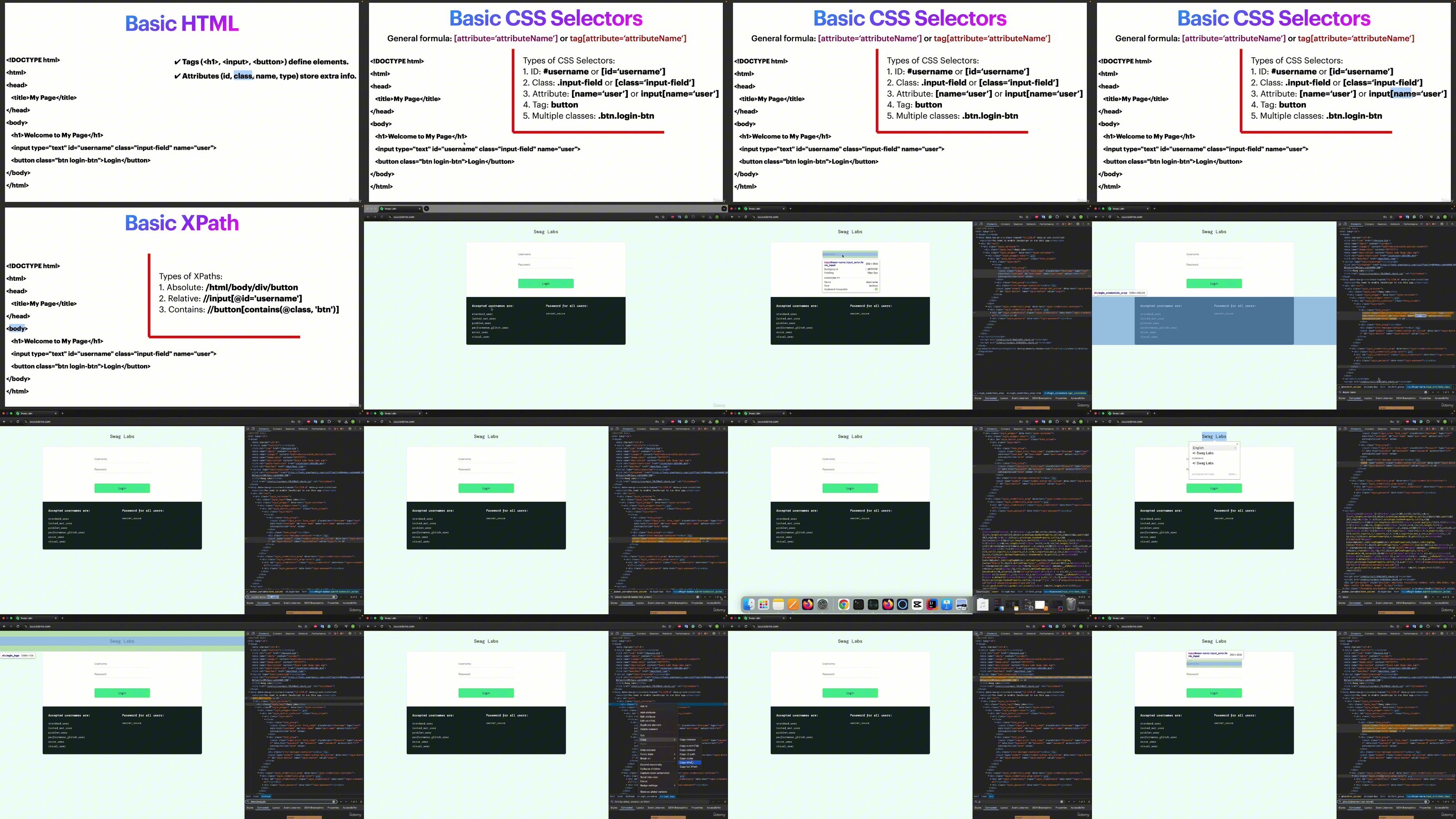
Lecture 3 Understanding HTML, CSS, and XPath for Test Automation
Lecture 4 Locating Web Elements by Common Attributes: ID, Class, and Name
Lecture 5 Locating Elements with CSS Selectors in Selenium
Lecture 6 XPath Locators: How to Find Elements in Selenium
Section 3: Mastering WebDriver Commands
Lecture 7 Exploring WebPage Details: getTitle(), getCurrentUrl(), and More
Lecture 8 WebDriver Navigation Basics: get() and navigate().to()
Lecture 9 Window Control in Selenium WebDriver
Section 4: Interacting with Web Elements in Selenium (Actions)
Lecture 10 Clicking Elements in Selenium
Lecture 11 Typing and Clearing in Selenium
Lecture 12 Getting Text and Attributes in Selenium
Lecture 13 Element Visibility and State in Selenium
Lecture 14 Handling Dropdowns with Selenium
Lecture 15 Handling Checkboxes in Selenium
Lecture 16 Interacting with Radio Buttons in Selenium
Section 5: Wait Strategies in Selenium WebDriver
Lecture 17 Thread Sleep
Lecture 18 Implicit Wait
Lecture 19 Explicit Wait
Section 6: TestNG
Lecture 20 Understanding TestNG Annotations
Lecture 21 Using Assertions for Test Validation
DDownload
https://www.keeplinks.org/p27/68570c441c03d
RapidGator
https://www.keeplinks.org/p27/68570cc11f3fc
NitroFlare
https://www.keeplinks.org/p27/68570d1c536c4