The Complete Virtual Assistant Training: Key Skills & Tools
Published 10/2024
MP4 | Video: h264, 1920×1080 | Audio: AAC, 44.1 KHz
Virtual Assistant Training: Master Key Administrative Support Skills and Excel as a Top Virtual Personal Assistant
What you’ll learn
Gain clarity on the responsibilities of a virtual assistant and the benefits of this career in a remote working environment.
Cultivate essential attitudes like adaptability, resilience, and a client-first approach for professional success.
Learn about initial investments and potential earnings to effectively plan your virtual assistant business.
Discover the essential tools and equipment needed to create an efficient and comfortable home office.
Gain proficiency in Microsoft Office and Google Workspace tools to streamline administrative tasks and enhance productivity.
Sharpen both written and verbal communication skills for clear interactions with clients, including mastering video conferencing tools like Zoom and Google Meet
Master strategies for prioritizing tasks, managing deadlines, and keeping client projects organized.
Learn how to establish trust with clients, handle sensitive information, and create a positive working environment.
Understand the fundamentals of managing projects, collaborating with clients, and ensuring timely delivery.
Create a career development plan to identify growth opportunities, adapt to changing client needs, and leverage digital tools for efficiency.
Requirements
Description
Overview
Section 1: Introduction to Your Role
Lecture 1 What will you Do as a Virtual Assistant?
Lecture 2 Common Questions About Being a Virtual Assistant
Lecture 3 What are the seven stages of the pipeline of becoming a personal assistant?
Lecture 4 The Benefits of Being a Virtual Assistant
Lecture 5 The Mindsets That Require
Section 2: Preparing for Success
Lecture 7 Essential Equipment for Every Assistant
Section 3: Essential Software for Your Workflow
Lecture 8 Maximise Microsoft Word and Google Docs for Efficiency
Lecture 9 Boost Productivity with Microsoft Excel and Google Sheets
Lecture 10 Utilise PowerPoint & Google Slides for Effective Presentations
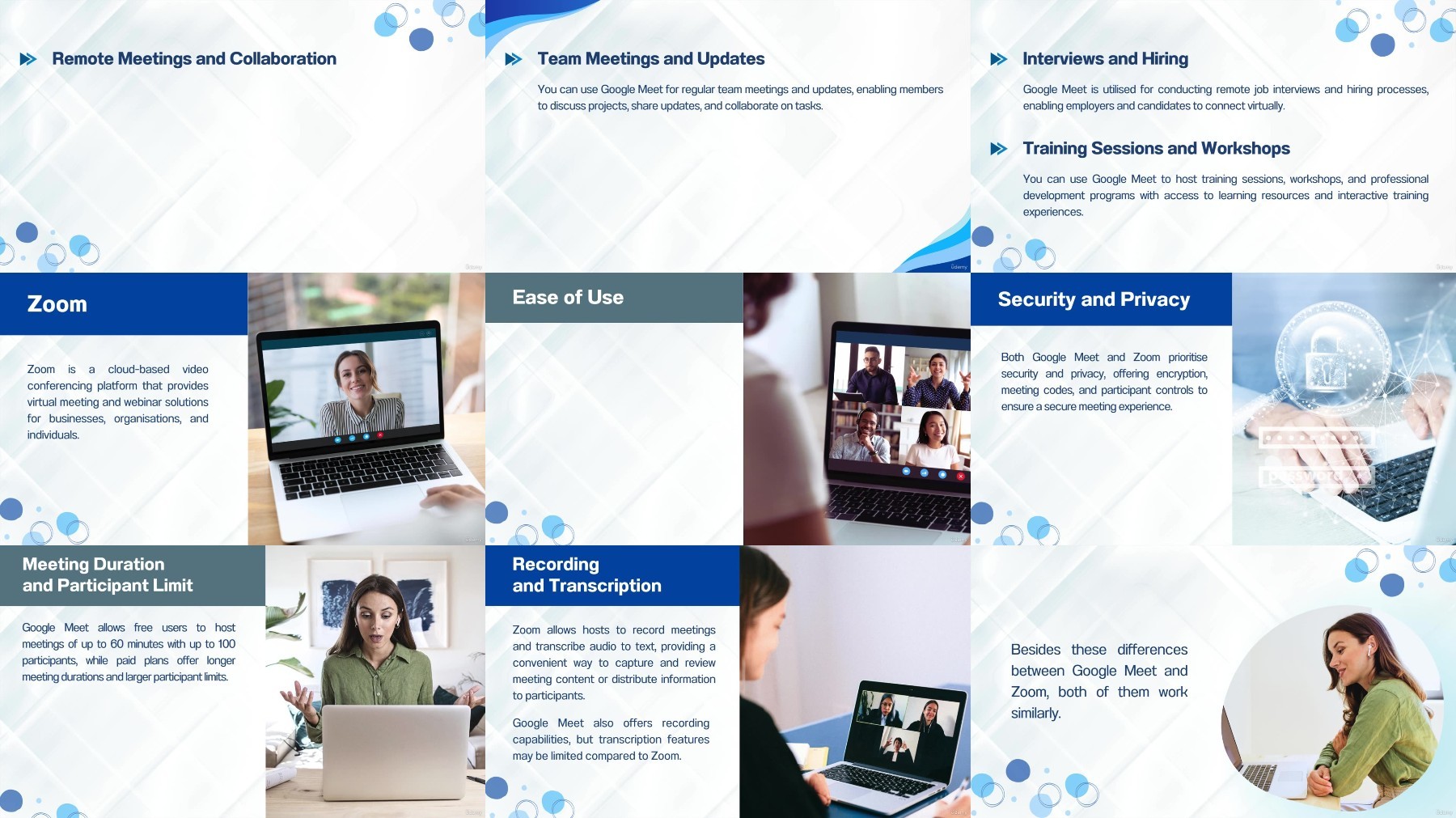
Lecture 11 Google Meet and Zoom for Virtual Communication
Section 4: Manage Social Media and Email Marketing
Lecture 12 Types of Email Marketing
Lecture 13 Basic Steps on Email Marketing
Lecture 14 Social Media Management
Lecture 15 Create Simple Graphics
Section 5: Travel Management
Lecture 16 Introduction to Travel Management
Lecture 17 Itinerary Planning
Lecture 18 Book Flights and Accommodation
Lecture 19 How to Manage Travel Budgets?
Lecture 20 Handle Last-Minute Changes
Lecture 21 Tools and Apps for Travel Management
Section 6: Develop Essential Skills for Success
Lecture 22 Enhance Your Written and Verbal Communication
Lecture 23 Master Time Management for Greater Efficiency
Lecture 24 Cultivate Strong Organisational Skills
Lecture 25 Improve Your Attention to Detail
Lecture 26 Boost Your Problem-Solving Abilities
Lecture 27 Improve Your Multitasking Skills
Section 7: Build Effective Relationships
Lecture 28 The Importance of Building Strong Relationships
Lecture 29 Develop Trust in Professional Relationships
Lecture 30 Maintain Clear and Precise Communication
Lecture 31 Navigate Challenging Situations and Conflicts
Lecture 32 Handle Sensitive Information with Care
Section 8: Preparing for Successful Meetings and Events
Lecture 33 Key Strategies for Organising Meetings and Events
Lecture 34 Essential Questions to Ask When Booking a Venue
Lecture 35 Take Effective Meeting Minutes
Section 9: Manage Stress and Prioritise Self-Care
Lecture 36 Practice Self-Care for Optimal Performance
Lecture 37 Identify and Manage Stress in High-Pressure Situations
Lecture 38 Balance Between Personal and Professional Life
Aspiring Virtual Assistants who want to build a strong foundation and learn the skills needed to support clients effectively.,Current Virtual Assistants who are looking to expand their service offerings, increase productivity, and enhance their professional toolkit.,Entrepreneurs and Small Business Owners who want to develop the administrative skills necessary to streamline their own operations or support other business owners.,Freelancers who are seeking to diversify their services by adding virtual assistance skills to their portfolio.,Remote Workers who are aiming to thrive in a virtual work environment by mastering communication, time management, and organisation.,Graduates who are entering the job market and interested in a flexible career that allows them to work from anywhere.,Stay-at-Home Parents who are looking for opportunities to earn an income while managing their household.,Individuals transitioning from traditional office roles who want to leverage their skills in a virtual setting and enjoy a more flexible lifestyle.,Professionals in Administrative Roles who want to enhance their skills for remote or hybrid work settings.,Career Changers who are seeking a new and dynamic field that offers growth, flexibility, and the ability to work with diverse clients.,Human Resource Professionals who want to understand the role of virtual assistants to better support hiring and training processes.,Executive Assistants who are looking to upgrade their skills and adapt them for remote work environments, offering more value to their executives.,Consultants and Coaches who need to manage their own online presence, email marketing, and administrative tasks more effectively.