


The Foundations Of Power Platform
Published 1/2025
MP4 | Video: h264, 1920×1080 | Audio: AAC, 44.1 KHz
Begin your journey with Power BI Desktop, Power Automate, and more in this beginner-friendly course.
What you’ll learn
Understand the purpose and uses of the applications that utilize the Power Platform.
Understand the Power Platform and its features.
Understand the purpose and uses of Power BI Desktop.
Understand the purpose and uses of Power BI Report Builder.
Understand the purpose and uses of Power Automate.
Understand the purpose and uses of Power Apps.
Understand the purpose and uses of Power Pages.
Understand the purpose and uses of Virtual Agents.
Requirements
Familiarity with a web browser environment, the ability to download a zip file and extract its contents, and basic file operations such as opening and closing files are required.
Description
Overview
Section 1: Introduction
Lecture 1 Welcome and Introduction
Section 2: Introducing the Power Platform
Lecture 2 What is the Power BI Platform?
Lecture 3 What are the Power BI Apps?
Section 3: Introducing PBI Desktop
Lecture 4 Introducing Power BI Desktop
Lecture 5 Connecting to Data
Lecture 6 Understanding Data Types and Data Categories
Lecture 7 Building Visualizations
Lecture 8 Building Dashboards
Section 4: Introducing PBI Report Builder
Lecture 9 Introducing Power BI Report Builder
Lecture 10 Connecting to Data
Lecture 11 Creating a Report
Lecture 12 Using Sparklines and Databars
Lecture 13 Running Reports in the Service
Section 5: Introducing Power Automate
Lecture 14 Introducing Power Automate
Lecture 15 Creating a Flow from a Template
Lecture 16 Understanding Connectors
Lecture 17 Understanding Flow Components
Lecture 18 Building a Flow from a Blank
Lecture 19 Configuring Flow Components
Lecture 20 Adding an Action
Section 6: Introducing Power Apps
Lecture 21 Introducing Power Apps
Lecture 22 Building an App
Lecture 23 Exploring the Design Environment
Lecture 24 Editing Properties
Lecture 25 Inserting New Items and Deleting Existing Items
Lecture 26 Inserting a Screen
Lecture 27 Adding Actions
Lecture 28 Distributing Apps
Section 7: Introducing Power Pages
Lecture 29 Introducing Power Pages
Lecture 30 Creating New Sites from a Template
Lecture 31 Navigating the Design Studio
Lecture 32 Examining Pages
Lecture 33 Editing Components
Lecture 34 Adding and Moving Page Sections
Lecture 35 Adding Text and Subtext
Lecture 36 Configuring Buttons
Lecture 37 Adjusting Page Settings
Lecture 38 Changing Styles
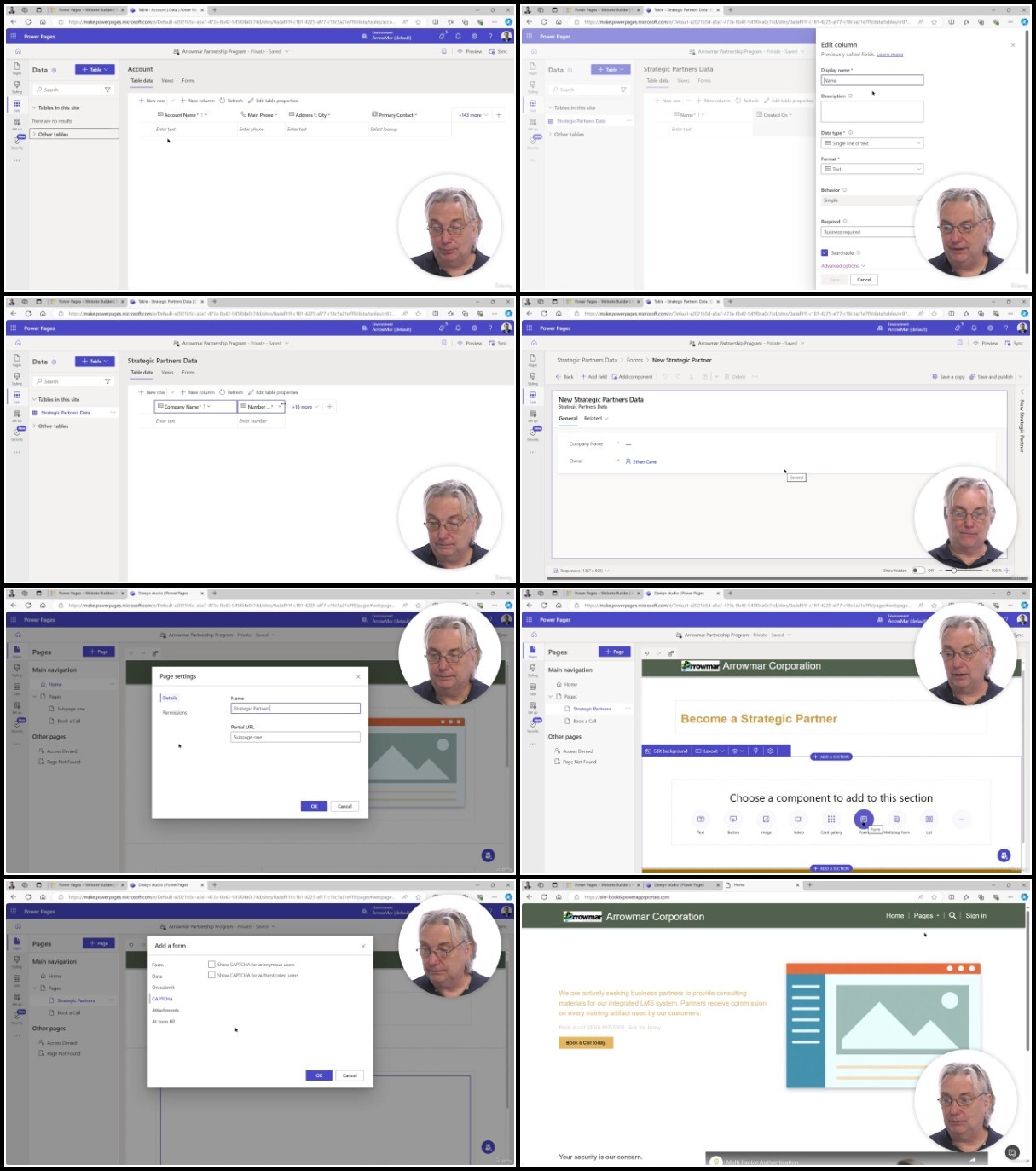
Lecture 39 Adding Data, Tables, and Forms
Lecture 40 Applying Final Settings
Section 8: Introducing Virtual Agents
Lecture 41 Understanding Virtual Agents
Lecture 42 Navigating the Main Interface
Lecture 43 Creating a Copilot
Lecture 44 Understanding Knowledge
Lecture 45 Understanding Topics
Lecture 46 Using Authoring Canvas Tools
Section 9: Conclusion
Lecture 48 Course Recap
Section 10: The Foundations of Power Platform Assessment
Ideal for beginners seeking to explore the Power Platform and its applications.
TurboBit
https://www.keeplinks.org/p27/67ca1615b6d7a
RapidGator
https://www.keeplinks.org/p27/67ca176784828
AlfaFile
https://www.keeplinks.org/p27/67ca1783a1c24
FileFactory