

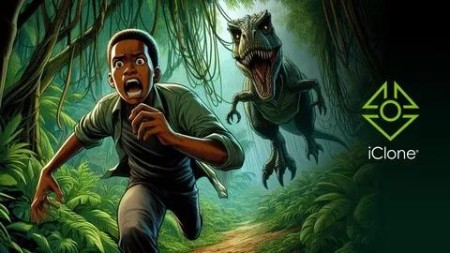
The Ultimate Iclone Project Course: Concept To Final Render
Published 2/2025
MP4 | Video: h264, 1920×1080 | Audio: AAC, 44.1 KHz
How to Build and Perfect Animation Projects Using iClone
What you’ll learn
Create dynamic character animations, including advanced techniques like motion blending, animation layering, and using the Perform Editor.
Design cinematic environments with lighting, camera angles, and visual effects that enhance storytelling.
Animate realistic facial expressions and character interactions to bring your story to life.
Develop professional-level animation timing, camera switching, and scene transitions.
Gain confidence in managing complex animation sequences and problem-solving throughout the production process.
Requirements
Basic knowledge of iClone software is recommended, but not mandatory.
Access to iClone (preferably the latest version) to follow along with the tutorials.
A computer capable of running iClone efficiently (minimum system requirements for iClone are sufficient).
A willingness to learn and experiment with new techniques in 3D animation.
No advanced animation experience is required-this course is designed to guide both intermediate and advanced users through every step.
Description
Overview
Section 1: INTRODUCTION
Lecture 1 INTRODUCTION
Lecture 2 ABOUT THIS COURSE
Section 2: EDDIE’S FALL FROM THE SKY
Lecture 3 OVERVIEW
Lecture 4 PREPARING THE HERO CHARACTER
Lecture 5 TESTING ASSETS WITH EDDIE
Lecture 6 THE FLOOR
Lecture 7 STORYBOARD
Lecture 8 ADDING ANIMATION AND FACIAL EXPRESSIONS
Lecture 9 CREATING CAMERA ANGLES
Lecture 10 ATTACHING THE CAMERAS TO EDDIE
Lecture 11 SWITCHING THE CAMERA ANGLES
Lecture 12 ADDING VOICES TO EDDIE
Lecture 13 SKY AND FALL SIMULATION
Lecture 14 TWEAKING THE DURATION
Lecture 15 TWEAKING THE CLOTH PHYSICS AND THE FINAL CAMERA
Lecture 16 LIGHTING AND MOTION BLUR
Lecture 18 RENDERING THE SCENE
Section 3: EDDIE’S ENCOUNTER WITH THE DINOSAUR
Lecture 19 OVERVIEW
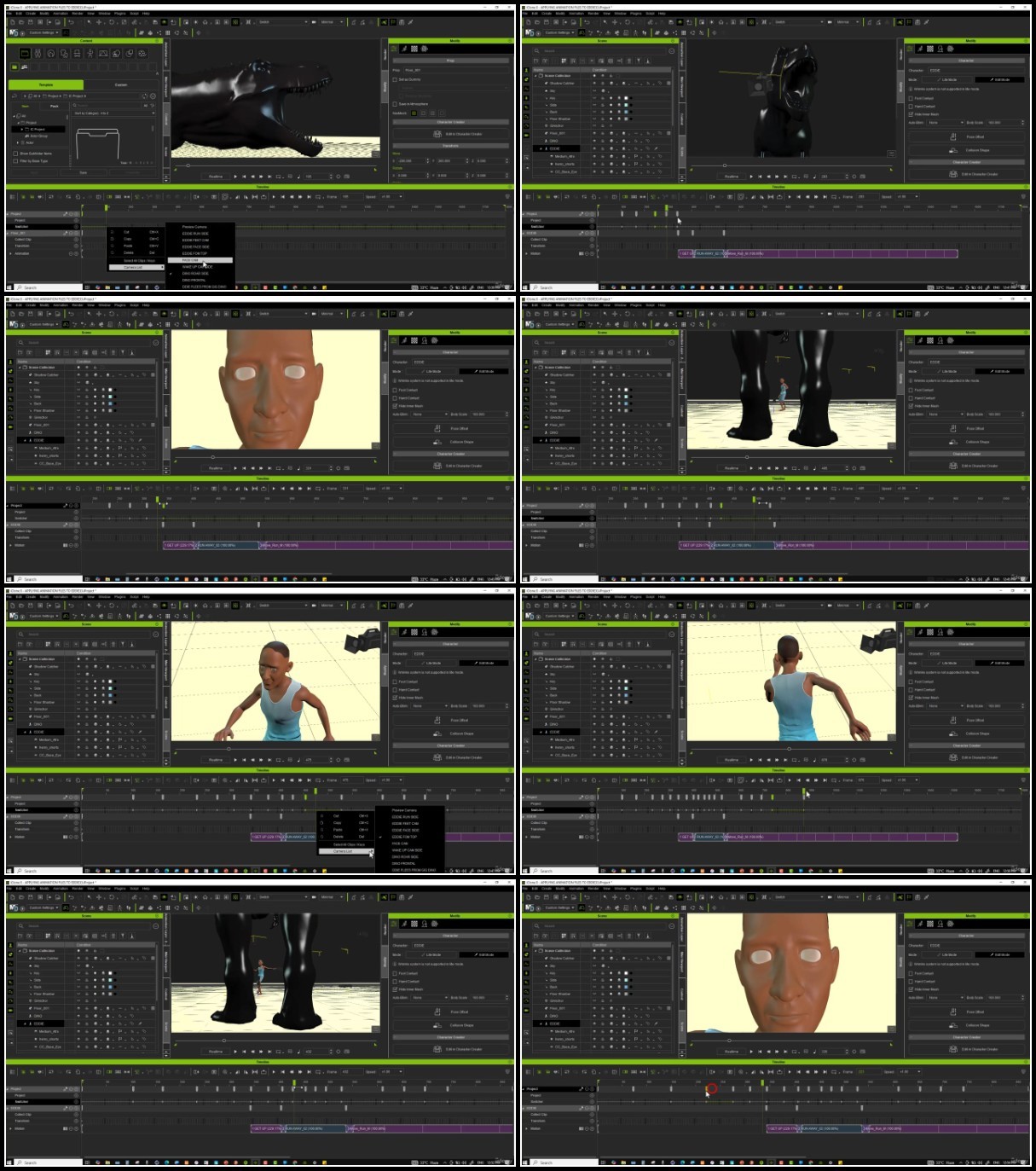
Lecture 20 TESTING THE ANIMATION FILES
Lecture 21 ADDING ANIMATION FILES TO EDDIE
Lecture 22 ADDING ANIMATION FILES TO THE DINOSAUR
Lecture 23 CREATING CAMERAS
Lecture 24 SWITCHING THE CAMERA ANGLES
Lecture 25 REFINING THE CAMERA ANGLES AND DINOSAUR ANIMATION
Lecture 26 ADDING FACIAL EXPRESSIONS TO EDDIE
Lecture 27 ADDING ‘LOOK BACK’ ACTION TO EDDIE USING THE MOTION LAYER
Lecture 28 ADDING MOTION TO CAMERAS
Lecture 29 ADDING GRASS TEXTURE AND SKY
Lecture 30 ADDING TREES TO THE SCENE
Lecture 31 ADDING GRASS PATCHES TO THE SCENE
Lecture 32 ADDING LIGHTING TO THE SCENE
Lecture 33 ADDING DOF THE SCENE
Lecture 34 IMPROVING THE QUALITY USING VISUAL EFFECTS
Section 4: THE CHASE AND EDDIE’S DRAMATIC END
Lecture 35 CHAPTER OVERVIEW
Lecture 36 ADDING ANIMATION FILES TO EDDIE
Lecture 37 USING MOVEMENT KEYFRAMES TO TIME DINOSAUR ACTIONS
Lecture 38 ADDING ANIMATION FILES TO THE DINOSAUR
Lecture 39 SWITCHING THE CAMERA ANGLES
Lecture 40 ADDING FACIAL EXPRESSIONS TO EDDIE
Lecture 41 IMPROVING EDDIE’S ACTIONS USING MOTION LAYER
Lecture 42 ADDING ‘LOOK AT’ FEATURE TO EDDIE
Lecture 43 ADDING THE FIREBALL FROM THE DINOSAUR
Lecture 44 FINAL TOUCHES COMPLETING EDDIE’S DRAMATIC SCENE
Lecture 45 ADDING THE SKELETON
Section 5: EDDIE AWAKENS
Lecture 47 OVERVIEW
Lecture 48 REHEARSAL AND ADDING FILES TO MOTION PERFORMING LIST
Lecture 49 ADDING ANIMATION TO THE SCENE
Lecture 50 ADDING DIALOGUE TO THE SCENE
Lecture 52 ADDING FACIAL EXPRESSIONS TO EDDIE
Lecture 53 CREATING CAMERA ANGLES
Lecture 54 PREVIEWING THE SWITCHED CAMERA
Lecture 55 ADDING LIGHTING TO THE SCENE
Lecture 56 COURSE SUMMARY
TurboBit
https://filecrypt.cc/Container/448DC8E3E9.html
https://www.keeplinks.org/p27/67af90b1e05d2
RapidGator
https://filecrypt.cc/Container/61C1536DCC.html
https://www.keeplinks.org/p27/67af9305d296f
AlfaFile
https://filecrypt.cc/Container/6FDFDC1213.html
https://www.keeplinks.org/p27/67af93217ac96
FileFactory