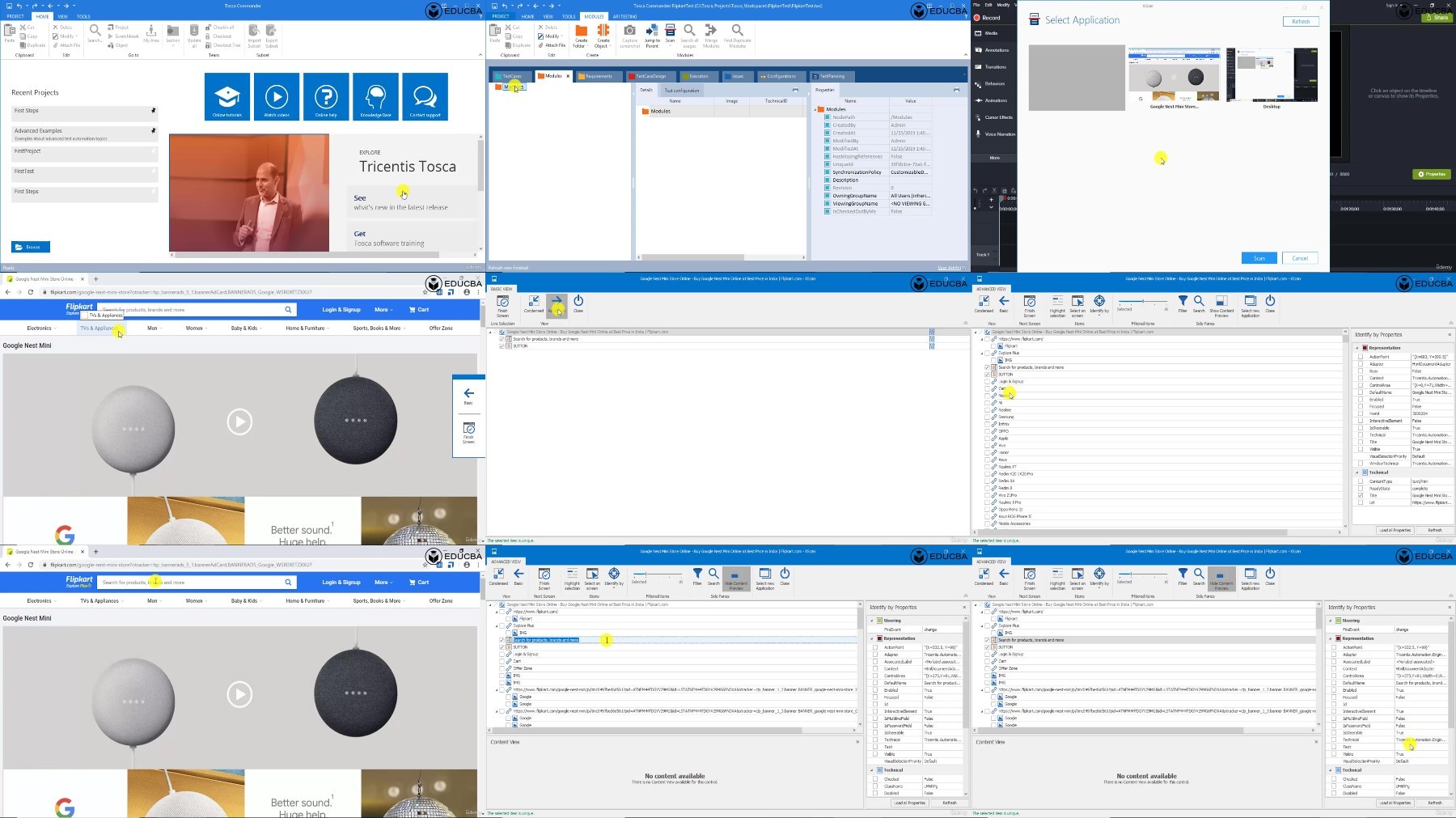
Tricentis Tosca Test Automation Tools And Techniques
Published 10/2024
MP4 | Video: h264, 1920×1080 | Audio: AAC, 44.1 KHz
Unleash the power of automation with Tricentis Tosca and build seamless, efficient testing workflows!
What you’ll learn
The fundamentals of automation testing – understanding its importance, process, and benefits.
How to effectively plan and design automation tests using industry-leading tools like Tosca.
Installation and setup of Tosca software, ensuring a solid foundation for practical testing.
Tosca’s core concepts and features, including creating and managing test modules, test cases, and execution.
How to perform continuous testing with Tosca and understand the differences between Tosca and other tools like Selenium.
Hands-on experience by working on real-world projects, including creating a Faculty Feedback System using Tosca.
End-to-end automation processes for different systems, ensuring students can automate, test, and troubleshoot diverse scenarios.
Project-based learning to solidify skills and apply Tosca’s features in real-world scenarios.
Requirements
Basic understanding of software testing – familiarity with manual or automation testing concepts will be helpful.
Knowledge of web technologies – understanding of web applications, databases, and software development processes.
Tosca installation – students should install the Tricentis Tosca software (instructions for installation are provided in the course).
Description
Overview
Section 1: Trecentist Tosca Automation Tool
Lecture 1 Introduction to Automation Testing
Lecture 2 Why Automation Testing
Lecture 3 Automation Testing Process
Lecture 4 Planning-Design and Development
Lecture 5 Intro to Tosca
Lecture 6 Tosca Concept
Lecture 7 Difference between Selenium and Tosca
Lecture 8 Continuous Testing
Lecture 9 Installation of Tosca Software
Lecture 10 Tools in Tosca
Lecture 11 Adding Project to TOSCA
Lecture 12 Introduction To Modules
Lecture 13 Creating a Module
Lecture 14 Creating Module Continuous
Lecture 15 Creating Modules For Android
Lecture 16 Console Application
Lecture 17 Introduction To Test Cases
Lecture 18 Creation of Test Cases
Lecture 19 User Inputs
Lecture 20 Introduction To Execution
Lecture 21 Adding Test Cases To Execution
Lecture 22 Testing Sample Web Application
Lecture 23 Testing Sample Web Application Continuous
Section 2: Project on TOSCA – Faculty Feedback System
Lecture 24 Introduction to Project
Lecture 25 Introduction to Project Continue
Lecture 26 Understanding Project Flow and Coding
Lecture 27 Creating Database and Tables
Lecture 28 Adding Data into Tables
Lecture 29 Creating Tables For Report
Lecture 30 Creating Modules for Admin
Lecture 31 Creating Modules for Faculty
Lecture 32 Creating Modules For Student
Lecture 33 Creating Test Cases and Test Case Design For All Modules
Lecture 34 User Input For All Modules
Lecture 35 Execution of All Test Cases
Manual Testers who want to transition to automation testing and learn industry-leading tools like Tosca.,Automation Testers who are familiar with other tools like Selenium and want to expand their skills with Tosca.,Software Quality Assurance Professionals seeking to enhance their testing efficiency with automated processes.,Developers who want to integrate testing automation into their development workflow.,IT Professionals looking to upskill or reskill in the automation testing domain.,Students or Graduates aspiring to build a career in software testing or quality assurance.,Project Managers and Team Leads wanting to understand automation testing processes to improve project workflows.