


4 GB | 17min 38s | mp4 | 1280X720 | 16:9
1 -Welcome to Linux Mastery for Modern Developers and DevOps!.mp4 (16.45 MB)
2 -Course objectives.mp4 (29.98 MB)
3 -How to take the best of the course.mp4 (16.61 MB)
1 -Introduction to shell scripting.mp4 (14.58 MB)
14 -The structure of a Bash script Control Structures – case.mp4 (66.73 MB)
15 -For Loop inline.mp4 (11.8 MB)
16 -For loop in script.mp4 (22.27 MB)
17 -While loop.mp4 (10.57 MB)
18 -Until loop.mp4 (60.03 MB)
2 -Definition and purpose of Bash scripting.mp4 (9.35 MB)
22 -Project Mastery #09.mp4 (27.02 MB)
23 -Project Mastery #09 Solution.mp4 (67.11 MB)
3 -The Structure of a shell script.mp4 (18.24 MB)
4 -Writing a Hello, World! script.mp4 (15.89 MB)
1 -The service manager Systemctl.mp4 (104.69 MB)
2 -Systemctl enabling and disabling services.mp4 (18.67 MB)
3 -Inspecting services with Journalctl.mp4 (28.52 MB)
4 -Legacy service manager service.mp4 (33.01 MB)
5 -Using ssh for remote command execution.mp4 (37.11 MB)
6 -File transfer with scp.mp4 (31.5 MB)
7 -File synchronization with rsync.mp4 (27.04 MB)
8 -Mastery project #10a Web Server setup.mp4 (29.9 MB)
9 -Mastery project #10b Remote file management.mp4 (72.56 MB)
1 -Installing and configuring git.mp4 (85.95 MB)
2 -Installing code editor.mp4 (16.15 MB)
3 -Installing and configuring nodejs and npm.mp4 (54.65 MB)
4 -Installing database technology.mp4 (38.14 MB)
1 -Introduction to task automation.mp4 (16.07 MB)
2 -Scheduling jobs with at command.mp4 (70.84 MB)
3 -Introduction to Cron and Crontab.mp4 (5.87 MB)
6 -Mastery project #12 Solution.mp4 (56.54 MB)
1 -Congratulations and Thank you!.mp4 (15.9 MB)
1 -Introduction to Linux and its history.mp4 (44.64 MB)
2 -The Linux boot process.mp4 (18.16 MB)
3 -Basic Linux architecture and components.mp4 (14.22 MB)
4 -The Linux Prompt Understanding the shell and terminal.mp4 (18.08 MB)
5 -Navigating the System Directory structure and basic navigation.mp4 (73.59 MB)
1 -System Health Monitoring Checking System Uptime.mp4 (6.71 MB)
2 -System Health Monitoring Monitoring Disk Usage.mp4 (39.73 MB)
3 -System Health Monitoring Memory and CPU Usage.mp4 (12.87 MB)
4 -Process Management Viewing processes ps and top.mp4 (35.59 MB)
5 -Process Management Managing processes kill and pkill.mp4 (45.44 MB)
6 -Mastery project #02.mp4 (9.77 MB)
7 -Mastery project #02 Solution.mp4 (61.88 MB)
1 -Viewing file content with cat.mp4 (11.37 MB)
12 -Changing ownership chown.mp4 (37.74 MB)
2 -Viewing file content with less.mp4 (28.79 MB)
3 -Viewing file content with more.mp4 (14.71 MB)
4 -Viewing file content with head and tail.mp4 (58.12 MB)
5 -Counting lines, words, and characters wc.mp4 (35.2 MB)
6 -Finding unique lines uniq.mp4 (20.78 MB)
7 -Cutting sections of files cut.mp4 (19.43 MB)
8 -Comparing files diff.mp4 (13.88 MB)
9 -Filtering information from text using grep and egrep.mp4 (110.56 MB)
8 -Text viewing and editing nano.mp4 (47.97 MB)
9 -Text viewing and editing vi.mp4 (22.2 MB)
1 -Introduction to sed.mp4 (88.6 MB)
2 -Introduction to awk.mp4 (76.43 MB)
3 -Regular Expressions Basic syntax and usage.mp4 (88.93 MB)
4 -Regular Expressions Practical examples with grep, and awk.mp4 (182.12 MB)
5 -Mastery project #05 Solution.mp4 (32.65 MB)
5 -Viewing and manipulating compressed files zcat, zless, zmore.mp4 (9.81 MB)
6 -Mastery project #06 solution.mp4 (56.97 MB)
1 -Using locate and understanding its database.mp4 (13.6 MB)
4 -Mastery project #07 Mastering find for complex searches – Solution.mp4 (34.13 MB)
1 -Introduction to package managers.mp4 (8.91 MB)
2 -Using apt on Debian-based systems.mp4 (11.53 MB)
3 -Apt in action.mp4 (145.1 MB)
6 -Using Yum on Red Hat-based systems.mp4 (105.99 MB)
7 -Mastery project #08 Managing packages – Solution.mp4 (74.6 MB)
]
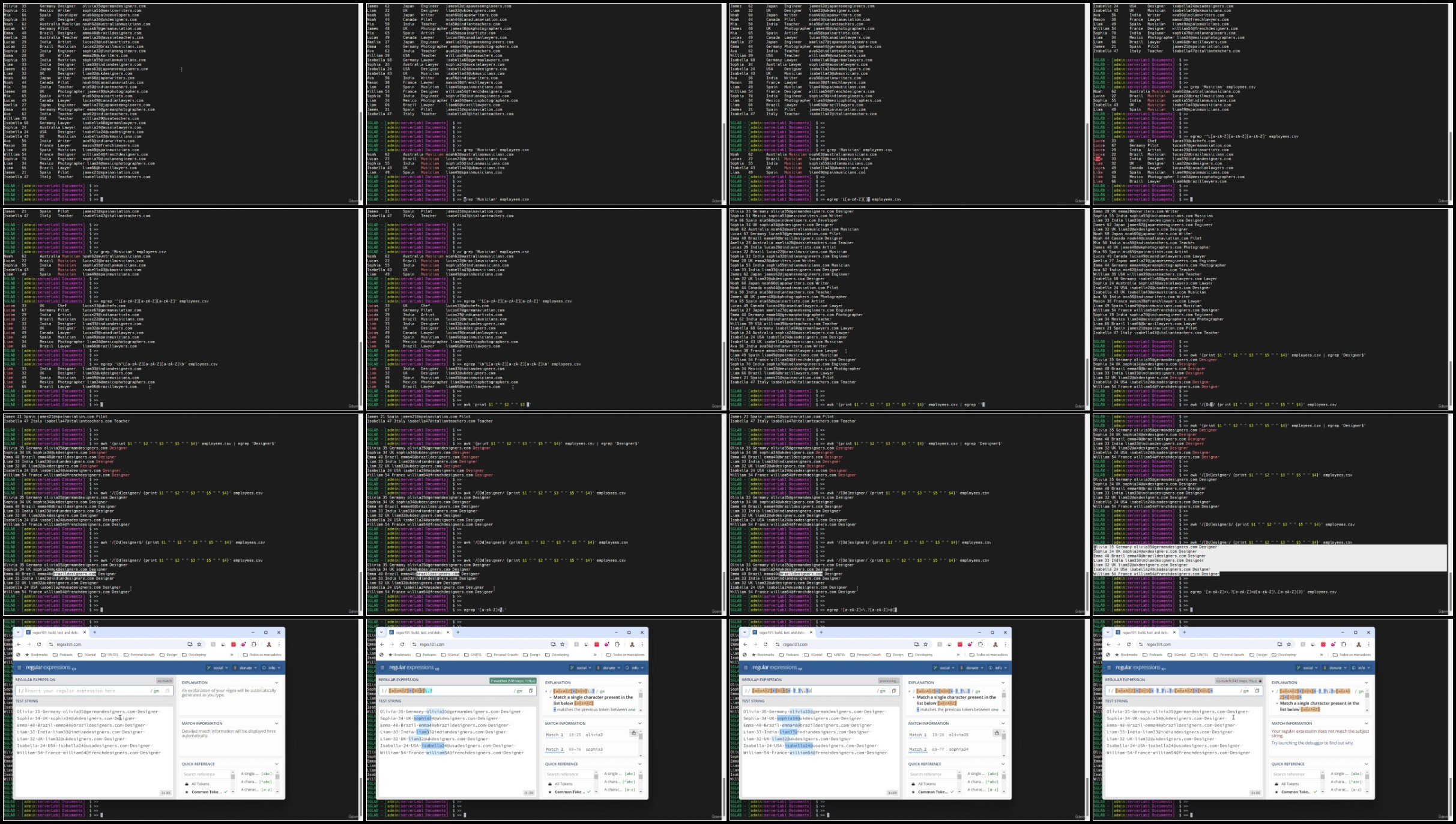
Screenshot
Rapidgator links are free direct download only for my subscriber, other hosts are free download for free users