Mastering Ibm Websphere 9.X Administration
Published 8/2024
MP4 | Video: h264, 1920×1080 | Audio: AAC, 44.1 KHz
Mastering IBM WebSphere 9.x Administration: From Intro to Advanced
What you’ll learn
Master WebSphere architecture: HA, clustering, failover, load balancing. Build robust environments for seamless operations.
Learn WebSphere components: Cells, Nodes, Admin Console, Deployment Manager. Configure/manage systems for smooth deployments and maintenance.
Implement/manage WebSphere topologies: standalone, network deployment, admin agent. Choose and configure based on operational needs.
Develop skills in WebSphere profiles: set up/manage profiles for multiple server environments and specific configurations.
Master WebSphere Admin Console: deploy applications, configure servers, and perform essential admin tasks with ease.
Learn WebSphere configuration files, directory structures, and ports to manage systems efficiently with minimal downtime.
Complete labs on managed servers, Deployment Managers, and agent profiles for real-world implementation.
Explore JMS: learn Service Integration Bus, JMS Queue theory, and enterprise system messaging configuration.
Configure JDBC providers and data sources in WebSphere to connect applications with databases seamlessly.
Integrate IBM HTTP Server with WebSphere: set up SSL to ensure secure communication between servers and clients.
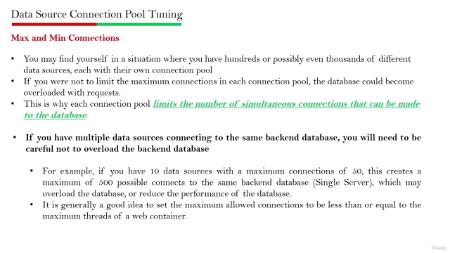
Optimize WebSphere performance with tuning techniques to maintain stability under heavy traffic.
Master WebSphere CLI (wsadmin) to automate administrative tasks and improve operational efficiency.
Manage WebSphere users and groups: ensure proper access control and security within your environment.
Leave equipped with practical WebSphere skills, ready for advanced roles in administration and management.
Requirements
Description
Overview
Section 1: WebSphere Architecture
Lecture 1 WebSphere Architecture
Section 2: Introduction: About WebSphere and Core Components
Lecture 2 Introduction: About WebSphere and Core Components
Section 3: WebSphere Topologies
Lecture 3 WebSphere Topologies
Section 4: WebSphere Profiles
Lecture 4 WebSphere Profiles
Section 5: WebSphere Admin Console
Lecture 5 WebSphere Admin Console
Section 6: AWS Free Signup , Create EC2 Machine and Linux GUI Setup
Lecture 6 AWS Free Signup
Lecture 7 Create AWS EC2 Linux Machine
Lecture 8 Linux GUI Setup
Section 7: WebSphere Edition and Installation
Lecture 9 WebSphere Edition and Installation
Lecture 10 WebSphere Command Line Installation
Section 8: WebSphere Configuration Files, Directory Structure, and Ports
Lecture 11 WebSphere Configuration Files, Directory Structure, and Ports
Section 10: LAB and Explanation – Installation (GUI and Command Line)
Lecture 13 Installation (GUI)
Lecture 14 Installation (Local Repository)
Lecture 15 Installation (Online Repository)
Lecture 17 Create WebSphere Cell Profile
Lecture 18 Create WebSphere DMGR Profile
Section 13: LAB and Explanatio – Create and Configure WebSphere Administrative Agent Profile
Lecture 19 Create and Configure WebSphere Administrative Agent Profile
Section 14: LAB and Explanation – Create WebSphere Two Node Cluster
Lecture 20 LAB – Create WebSphere Two Node Horizontal Cluster
Section 15: LAB and Explanation – Create Different Profiles Using ManageProfile Utility
Lecture 21 Understand Creating Different Profiles Using ManageProfile Utility
Lecture 22 LAB – Create Different Profiles Using ManageProfile Utility
Section 16: LAB and Explanation – WebSphere Deployment
Lecture 23 Understand WebSphere Deployment
Lecture 24 LAB – WebSphere Deployment
Section 17: LAB and Explanation – WebSphere JMS Configurations
Lecture 25 LAB – Understand WebSphere Service Integration Bus (SIB)
Lecture 26 LAB – Configure WebSphere SIB
Lecture 27 LAB – Understand WebSphere JMS Queue and Connection Factory
Lecture 28 LAB – Configure WebSphere Queue and Connection Factory
Section 18: LAB and Explanation – WebSphere Creating JDBC Providers and Data Sources
Lecture 29 LAB – Understand WebSphere JDBC Provider and Data Sources
Lecture 30 LAB – Configure WebSphere Data Sources
Section 19: LAB and Explanation – IHS (IBM HTTP Server) Integration
Lecture 31 LAB – Understand IHS (IBM Web Server) and WebSphere Integration
Lecture 32 LAB – Configure IHS and WebSphere Integration
Section 20: LAB and Explanation – IHS SSL Configuration
Lecture 33 LAB – Understand SSL Configuration in IHS
Lecture 34 LAB – Configure IHS with Self Sigh Certificate
Section 21: LAB and Explanation – WebSphere Tuning
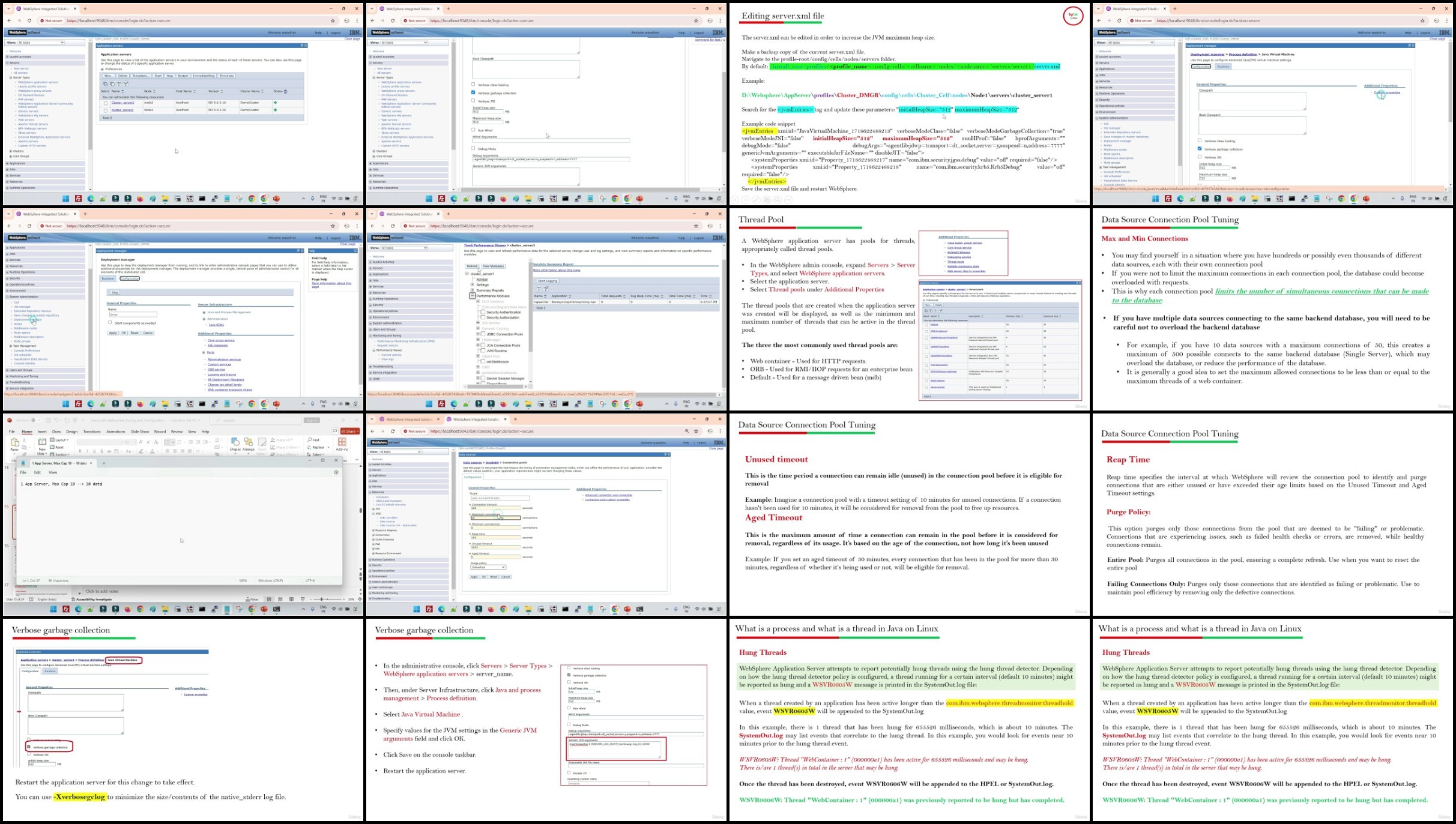
Lecture 36 LAB – Understand and Perform WebSphere Performance Tuning
Section 22: LAB and Explanation – WebSphere CLI (wsadmin)
Lecture 37 LAB – WebSphere CLI (wsadmin)
Section 23: LAB and Explanation – WebSphere Users and Groups
Lecture 38 LAB – Understand and Configure Users and Groups in WebSphere