


Published 2/2024
MP4 | Video: h264, 1920×1080 | Audio: AAC, 44.1 KHz
What you’ll learn
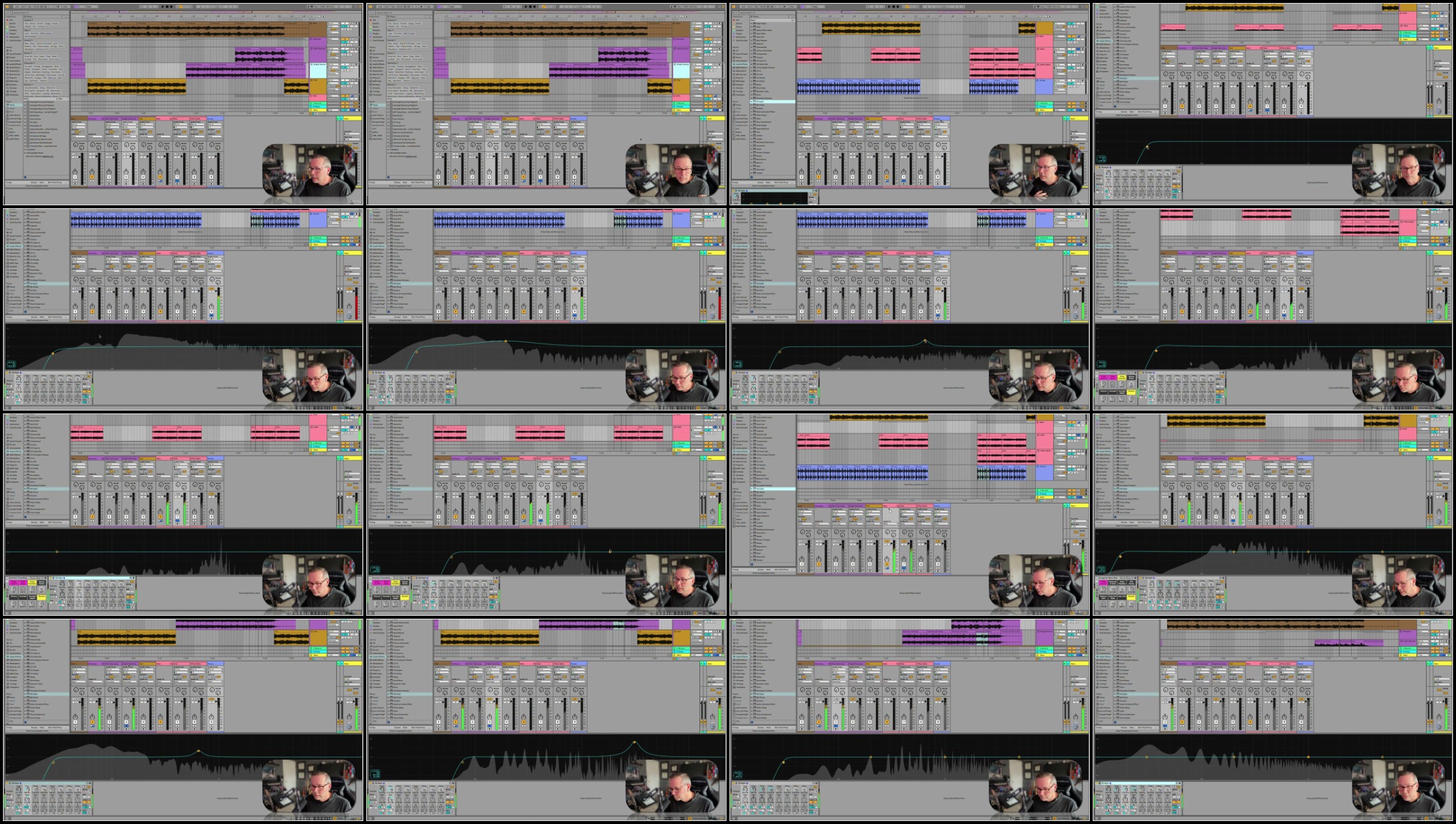
At the end of this course, students will be able to produce music with Ableton Live 12 and be on their way to being a professional musician.
Work in the Session View and Arrangement View of Ableton Live 12
Record Audio, Midi, and Understand Live’s Signal Flow
Mastering in Ableton Live 12
Mixing in Live 12
DJing in Live 12
Mastering DJ Tools in Ableton
The 7 (and more!) methods to making beats in Ableton Live 12
Producing with synths in Ableton Live 12
The Ableton Live 12 Instruments
The Ableton Live 12 Samplers
The Wavetable Synth (similar to Serum)
Requirements
Students should be ready to produce music, but do not need to be experienced musicians. No prior experience is needed in music theory or production.
Description
Overview
Section 1: Introduction & Welcome
Lecture 1 Introduction
Lecture 2 What we are Covering Here
Section 2: Controllers
Lecture 3 The World of Controllers
Lecture 4 Connecting Controllers
Lecture 5 What Can I do with Controllers?
Lecture 6 MIDI Mapping
Lecture 7 Key Mapping
Lecture 8 MIDI Keyboards as Controllers
Section 3: The Ableton Push Controller (Push 3)
Lecture 9 What is the Push?
Lecture 10 Setting Up the Push 3
Lecture 11 Navigating Push
Lecture 12 Should you Buy a Push?
Section 4: Follow Actions
Lecture 13 What are Follow Actions?
Lecture 14 Setting Up Follow Actions
Lecture 15 Grouping Follow Actions
Lecture 16 Legato Mode
Lecture 17 [DOWNLOAD] Here is that Session
Section 5: Live Performance Setup
Lecture 18 Converting to Session View
Lecture 19 Setting up Scenes
Lecture 20 Creating transition scenes
Section 6: DJ Performance with Effects and Controllers
Lecture 21 Mappings and Controllers for Performance
Lecture 22 Secret Mapping Controls
Lecture 23 Crossfader Setup
Lecture 24 Setting Up Effects for Performance
Lecture 25 DJ Performance Template
Section 7: Mixing and Mastering
Lecture 26 The Mixing and Mastering Process
Section 8: Mixing in Ableton Live
Lecture 27 Session Organization
Lecture 28 "Printing" MIDI Tracks
Lecture 29 EQ All The Things!
Lecture 30 Dynamics
Lecture 31 Mid-Side EQ and Imaging
Lecture 32 Gain Staging
Lecture 33 Blending All the Tracks
Lecture 34 Render Settings
Section 9: Mastering in Live 12
Lecture 35 What is Mastering?
Lecture 36 Mastering Setup
Lecture 37 EQ for Mastering
Lecture 38 Dynamics Processing
Lecture 39 Final Compression and Limiting
Lecture 40 Final Steps
Lecture 41 In-line Mastering
Section 10: Wrap Up
Lecture 42 What Next?
Lecture 43 Thanks for Watching!
Lecture 44 Bonus Lecture
https://www.keeplinks.org/p27/6aa3f800aa6aa
https://rapidgator.net/file/24eb6694b691ee7b2eb18816bf6a3c80/
https://rapidgator.net/file/5a986cfc6f1b89b0633618c9a394769b/
https://rapidgator.net/file/d9c8558d20910635d0d77ffe3d5f8895/
https://rapidgator.net/file/7a714908211081128c83b333a28bbfae/
DDownload
https://www.keeplinks.org/p27/6aa3f8f509349
https://ddownload.com/bvq9dcjc1zxn
https://ddownload.com/co77270mfrgt
https://ddownload.com/2it2c7tuyfpv
https://ddownload.com/1czgfdhhd46f
https://www.keeplinks.org/p27/6aa3ff5a8f06e
https://nitroflare.com/view/E7A2CE872844EDB/
https://nitroflare.com/view/C5C7C136DB7E883/
https://nitroflare.com/view/431295A48594F5B/
https://nitroflare.com/view/DEF6A201C94FECA/