


Vba Programming Using Arrays
Published 7/2025
MP4 | Video: h264, 1920×1080 | Audio: AAC, 44.1 KHz
What you’ll learn
Write efficient Excel VBA code using arrays
Apply arrays in real-world Excel automation scenarios
Understand the fundamentals of VBA programming using arrays
2 High impact projects included to help solidify the concepts
Requirements
Basic Introduction to Excel VBA programming will be useful
Description
Overview
Section 1: Introduction
Lecture 1 Introduction
Lecture 2 Course Outline
Lecture 3 How to approach the course
Section 2: Why do we need arrays
Section 3: Array Declaration and its nuances
Lecture 6 Section introdution
Lecture 8 Option Bases and Overriding them
Lecture 9 Concept of Multiple Dimensions
Lecture 10 Dynamic arrays – An introduction
Lecture 11 Redim Preserve
Lecture 12 Lbound and Ubound
Lecture 13 Looping through Arrays
Lecture 14 Section Recap
Section 4: More on Dynamic Arrays
Lecture 15 Section Intrduction
Lecture 16 Adding data from a Range to a Dynamic array
Lecture 17 Usage of bounds, Lbound and Ubound
Lecture 18 Changing the redim and redim preserve and its nuances in changing dimensions
Lecture 19 Restrictions of using redim preserve with changing array dimensions
Lecture 20 Section Recap
Section 5: Array manipulation in VBA
Lecture 21 Section Introduction
Lecture 22 Using For Loops to Add Data into Arrays
Lecture 23 Using For Each to Load Data from Ranges
Lecture 24 Storing Ranges and Arrays in Names
Lecture 25 Passing Arrays to functions , Returning Arrays to calling sub or function
Lecture 26 Sending Multiple parameters – Paramarrays concept discussed
Lecture 27 Section Recap
Section 6: Using Array functions in VBA
Lecture 28 Section Introduction .
Lecture 29 Isarray function
Lecture 30 Split function and Join function
Lecture 31 Transpose function
Lecture 32 Filter function
Lecture 33 Erase Function
Lecture 34 Section Recap
Section 7: Using Tables and Arrays
Lecture 35 Section Introduction
Lecture 36 Introduction to tables
Lecture 37 How to convert ranges to tables programatically
Lecture 38 Convert table to a range
Lecture 39 The ListRows and ListColumns property of a table
Lecture 40 Adding data to an array using DataBodyRange value
Lecture 41 Process Table Data in Arrays
Lecture 42 ListColumns() – Property of table – refer individual columns of a table
Lecture 43 Section Recap
Section 8: Project 1 – Implementing a custom RFP mailer
Lecture 44 Project 1 -Introduction
Section 9: Project 2 – Implement a montecarlo simulation tool
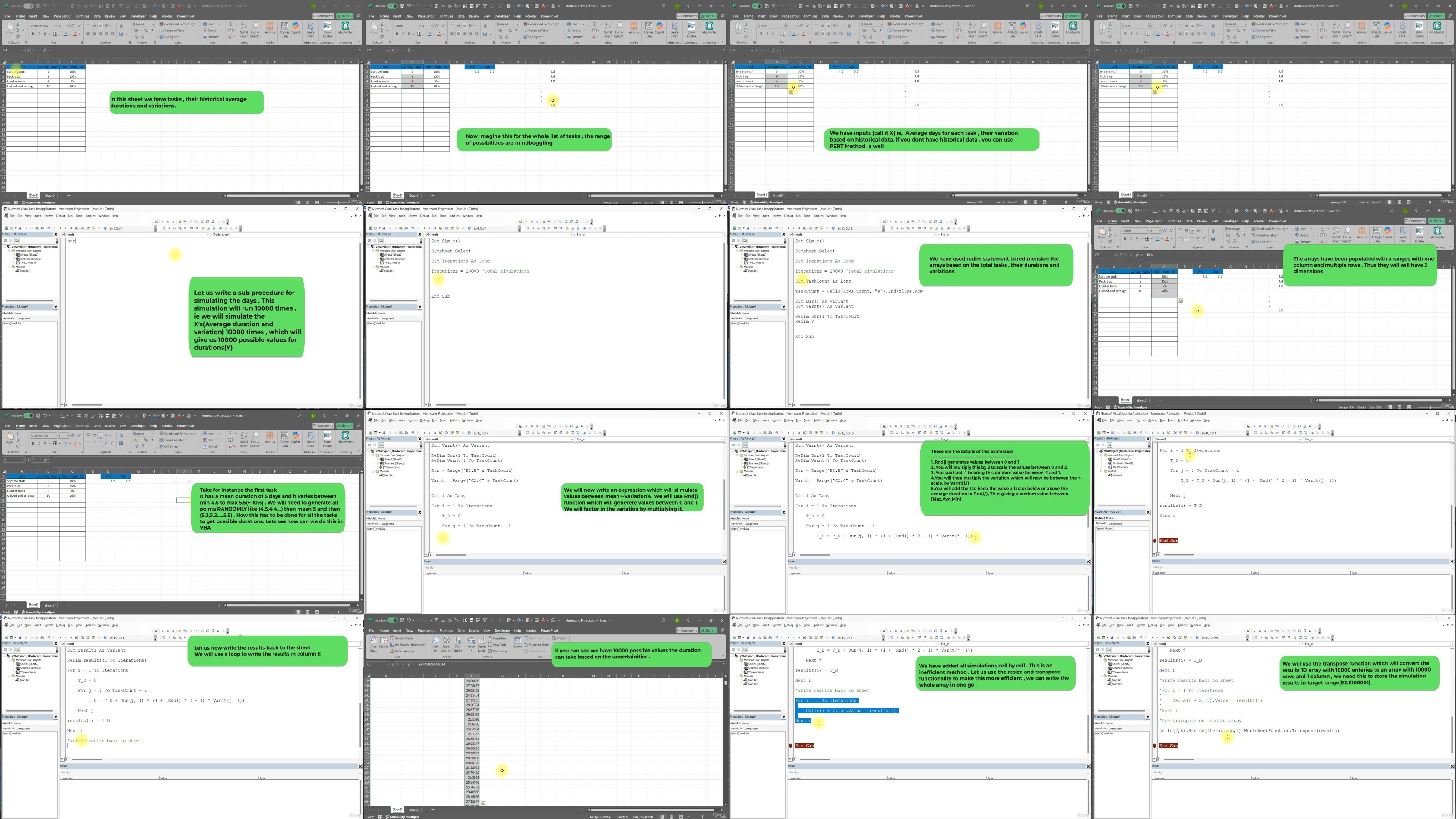
Lecture 47 Project Introduction
Lecture 48 Project Implementation
Data analysts heavily using excel, Students , Professionals , Business Analysts who want to Automate their work in excel
RapidGator
https://www.keeplinks.org/p27/68af5fc48790b
NitroFlare
https://www.keeplinks.org/p27/68af603d14d9c
DDownload
https://www.keeplinks.org/p27/68af6094d475f