


Web Developer For Beginners – Like Never Before
Published 11/2024
MP4 | Video: h264, 1920×1080 | Audio: AAC, 44.1 KHz
Learn HTML 5, CSS, JavaScript, JQuery, Ajax, JSON, Git, Bootstrap, Ruby on Rails and SQL
What you’ll learn
Create and structure web pages using semantic elements
Learn best practices for clean and accessible code
Learn best practices for clean and accessible code
Use advanced features like flexbox and grid for responsive designs
Add interactivity to web pages with dynamic content
Simplify JavaScript with ready-to-use methods for animations, DOM manipulation, and event handling
Build real-time web applications by sending and receiving data asynchronously
Work with GitHub to manage and showcase projects
Create responsive, mobile-first websites quickly with pre-designed components
Develop full-stack web applications using this powerful framework -Ruby on Rails
Work with databases to store, retrieve, and manipulate data
Understand key concepts like queries, joins, and relational database design
You want to create and manage your own websites without relying on external developers.
Requirements
Not at all
Description
Overview
Section 1: The Web and Internet
Lecture 1 Introduction
Lecture 2 What is the Web and Internet
Lecture 3 What is HTTP
Lecture 4 Installing web browsers
Lecture 5 What is an API
Lecture 6 Planning your web project
Lecture 7 Sketching your website design
Lecture 8 Choosing Assets
Lecture 9 Creating project folder structure
Section 2: Installing Text Editors
Lecture 10 Installing SublimeText
Lecture 11 Installing visual studio code
Lecture 12 Installing Brackets and Atom
Lecture 13 Installing Notepad
Section 3: Introduction to HTML
Lecture 14 What is HTML
Lecture 15 The Anatomy of an HTML Element
Lecture 16 Basic structure of an HTML Document
Lecture 20 HTML Attributes
Lecture 21 Marking UP Text
Lecture 22 Setting up links on webpage
Lecture 23 Adding comments to your HTML
Lecture 24 The source code
Section 4: HTML Forms
Lecture 25 Introduction
Lecture 26 Creating a simple form
Lecture 27 Creating a Textarea
Lecture 28 Creating a form with dropdwn list
Lecture 29 Grouping data
Lecture 31 Adding css to the form
Lecture 32 Storing form input locally
Section 5: Introduction to CSS
Lecture 33 What is CSS
Lecture 34 How to apply css to web page
Lecture 35 Styling multiple properties
Lecture 36 Styling multiple elements
Lecture 37 Modifying Css
Lecture 38 Basic CSS Selectors
Lecture 39 Adding comments to css
Lecture 40 The Box Model
Lecture 41 Setting margins and padding
Lecture 42 Setting background color
Lecture 43 Using Display property
Lecture 44 Positioning and styling page title
Lecture 45 The font property
Lecture 46 Google fonts
Section 6: CSS Positioning
Lecture 47 The syntax
Lecture 48 Static Positioning
Lecture 49 Relative Positioning
Lecture 50 Horizontal and Vertical Display
Lecture 51 Containing elements with Overflow
Lecture 52 Fixed Positioning
Lecture 53 Z-index
Section 7: Introduction to Bootstrap
Lecture 54 What is Bootstrap
Lecture 55 Accessing Bootstrap
Lecture 56 Bootstrap Overview
Lecture 57 Create a basic website
Lecture 58 Create a progress bar
Lecture 59 Create a carousel of rotating images
Section 8: Introduction to JavaScript
Lecture 60 What is JavaScript
Lecture 61 The developer console
Lecture 62 The Syntax
Lecture 63 What are Statements
Lecture 64 What are expressions
Lecture 65 Executing a Program
Lecture 66 Output
Lecture 67 Input
Lecture 68 Adding comments to your code
Lecture 71 Data Types
Lecture 72 Operators
Lecture 73 Arithmetic Operators
Lecture 74 Assignment Operators
Lecture 75 Operator Precedence
Lecture 76 String Operators
Lecture 77 Comparison Operators
Lecture 78 Logical Operators
Lecture 79 Arrays
Lecture 80 Conditional Statements
Lecture 81 Functions
Section 9: Introduction to JQuery
Lecture 82 Introduction
Lecture 83 Acessing jQuery
Lecture 84 jQuery selectors
Lecture 85 jQuery Event Handler Functions
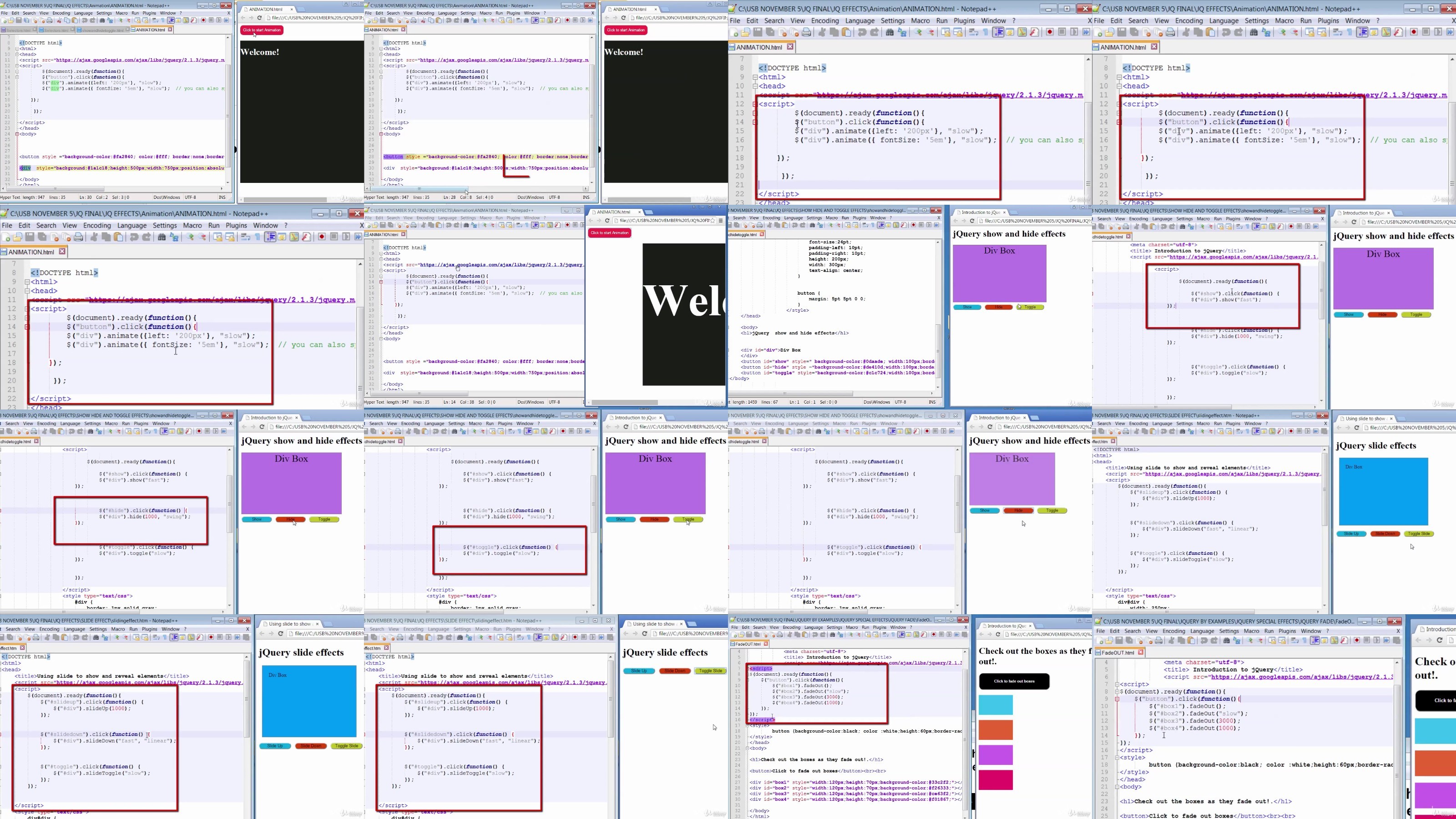
Lecture 86 jQuery Animations
Lecture 87 jQuery Chaining
Lecture 88 jQuery Callback Functions
Section 10: Ajax and JSON
Lecture 89 What is Ajax
Lecture 90 How Ajax works
Lecture 91 Ajax and API
Lecture 92 Ajax Syntax
Lecture 93 Http vs Https
Lecture 94 Creating XMLHttpRequest Object
Lecture 95 Ajax Request
Lecture 96 Ajax Server Response
Lecture 97 Ajax Events
Lecture 98 Ajax Example
Lecture 99 What is JSON
Lecture 100 JSON Syntax
Lecture 101 Creating a JSON Object
Section 11: Project Creating a Web Calculator
Lecture 102 The project tour
Lecture 103 The design and sketch
Lecture 104 Creating the directory and files
Lecture 107 Creating the functionality
Lecture 108 Adding styling
Section 12: Project Create a web digital clock
Lecture 109 The project tour
Lecture 110 The design and sketch
Lecture 111 Creating the structure
Lecture 112 Adding functionality
Lecture 113 Adding Styling
Section 13: Introduction to SQL
Lecture 114 Database Concepts
Lecture 115 Download and install Oracle Database
Lecture 116 Unlock sample schema
Lecture 117 Download and install TOAD
Lecture 118 Connecting TOAD to Oracle
Lecture 119 Guideline for writing SQL
Lecture 120 SQL Create
Lecture 121 Creating Sequence
Lecture 122 Creating Views
Lecture 123 Adding data into database
Lecture 124 The WHERE Clause
Lecture 125 Updating Records
Lecture 126 Deleting Records
Lecture 127 Retrieving Data
Lecture 128 Sorting and Restricting Data
Lecture 129 Removing Duplicate Records
Lecture 130 Viewing Table structure
Section 14: Building a Database driven web app
Lecture 131 What we will create
Lecture 132 Introduction to APEX
Lecture 133 Apps built with APEX
Lecture 134 How to login to APEX
Lecture 135 Displaying schema objects
Lecture 136 Creating APEX Worksoace
Lecture 137 Creating the CRUD App
Lecture 138 Modifying the view
Lecture 139 Creating APEX user
Lecture 141 Basic CRUD Functions
Section 15: Introduction to Ruby and Rails
Lecture 142 What is Ruby
Lecture 143 Downloading Ruby for Windows
Lecture 144 Famous websites built with Ruby on Rails
Lecture 145 What is MVC
Lecture 146 Installing Ruby for Windows
Lecture 147 What is Git
Lecture 148 Installing Git
Lecture 149 What is Github
Lecture 150 Ways of interacting with Ruby
Lecture 151 Interacting with single command
Lecture 152 Interacting with Ruby file
Lecture 153 Using interactive Ruby
Lecture 154 Clearing IRB screen
Lecture 155 What are Ruby Gems
Lecture 156 Ruby Objects
Lecture 159 Strings
Lecture 160 Arrays
Lecture 161 Manipulating Arrays
Lecture 162 Hashes
Lecture 163 Symbols
Lecture 164 Arithmetic Operators
Lecture 165 Logical Operators
Lecture 166 Comparison Operators
Lecture 167 Ranges
Lecture 168 Constant
Lecture 169 Booleans
Lecture 170 Adding comments to code
Lecture 171 Conditional Statements
Lecture 172 While Loops
Lecture 173 For Loops
Lecture 174 Break statement
Lecture 175 Next statement
Lecture 176 Until statement
Lecture 177 Each method
Section 16: Build a Ruby on Rails Blog Application
Lecture 178 Installing Rails
Lecture 179 Web servers
Lecture 180 Dev tools
Lecture 181 Creating a new rails project
Lecture 182 Checking gem updates
Lecture 184 Generating a Controller
Lecture 185 Setting the homepage
Lecture 186 Declaring a resource
Lecture 187 Create action to add Post
Lecture 188 Add form to create new post
Lecture 189 Add action to create post
Lecture 190 Create the post model
Lecture 191 Saving data to the controller
Lecture 192 Displaying posts
Lecture 193 Listing posts
Lecture 194 Add styling using Bootstrap
Lecture 195 Add form validation
Lecture 196 Handling validation
Lecture 197 Adding links to posts
Lecture 198 Editing Posts
Lecture 199 Deleting Posts
Lecture 200 Generating comments Model
Lecture 201 Associating Models
Lecture 202 Generating Comments Controller
Lecture 203 Adding action to create comments
Lecture 204 Deleting comments
Lecture 205 Adding security
Complete Beginners,Career Switchers,Students and Recent Graduates,Entrepreneurs and Business Owners,Hobbyists and Tech Enthusiasts,Aspiring Freelancers
RapidGator
https://filecrypt.cc/Container/4EC0AE57B3.html
https://www.keeplinks.org/p27/6787675cde0ac
AlfaFile
https://filecrypt.cc/Container/EE6C9FDCFD.html
https://www.keeplinks.org/p27/6787677d6c571
TurboBit
https://filecrypt.cc/Container/6FB0E56693.html
https://www.keeplinks.org/p27/678767e6377c2