

Windows Server 2022 administration course. Lecture and Sims
Genre: eLearning | MP4 | Video: h264, 1280×720 | Audio: AAC, 48.0 KHz
Learn how to expertly administer Windows Server 2022 with lecture and hands on simulations available 24/7
What you’ll learn
Learn the concepts and perform hands on activities needed to master Windows Server 2002
Gain a tremendous amount of knowledge involving Windows Server 2022 administrator
Learn using hands on simulations how Windows Server 2022 is administered!
Learn how to set up your own test lab for practicing the concepts!
Requirements
Willingness to put in the time and practice the steps shown in the course
Description
We really hope you’ll agree, this training is way more than the average course on Udemy!
Have access to the following
Training from an instructor of over 20 years who has trained thousands of people and also a Microsoft Certified Trainer
Instructor led hands on and simulations to practice that can be followed even if you have little to no experience
TOPICS COVERED INCLUDING HANDS ON LECTURE AND PRACTICE TUTORIALS
Introduction
Welcome to the course
Understanding how Microsoft Environments work
Foundation of Active Directory Domains
Foundation of RAS, DMZ, and Virtualization
Foundation of the Microsoft Cloud Services
IMPORTANT Using Assignments in the course
Setting up a lab for hands on practice
Introduction to practicing hands on
Downloading the Windows Server 2022 ISO
Getting Hyper-V Installed in Windows
Creating a Virtual Switch within Hyper-V
Installing Windows Server 2022 as a Virtual Machine
Installing a second Windows Server 2022 as a Virtual Machine
Active Directory Domain Service (ADDS) Deployment
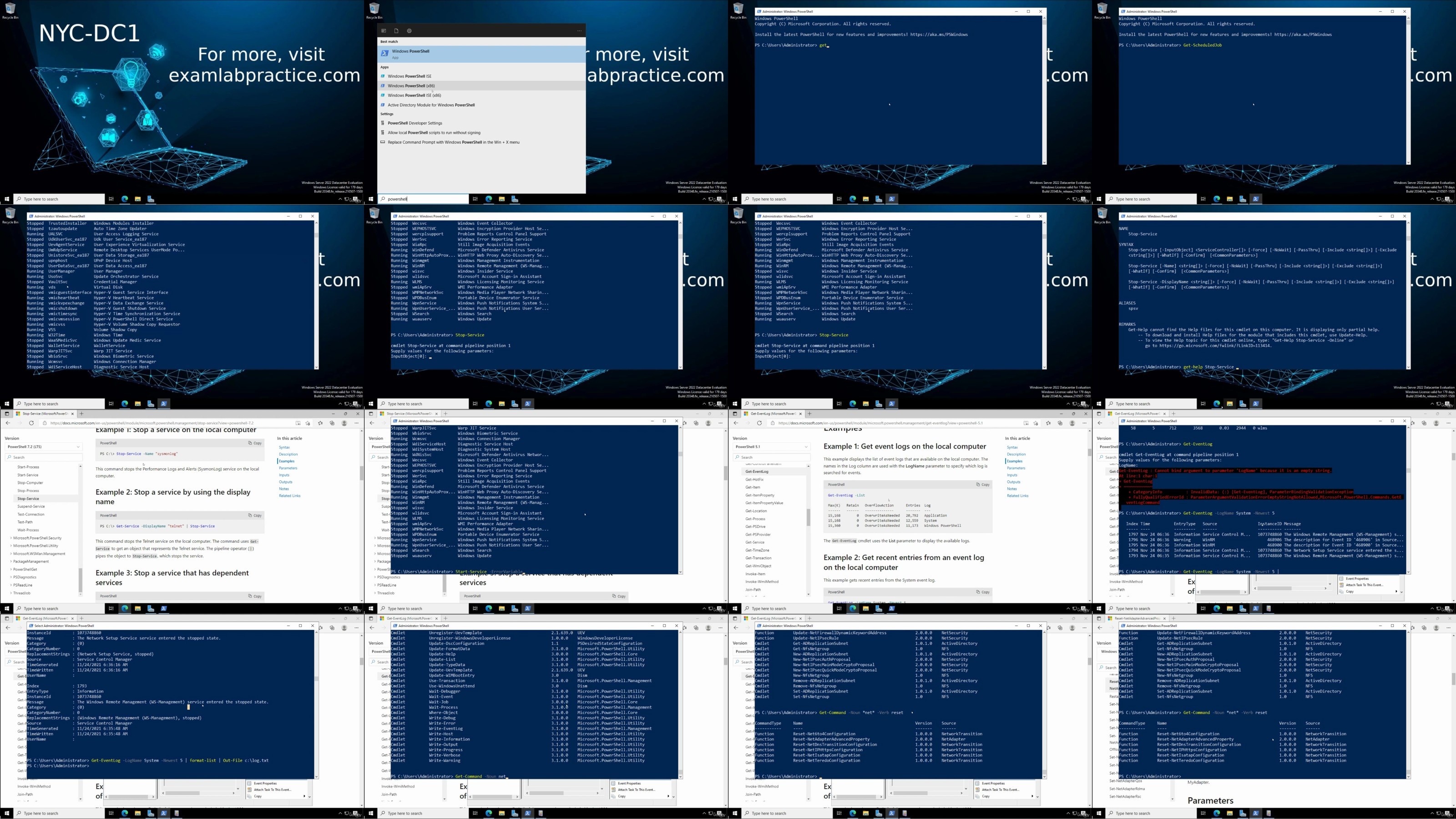
Building a foundation of PowerShell within Server 2022
Drawing out the concepts of Domain, Trees and Forests
Setting up an Active Directory Domain Controller
Joining a Windows 2022 server to a domain
Drawing out the concepts of flexible single master operations (FSMO) roles
Transferring and Seizing flexible single master operations (FSMO) roles
Drawing out the concepts of Read-Only Domain Controller (RODC)
Read-Only Domain Controllers (RODCs) deployment
Adding another domain controller to the domain
Using PowerShell to administer servers remotely
Integrated Scripting Environment (ISE)
Working with OUs, Users and Groups in Active Directory
Drawing out the concepts of users and organizational units
Creating users and organizational units in Active Directory
Drawing out the concepts for groups within Active Directory
Group creation and management
Universal group membership caching (UGMC)
Users, organizational units, and Groups managed with PowerShell
Concepts of using group managed service accounts (gMSAs)
Understanding DNS in Windows Server 2022
Drawing out the concepts of DNS within Server 2022 AD
Installing and integrating DNS
Using DNS zones and records
Using forwarders and conditional forwarding
Understanding DHCP and IPAM in Windows Server 2022
Setting up the DHCP server role on Windows Server 2022
Working with DHCP Scopes
Implementing DHCP reservations
Configuring DHCP failover
Using IP Address Management (IPAM) in Windows Server 2022
Understanding the concepts of multi domains and sites in Windows Server 2022 AD
Drawing out the concepts of Active Directory domain trusts
Setting up trust relationships
Drawing out the concepts of sites and replication
Creating and configuring Sites, Site Links, and Subnets for AD
Working with Active Directory replication
Enabling a Global Catalog server
Administering your environment using Group Policy Objects (GPOs)
Drawing out the concepts of Group Policy Objects (GPOs)
Applying Group Policy Objects (GPOs)
Applying Group Policy Preferences
Managing File Shares on Windows Server 2022
Managing File Share Access
Enabling BranchCache in Windows Server 2022
Drawing out the concepts of Distributed File System (DFS)
Installing and managing Distributed File System (DFS)
Getting File Server Resource Manager (FSRM) installed on Server
File Screening with File Services Resource Manager (FSRM)
Setting Quotas within File Services Resource Manager (FSRM)
Working with disks, volumes, file systems and storage space
Disks and volumes within Windows Server 2022
Working with Storage Spaces
Setting up Storage Replicas between servers
Enabling Data Deduplication in Windows Server 2022
Enabling SMB direct for better performance
File Systems supported by Windows Server 2022
Working with file systems in Windows Server 2022
Drawing out the concepts of file permissions
Using file permissions
Supporting Remote Access within a Windows Server 2022 network
Drawing out the concepts of Remote Access Services (RAS)
Installing the Remote Access role as well as configuring VPN support
Drawing out the concepts of Network Policy Server and Web App Proxy
Installing and configuring the Network Policy Server role
Working with Hyper-V in Windows Server 2022
Getting Hyper-V installed on a server and how to use nested virtualization
Using enhanced session mode within Hyper-V
Managing memory for VMs within Hyper-V
Supporting Integration Services within VMs
How to use VM Resource Groups
Using VM Checkpoints with Hyper-V
Configuring Hyper-V replicas for Windows Server 2022
Working with VHD and VHDX files in Hyper-V
Working with network adapters in Hyper-V
How to set up NIC Teaming with the help of Hyper-V
Working with Hyper-V virtual switches
Using PowerShell to help manage virtualization
Who this course is for
IT people interested in learning a tremendous amount about Windows Server 2022 administration!
RapidGator
https://www.keeplinks.org/p27/68c47cddee5b4
NitroFlare
https://www.keeplinks.org/p27/68c47dd852117
DDownload
https://www.keeplinks.org/p27/68c47ea054850