


WordPress Gutenberg Block Development With React Js And Php
Published 8/2023
MP4 | Video: h264, 1280×720 | Audio: AAC, 44.1 KHz
Use ReactJS and PHP to build a custom WordPress Gutenberg block library – with React.js & WordPress Gutenberg (WP 6+)
What you’ll learn
Build a complete custom WordPress block library
Learn the difference between static and dynamic WordPress blocks
Create endless WordPress block customizations and features with React
Load WordPress data within blocks
Learn different styling techniques for WordPress blocks
Build a dynamic block front-end with PHP and JavaScript
Requirements
Some familiarity with the WordPress block editor would be beneficial. Everything else is covered in the course!
Description
Overview
Section 1: Introduction and project setup
Lecture 1 Introduction
Lecture 2 Udemy ratings and reviews
Lecture 3 Environment and project setup
Lecture 4 Codebase overview
Lecture 5 Update the plugin structure and metadata
Section 2: Create the Curvy block
Lecture 7 Build out the side panel
Lecture 8 Introduction to block attributes
Lecture 9 Implement the top svg curve
Lecture 10 Enable built-in attributes using "supports"
Lecture 11 Different ways to add default styles
Lecture 12 Fix the curvy block styles
Lecture 13 Implementing the height and width controls
Lecture 14 Use the height and width attributes to manipulate the curve shape
Lecture 15 Implement the flip vertical and horizontal controls
Lecture 16 Use the flip vertical and horizontal attributes to manipulate the curve shape
Lecture 17 Use the ColorPicker to set a color for the svg curve
Lecture 18 Implement the bottom curve settings
Lecture 19 Hook up the bottom curve svg
Lecture 20 Introduction to inner blocks
Lecture 21 Create dynamic front end view for curvy block
Lecture 22 Add extra styles and inner blocks to front end
Lecture 23 Add top curve to curvy block front end
Lecture 24 Finish top curve front end view and add bottom curve
Section 3: Extra customizations for the curvy block
Lecture 25 Create a custom WordPress block category
Lecture 26 Add custom svg icon for the curvy block
Lecture 27 Transform paragraph and heading blocks into a curvy block
Lecture 29 Create block preview for the curvy block
Section 4: Create the Clicky blocks
Lecture 30 Clicky blocks demo
Lecture 31 Create the clicky group block
Lecture 32 Create the clicky button block and restrict block types
Lecture 33 Save clicky group inner blocks
Lecture 34 Add styling and attributes to the clicky button block
Lecture 35 Add button label via RichText to the clicky button
Lecture 36 Implement block gap for clicky group
Lecture 37 Implement justify content for clicky group
Lecture 38 Add custom icons for clicky group and clicky button
Lecture 39 Load post type data
Lecture 40 Render post type dropdown in sidebar
Lecture 41 Load and render posts data in sidebar
Lecture 42 Render dynamic view for clicky group
Lecture 43 Render dynamic view for clicky button
Lecture 44 Refactor blockylicious.php
Section 5: Create the Piccy blocks
Lecture 45 Create and register the new piccy gallery block
Lecture 46 Implement edit & preview mode toolbar button
Lecture 47 Add styles to edit mode and inner blocks
Lecture 48 Add piccy image block
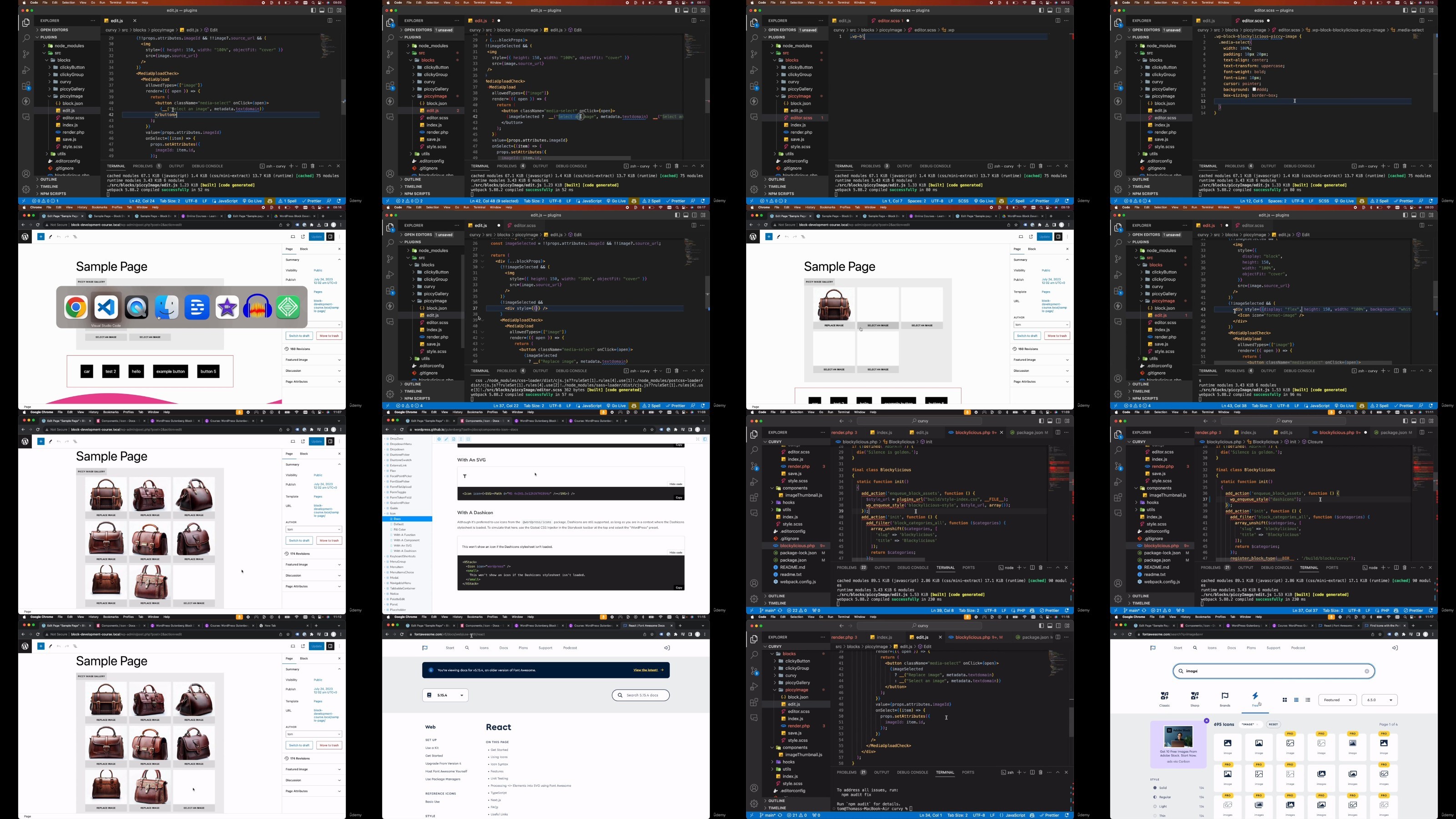
Lecture 49 Implement piccy image media upload & select
Lecture 51 Finish piccy image edit mode styles
Lecture 52 Implement the piccy gallery preview mode
Lecture 53 Add the thumbnail styles and full preview image
Lecture 54 Finish the piccy gallery preview mode styles
Lecture 55 Add the piccy gallery client facing front end
Lecture 56 Add the piccy gallery full image preview in the front end
Web developers who want to learn how to create fully custom blocks for WordPress using the new WordPress Gutenberg block editor
DDownload
https://www.keeplinks.org/p27/687568ecda2af
RapidGator
https://www.keeplinks.org/p27/68756984c7664
NitroFlare
https://www.keeplinks.org/p27/68756ac694899