

Yara – Malware Analysis And Threat Detection
Published 1/2024
MP4 | Video: h264, 1920×1080 | Audio: AAC, 44.1 KHz
Blue Team Defensive Operations
What you’ll learn
Learn to Write YARA Rules Based on Real World Scenarios
Develop Your Own Custom Testing Tools
Find Out How to Detect OS Manipulation and Network Recon Capabilities
Learn How to Use YARA to Spot Covert Channels and Sensitive Data Leaks
Develop Rules to Detect the Presence of RATs and Shells
Leverage YARA to Detect Spyware, Key Loggers, and Audio Sniffers
Requirements
Some experience with YARA is helpful, but not required.
Description
Overview
Section 1: Introduction
Lecture 1 Introduction
Lecture 2 Course Content and Structure
Lecture 3 Ethics
Lecture 4 Lab Setup
Section 2: Fundamental Concepts of Malware
Lecture 5 Malware Overview
Lecture 6 Avoiding Detection
Section 3: Writing Yara Rules
Lecture 7 Overview of YARA
Lecture 8 Anatomy of a Yara Rule
Lecture 9 Naming Conventions
Section 4: Developing Testing Tools
Lecture 10 Producing a Static Test File
Lecture 11 Extracting Strings from a Static File
Lecture 12 Producing a Static Executable Test File
Lecture 13 Producing a Dynamic Executable Test File
Section 5: Identifying File Types and Content
Lecture 14 Overview
Lecture 15 Executable Files
Lecture 16 JPG Images
Lecture 17 PDF Files
Lecture 18 Suspicious Content
Lecture 19 Sensitive Data
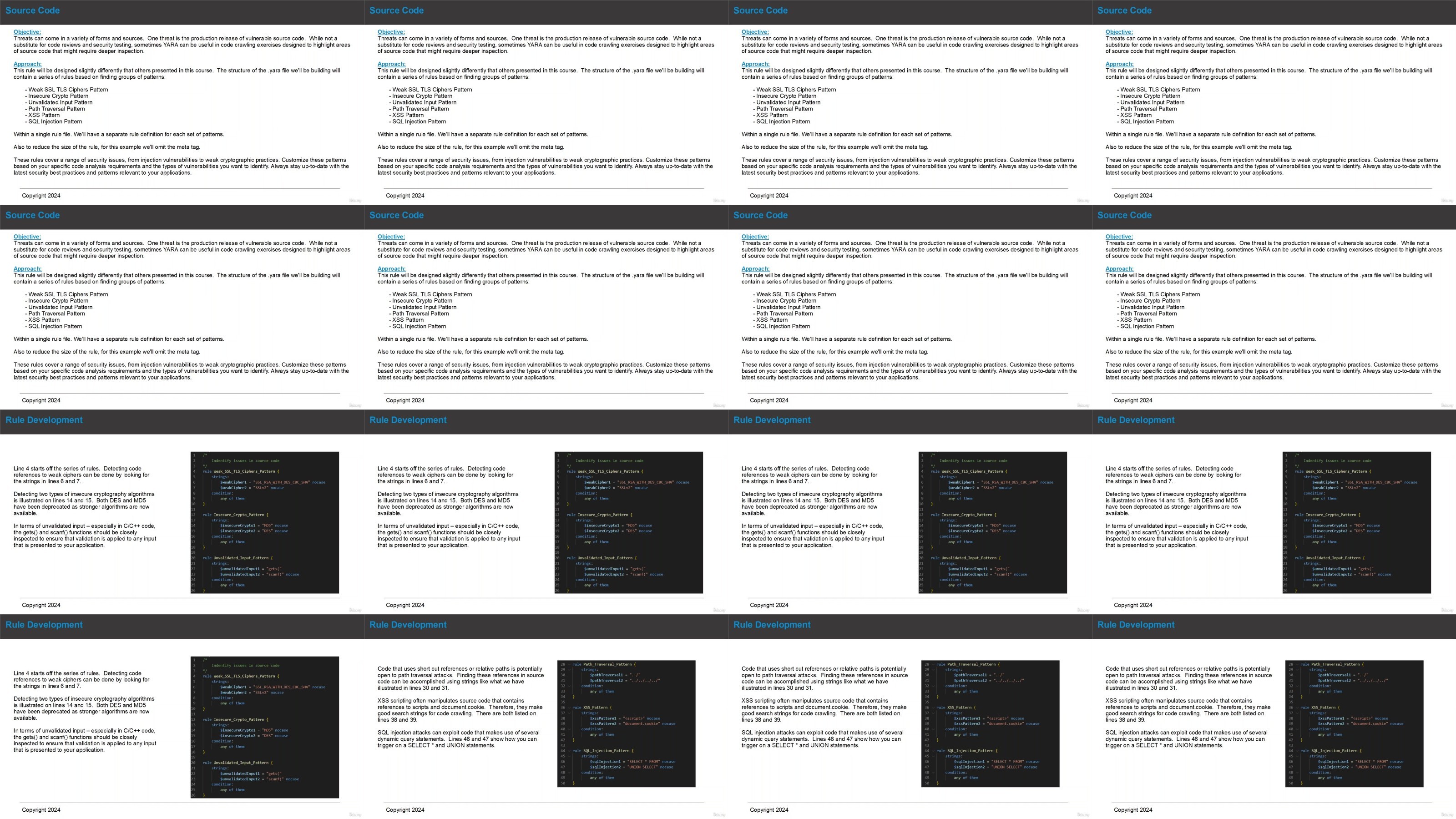
Lecture 20 Source Code
Lecture 21 IIS Log Files
Lecture 22 Working with Apache Files
Lecture 23 FTP Server Transaction Logs
Section 6: Indications of Network Recon Activities
Lecture 24 Overview
Lecture 25 Attempting to Lookup the External IP Address
Lecture 26 Sniffing LAN Traffic
Lecture 27 Living Off the Land – Networking Commands
Section 7: Identifying Network Communications
Lecture 28 Overview
Lecture 29 Setting Up a TCP Socket
Lecture 30 Sending UDP Messages
Lecture 31 Sending SMTP Mail
Lecture 32 Looking for FTP Activity
Lecture 33 IRC Detection
Lecture 34 Signs of DNS Stuffing
Section 8: Detecting OS Manipulation
Lecture 35 Overview
Lecture 36 Windows Net Commands
Lecture 37 Accessing the Hosts File
Lecture 38 Disabling Anti-Virus
Lecture 39 Creating a Service
Lecture 40 Certificate Injection
Lecture 41 Finding Droppers
Section 9: Spying and Data Collection
Lecture 42 Overview
Lecture 43 Finding Key Logging Code
Lecture 44 Detecting Screen Captures
Lecture 45 Audio Sniffing
Lecture 46 Reading the Windows Clipboard
Section 10: Finding RATs
Lecture 47 Overview
Lecture 48 VNC Remote Access
Lecture 49 RDP Configuration
Lecture 50 Telnet Enabled
Lecture 51 Webcam Connections
Section 11: Crypto, P2P, and Ransomware
Lecture 52 Overview
Lecture 53 Demanding Payment
Lecture 54 TOR Connections
Lecture 55 Mining for Crypto
Lecture 56 Finding P2P Software References
Lecture 57 DIY P2P
Section 12: Common Tools and Shells
Lecture 58 Overview
Lecture 59 Nmap References
Lecture 60 Reverse Shells with Netcat
Lecture 61 Looking for Web Shells
Lecture 62 Detecting PowerShell Empire
Lecture 63 Finding MSF Venom Generated Files
Section 13: Course Resources
Lecture 64 YARA Rule Files
Section 14: Conclusion
Lecture 65 Summary and Thank You
Malware Analysts and Reverse Engineers,Threat Hunters and Incident Response Team Members,Blue Teams and Defensive Specialists,Anyone Interested in Cybersecurity
DDownload
https://www.keeplinks.org/p27/68713cb9ce302
RapidGator
https://www.keeplinks.org/p27/68713cf065448
NitroFlare
https://www.keeplinks.org/p27/68713d9b13f7b