


Questo è Full Iso con tutti i Windows 11 e 10 e 8.1 e 7
Elenco delle edizioni di Windows disponibili per l’installazione :
1. “Windows 7 Home Basic”
2. “Windows 7 Home Premium”
3. “Windows 7 Professional”
4. “Windows 7 Ultimate”
5. “Windows 7 Enterprise”
6. “Windows 7 Home Basic N”
7. “Windows 7 Home Premium N”
8. “Windows 7 Professional N”
9. “Windows 7 Ultimate N”
10. “Windows 7 Enterprise N”
11. “Windows 8.1 Core x64”
12. “Windows 8.1 Pro x64”
13. “Windows 8.1 Core Single Language x64”
14. “Windows 8.1 Core N x64”
15. “Windows 8.1 Pro N x64”
16. “Windows 10 Home”
17. “Windows 10 Home N”
18. “Windows 10 Team”
19. “Windows 10 Home Single Language”
20. “Windows 10 Pro”
21. “Windows 10 Enterprise”
22. “Windows 10 IoT Enterprise”
23. “Windows 10 Enterprise multi-session”
24. “Windows 10 Education”
25. “Windows 10 Pro Education”
26. “Windows 10 Pro for Workstations”
27. “Windows 10 Pro N”
28. “Windows 10 Enterprise N”
29. “Windows 10 Education N”
30. “Windows 10 Pro Education N”
31. “Windows 10 Pro N for Workstations”
32. “Windows 11 Home 24H2”
33. “Windows 11 Home N 24H2”
34. “Windows 11 Pro 24H2”
35. “Windows 11 Pro N 24H2”
36. “Windows 11 Home Single Language 24H2”
37. “Windows 11 Enterprise 24H2”
38. “Windows 11 IoT Enterprise 24H2”
39. “Windows 11 IoT Enterprise Subscription 24H2”
40. “Windows 11 Enterprise multi-session 24H2”
41. “Windows 11 Education 24H2”
42. “Windows 11 Pro Education 24H2”
43. “Windows 11 Pro for Workstations 24H2”
44. “Windows 11 Enterprise N 24H2”
45. “Windows 11 Education N 24H2”
46. “Windows 11 Pro Education N 24H2”
47. “Windows 11 Pro N for Workstations 24H2”
48. “Windows 11 Home 25H2”
49. “Windows 11 Home N 25H2”
50. “Windows 11 Pro 25H2”
51. “Windows 11 Pro N 25H2”
52. “Windows 11 Home Single Language 25H2”
53. “Windows 11 Enterprise 25H2”
54. “Windows 11 IoT Enterprise 25H2”
55. “Windows 11 IoT Enterprise Subscription 25H2”
56. “Windows 11 Enterprise multi-session 25H2”
57. “Windows 11 Education 25H2”
58. “Windows 11 Pro Education 25H2”
59. “Windows 11 Pro for Workstations 25H2”
60. “Windows 11 Enterprise N 25H2”
61. “Windows 11 Education N 25H2”
62. “Windows 11 Pro Education N 25H2”
63. “Windows 11 Pro N for Workstations 25H2”
64. “Windows 11 Home 26H2”
65. “Windows 11 Home N 26H2”
66. “Windows 11 Pro 26H2”
67. “Windows 11 Pro N 26H2”
68. “Windows 11 Home Single Language 26H2”
69. “Windows 11 Enterprise 26H2”
70. “Windows 11 IoT Enterprise 26H2”
71. “Windows 11 IoT Enterprise Subscription 26H2”
72. “Windows 11 Enterprise multi-session 26H2”
73. “Windows 11 Education 26H2”
74. “Windows 11 Pro Education 26H2”
75. “Windows 11 Pro for Workstations 26H2”
76. “Windows 11 Enterprise N 26H2”
77. “Windows 11 Education N 26H2”
78. “Windows 11 Pro Education N 26H2”
79. “Windows 11 Pro N for Workstations 26H2”
Novità:
Aggiunti tutti gli aggiornamenti per Windows 11, 10, 8.1 e 7 rilasciati ad 2026 (nessun aggiornamento rilasciato per Windows 7 e 8.1)
Requisiti di sistema:
Processore: 2,5 GHz Gigahertz (GHz) o superiore.
RAM: 2 gigabyte (GB).
Spazio libero su disco rigido: 40 gigabyte (GB).
Scheda grafica: dispositivo grafico compatibile con DirectX 9 o versione successiva.
Requisiti aggiuntivi per l’utilizzo di determinate funzionalità.
Per utilizzare il touch screen è necessario un tablet o un monitor che supporti il multitouch.
Per accedere al Microsoft Store e scaricare ed eseguire app, è necessaria una connessione Internet attiva e una risoluzione dello schermo di almeno 1024 x 768 pixel.
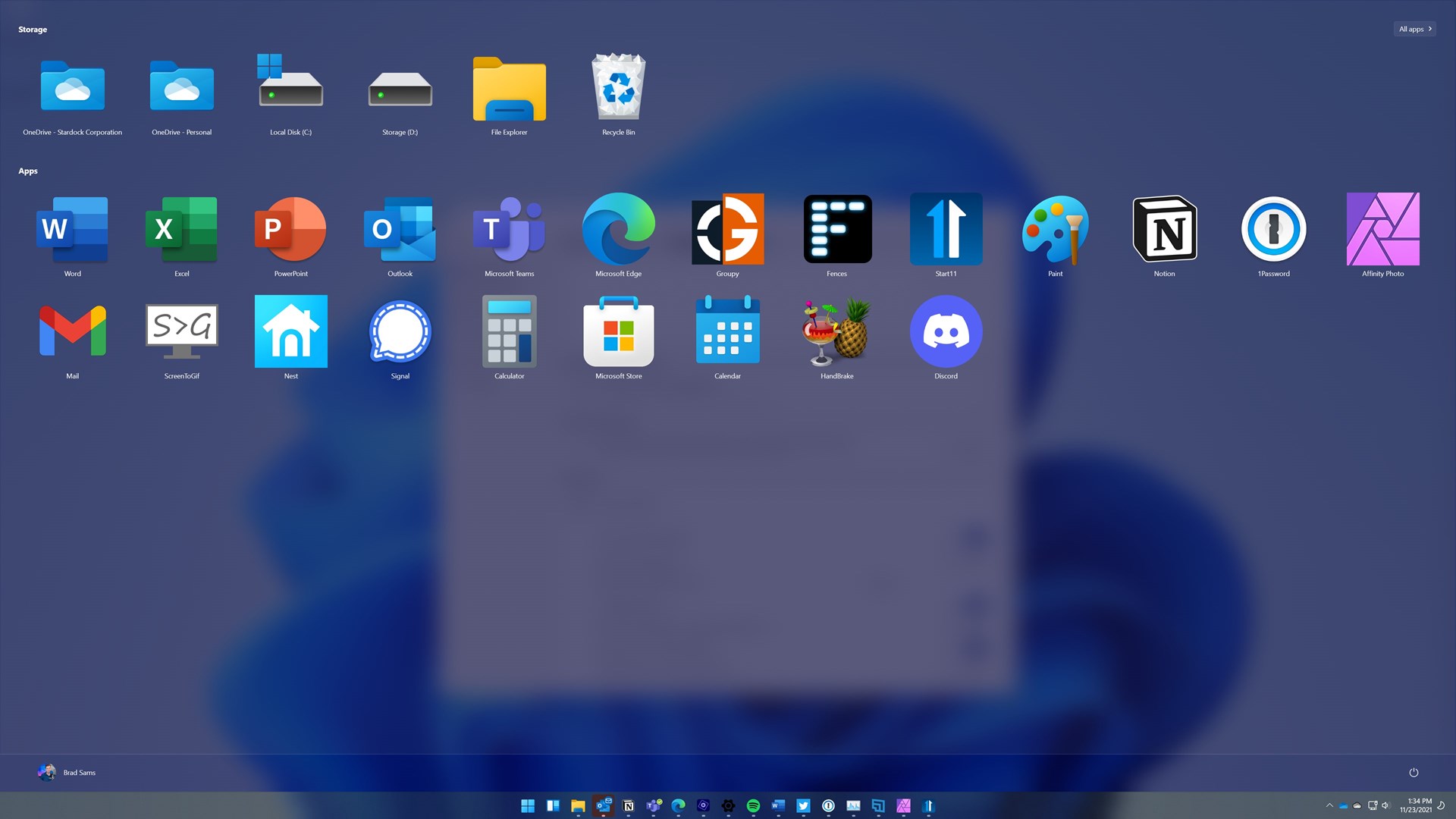
Screen :
Download :
https://filecrypt.cc/Container/47D1ECC50A.html